
Hello,
I’m wondering if it’s possible to have a picture that is pasted into Excel (say a specific cell) get sent to Github to post in an issue?
For example, I have a spreadsheet that is used for beta testers to input bugs and sometimes they want to include a screenshot.
Here’s a screenshot of how it’s currently laid out:

I’d like to somehow pull in the picture from the, “TEST” column. The only thing I can think of is having them upload it to a file-sharing site and grabbing the shared link, but it would be nice if they could just paste it in Excel and then have it pass the data to Zapier for it to display.
Edited to add that this is how the flow is setup in Zapier:
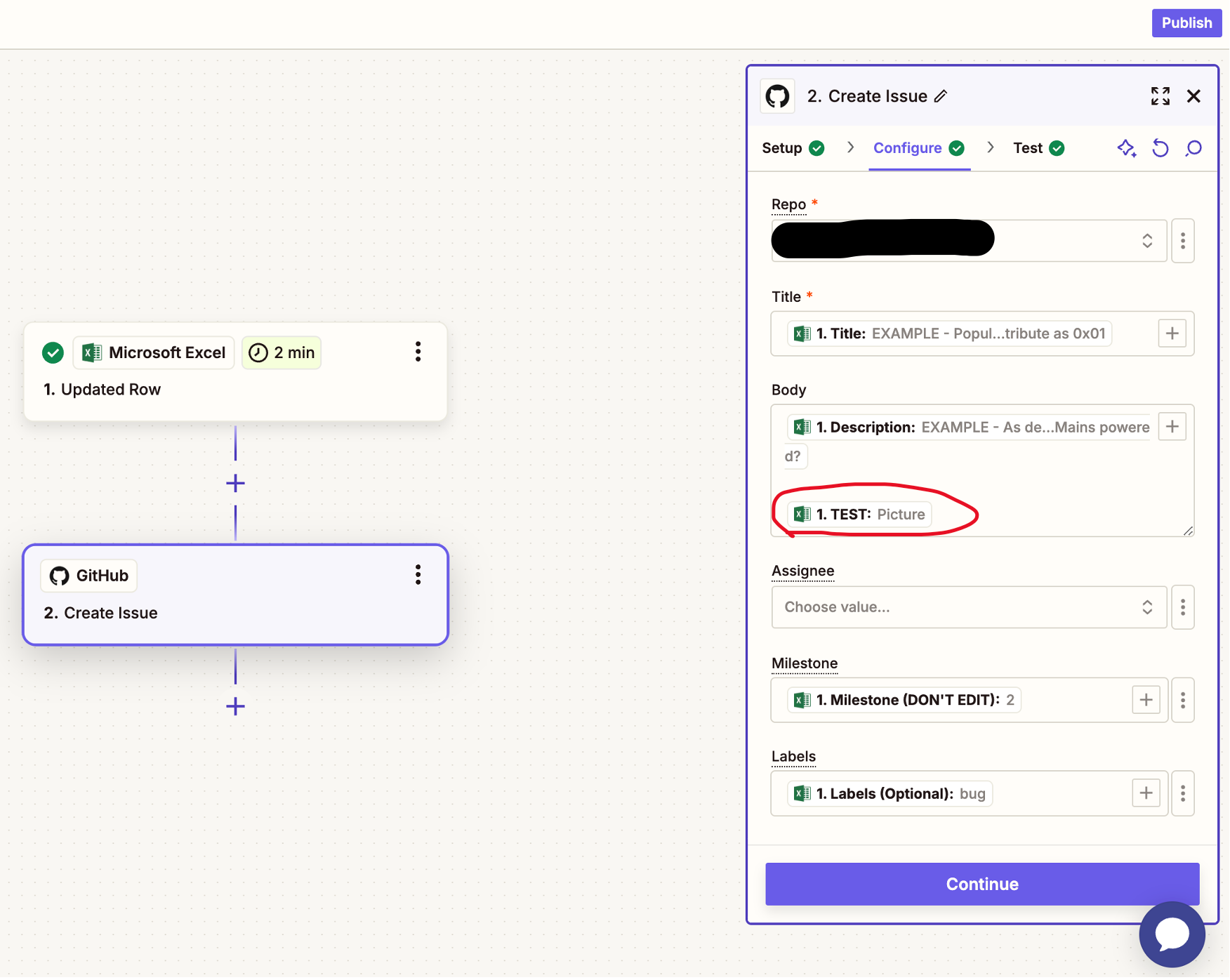
The, “TEST” column just shows the word, “Picture”, which is what gets passed into GitHub.



