
Best answer

Parsed data to Trello card fields

  • September 10, 2022
  • 3 replies
  • 60 views

I am using Zapier and trying to get a parsed email (with Email Parser by Zapier) into a new Trello card with field values populated.

*  Email parser by Zapier is configured correctly.  (I think).  I have fields defined, and they are available in the Trello action step.

*  I have created a card template in Trello, with fields named the same.

*  In my Zap, I can create a Trello card with the parsed data values,.  I Don't know how to use the template card and map the Zapier email parsed fields to the template fields.


Can anyone help or point me to an example?
Best answer by Troy Tessalone

Hi @DLucarelli 

Good question.

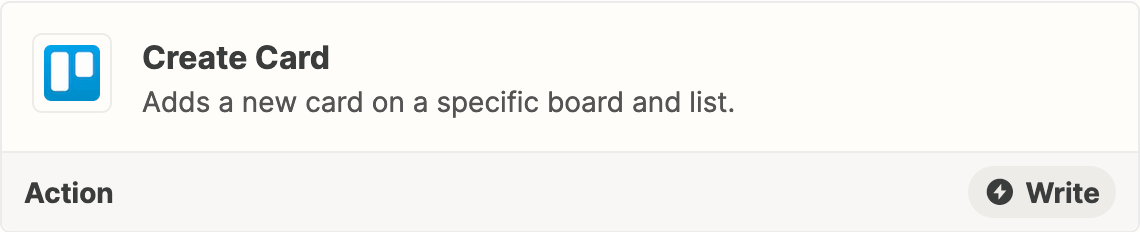
You’ll essentially have to recreate the Trello template card using this Zap action: Trello - Create Card


This post has been closed for comments. Please create a new post if you need help or have a question about this topic.

3 replies

Troy Tessalone
Zapier Orchestrator & Solution Partner
Forum|alt.badge.img+14
  • Zapier Orchestrator & Solution Partner
  • Answer
  • September 10, 2022

Hi @DLucarelli 

Good question.

You’ll essentially have to recreate the Trello template card using this Zap action: Trello - Create Card


  • Author
  • New
  • September 11, 2022

I have done some iterative testing.

I don’t see a way for Zapier to populate custom fields in a Trello card, where the field values have been extracted with Email Parser for Zap.


--OR--  How can I add a <CR>  between fields when I am sending the data to Trello?  Currently, it is sent like this:

[fmame][lname][telephone][email][content]

Rather than

[fname][lname]

[telephone]

[email]

[content]


--OR--  can another tool (such as Parseur) populate custom fields in a Trello card?


  • Author
  • New
  • September 11, 2022

Never mind.  User error!

Thanks for the help





