

Best answer

Outlook and Asana emails as a new task

  • October 11, 2021
  • 6 replies
  • 150 views

Hello, 

I am trying to connect new emails in outlook to come automatic as new tasks on Asana. 
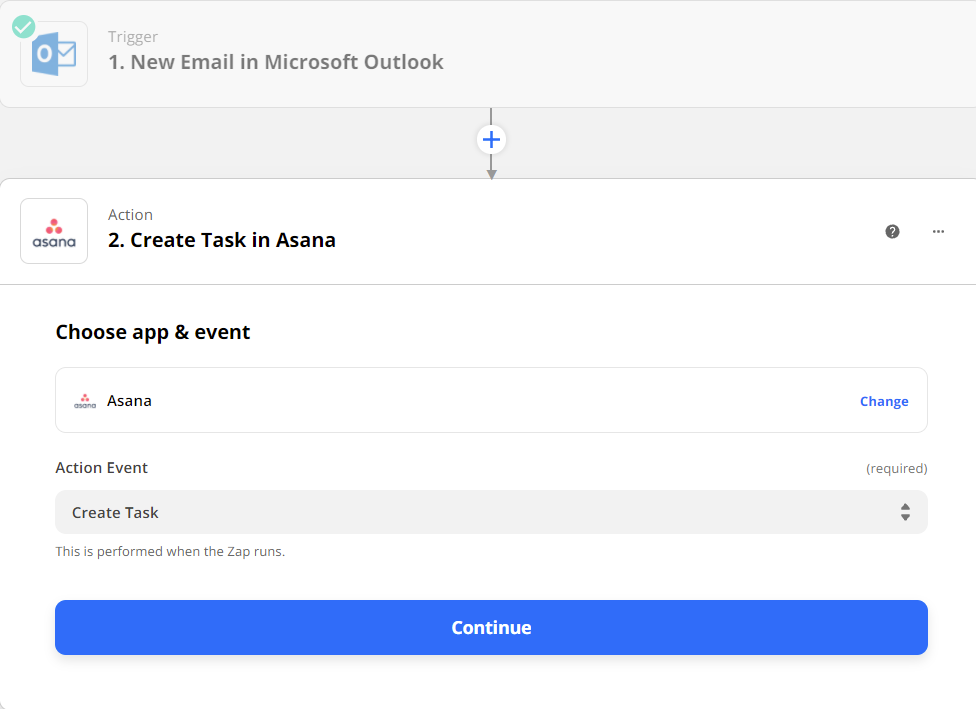
 

When i choose what i need to display on Notes i need the body content to show as text 
It comes as html type 
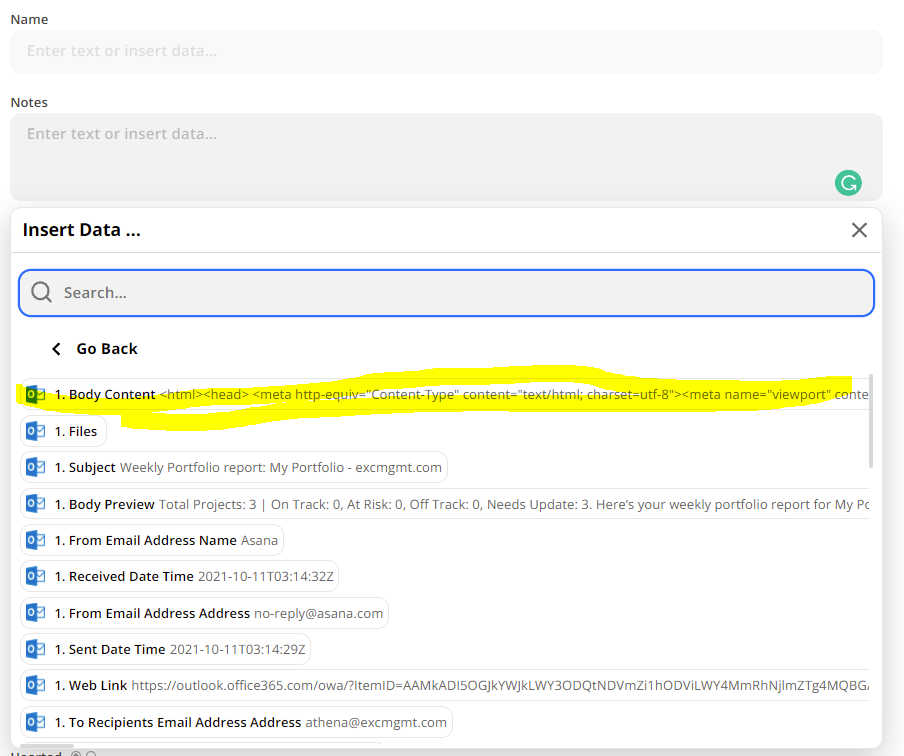
 

Is there a way i can display the body content as text ?

Best answer by Troy Tessalone

Hi @Athena 

Try using the Formatter > Text > Remove HTML Tags option.

Here’s a help article: https://zapier.com/help/create/format/remove-html-tags-in-zaps


This post has been closed for comments. Please create a new post if you need help or have a question about this topic.

6 replies

jayeshkumarbhatia
Forum|alt.badge.img+7

Hey @Athena ,


Can you test with 4th value Body Preview attached in the screenshot?  


  • Author
  • Beginner
  • October 11, 2021

Hello @jayeshkumarbhatia


I have tried it with the Body Preview and it does show the text. 

But if the content is bigger than a certain size it only shows the preview. 


jayeshkumarbhatia
Forum|alt.badge.img+7

I suggest raise a ticket with Zapier team here


  • Author
  • Beginner
  • October 11, 2021

@jayeshkumarbhatia Thank you for your help 


Troy Tessalone
Zapier Orchestrator & Solution Partner
Forum|alt.badge.img+14
  • Zapier Orchestrator & Solution Partner
  • Answer
  • October 11, 2021

Hi @Athena 

Try using the Formatter > Text > Remove HTML Tags option.

Here’s a help article: https://zapier.com/help/create/format/remove-html-tags-in-zaps


  • Author
  • Beginner
  • October 12, 2021

@Troy Tessalone

It works perfect now!
Thanks a lot Troy

I would like to create a rule that adds replies of that email as a subtask or a comment on the existing task. 

Could you please help with some guidelines on this as well?




