Question

Outlook 365 to Monday.com Zap (Email Subject, Body and Attachments)

  • October 24, 2024
  • 7 replies
  • 39 views

We have set up a Zap in Zapier that any email to our Outlook email inbox automatically create a new thread in Monday.com, and it is doing that but it is not including the body of the email, just the Subject. Can the body and attachments also be updated in Monday.com in the same Zap? 

This post has been closed for comments. Please create a new post if you need help or have a question about this topic.


7 replies

Troy Tessalone
Zapier Orchestrator & Solution Partner
Forum|alt.badge.img+14
  • Zapier Orchestrator & Solution Partner
  • October 24, 2024

Hi @bsacksglobal 

For us to have more info, post screenshots showing how your Zap steps are outlined and configured in EDIT mode so we can see the field mappings.


  • Author
  • New
  • October 24, 2024

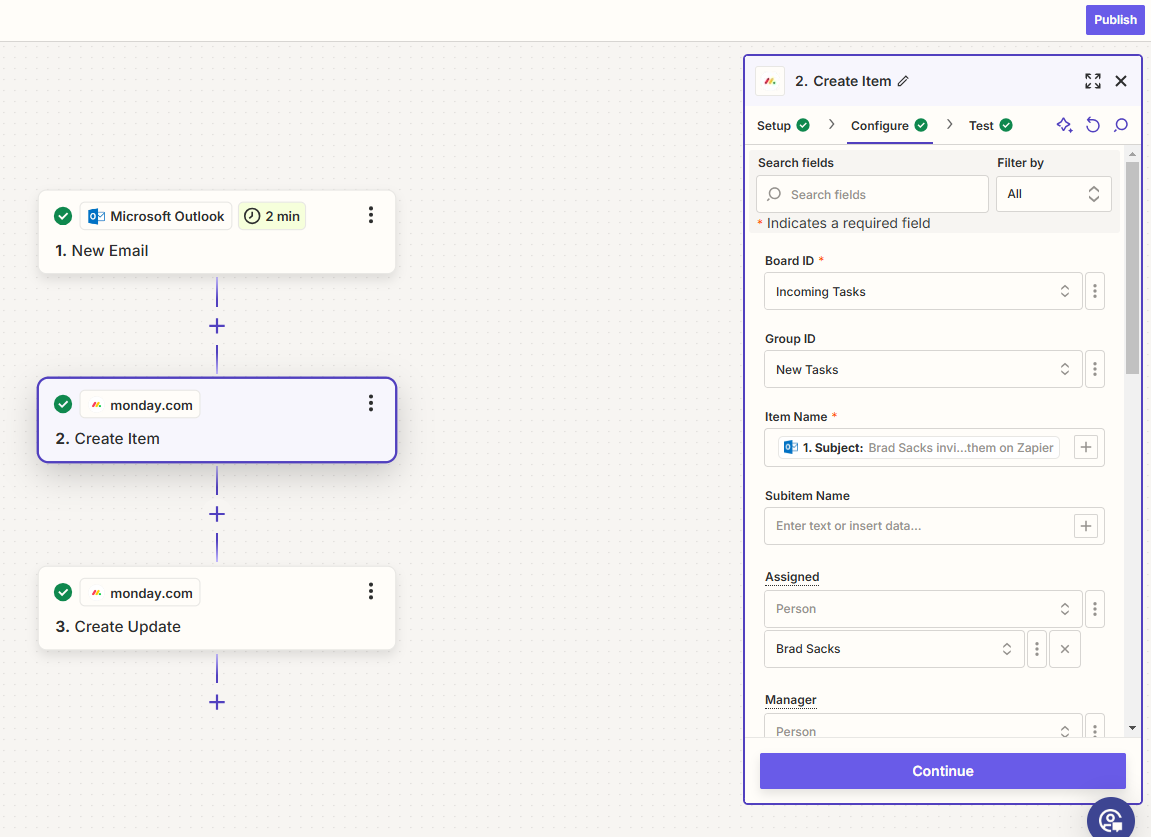
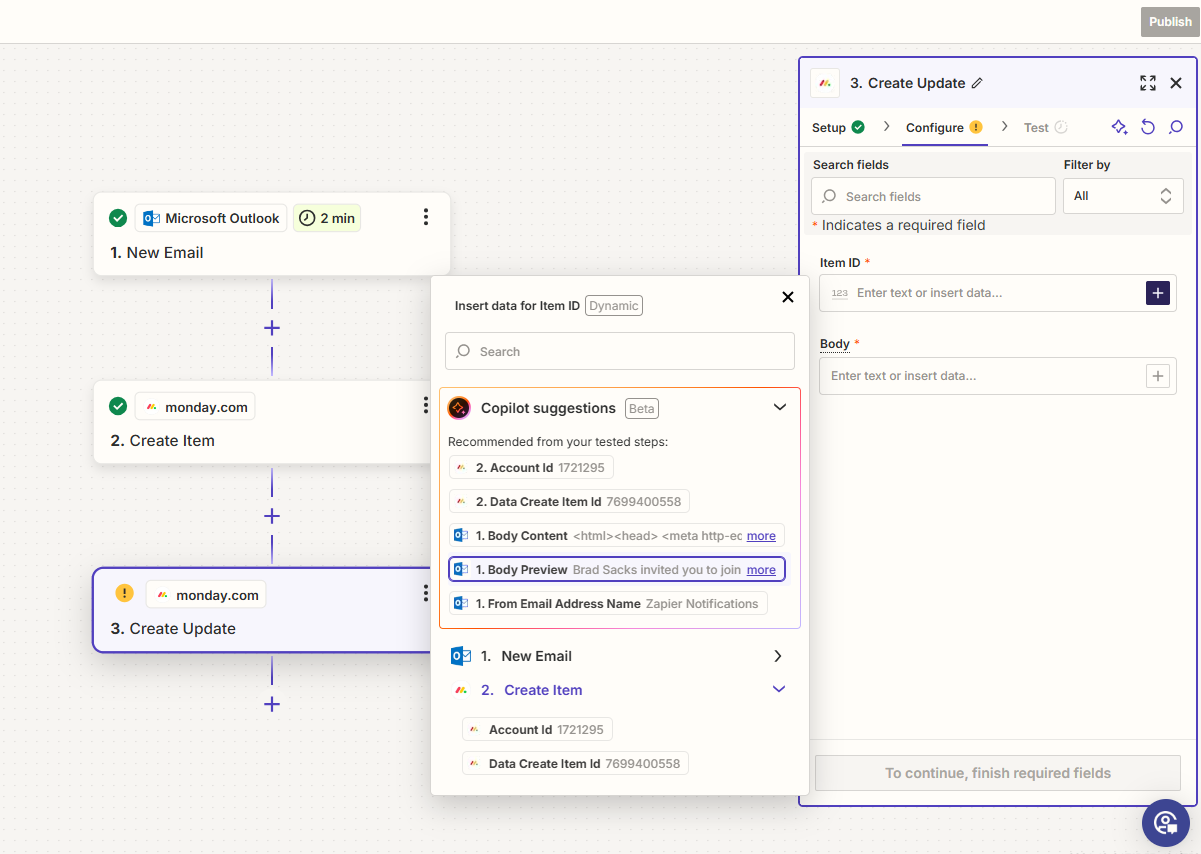
Please see attached and let me know if you need to see anything else. Thank you very much. 

  1. CREATE ITEM:


  1. CREATE UPDATE:


Troy Tessalone
Zapier Orchestrator & Solution Partner
Forum|alt.badge.img+14
  • Zapier Orchestrator & Solution Partner
  • October 24, 2024

@bsacksglobal 

You can search by the variable label or the variable value to narrow down the variables to map to a Zap step field.

Try searching for: body

“Body Content” variable should have the full Body message.

If you need to remove the HTML, then add this Zap action: Formatter > Text > Remove HTML Tags


Troy Tessalone
Zapier Orchestrator & Solution Partner
Forum|alt.badge.img+14
  • Zapier Orchestrator & Solution Partner
  • October 24, 2024

@bsacksglobal 

To clarify, the Zap action for Monday “Create Update” is to add a comment to an Item.


  • Author
  • New
  • October 24, 2024

@bsacksglobal

To clarify, the Zap action for Monday “Create Update” is to add a comment to an Item.

I want the email from Outlook to appear in Monday.com as a new line item, and it’s body content and attachments to appear an an update. Does the “ narrow down the variables” work in Zapier need to occur in the “CREATE ITEM” zap or the “CREATE UPDATE” zap (the latter, I assume)?


Troy Tessalone
Zapier Orchestrator & Solution Partner
Forum|alt.badge.img+14
  • Zapier Orchestrator & Solution Partner
  • October 24, 2024

@bsacksglobal 

Did you try mapping one of the available variables with “body” to the Body field in the Monday Create Update Zap step?

If you need to remove the HTML, then add this Zap action: Formatter > Text > Remove HTML Tags


Troy Tessalone
Zapier Orchestrator & Solution Partner
Forum|alt.badge.img+14
  • Zapier Orchestrator & Solution Partner
  • October 24, 2024

@bsacksglobal 

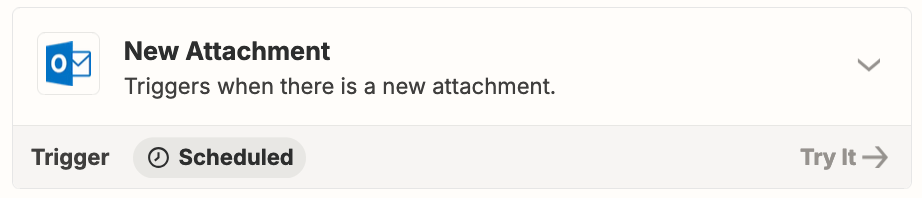
To handle email attachments individually, use this Zap trigger: Outlook - New Attachment

Monday Create Update Zap action may not support files.


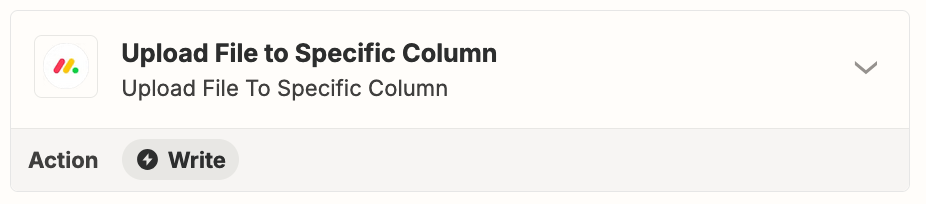
Only Monday Zap action related to files is: Upload File to Specific Column