Question

Multi-step Google drive folder/file creation

  • April 20, 2021
  • 5 replies
  • 179 views

Hi Everyone,


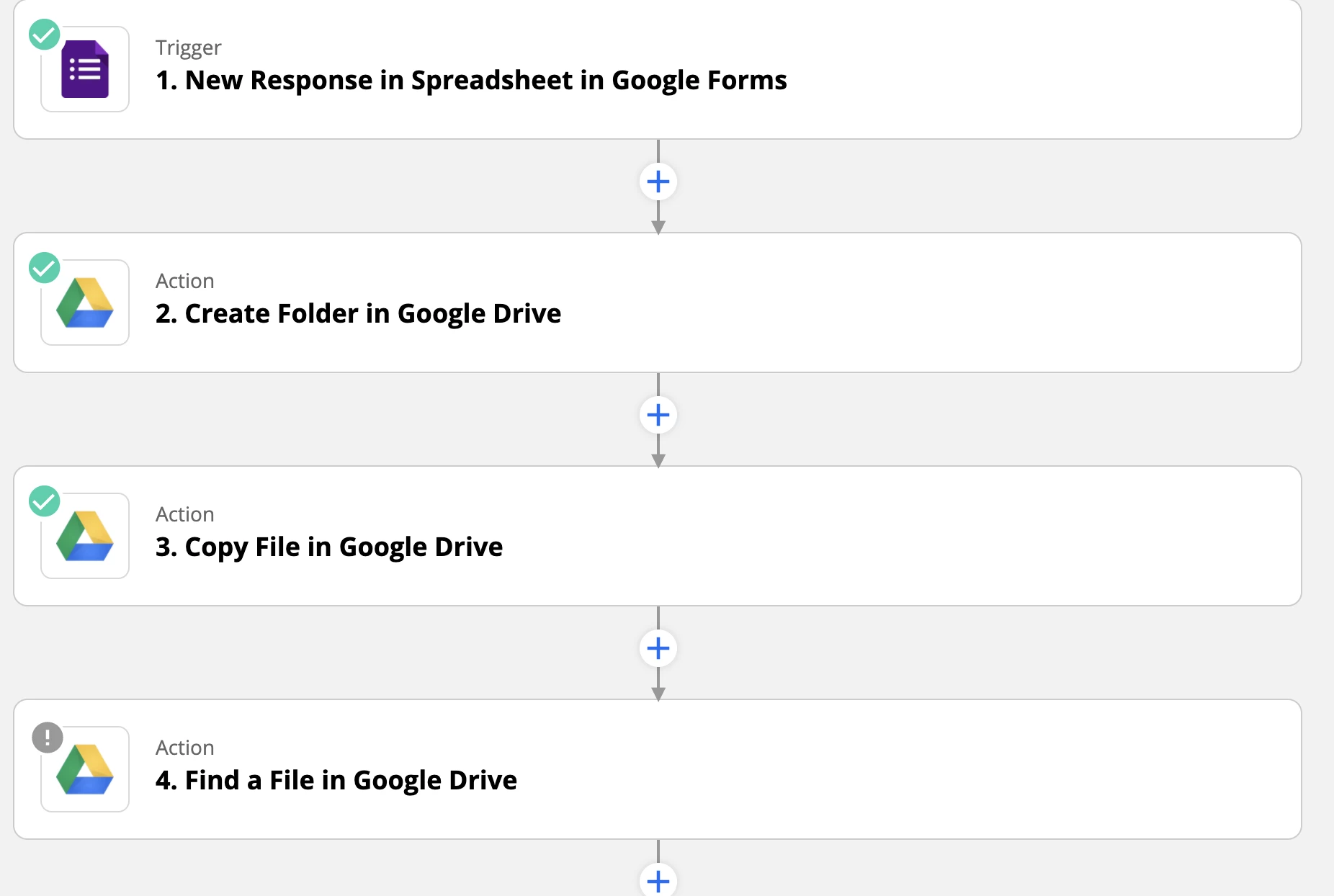
I’m trying to streamline new hire/employee onboarding with the steps outlined below (also a screenshot) :

  1. Google Form gathering Name, Email, and Position
  2. On Google Form Submit, Create an Employee folder (Folder with their name) in Google Drive
  3. Make a copy of a Google sheet (new hire checklist), Rename sheet using the new hire’s name, and place it in the employee folder (created in step 2)
  4. Next I would like to add the new hire; Name, Email, and Position into specific cells in the Sheet created in step 3.

This is bring up a question:

  1. In step 4, if I want to make edits to a Sheet that was created in step 3, I need to use Google Drive to do a search for the file.  Is there a better way to do this? A more reliable way to get the file I just created?
  2. Is there a way to edit specific cells in Google Sheets?

Thank you for reading - I hope you can help!
 

This post has been closed for comments. Please create a new post if you need help or have a question about this topic.

5 replies

GetUWired
Forum|alt.badge.img+12
  • Zapier Solution Partner
  • April 20, 2021

@nathanbartell 

Can you send a screenshot of what is returned from step 3? I would imagine the id of the file should be returned. 

As long as the file is a google sheet, you can use the update row Google Sheet action. If the data is on multiple rows, you would need to use that action multiple times. 


Troy Tessalone
Zapier Orchestrator & Solution Partner
Forum|alt.badge.img+14
  • Zapier Orchestrator & Solution Partner
  • April 20, 2021

Hi @nathanbartell 

Check out this help article about how to structure GSheets to work with Zapier: https://zapier.com/help/doc/how-to-set-up-your-google-spreadsheet-to-work-with-zapier


  1. In step 4, if I want to make edits to a Sheet that was created in step 3, I need to use GDrive to do a search for the file. 
    Is there a better way to do this?
    A more reliable way to get the file I just created?
    1. The GDrive file ID is provided from Step 3


  1. Is there a way to edit specific cells in Google Sheets?
    1. Yes and no, will depend on the structure of the GSheet

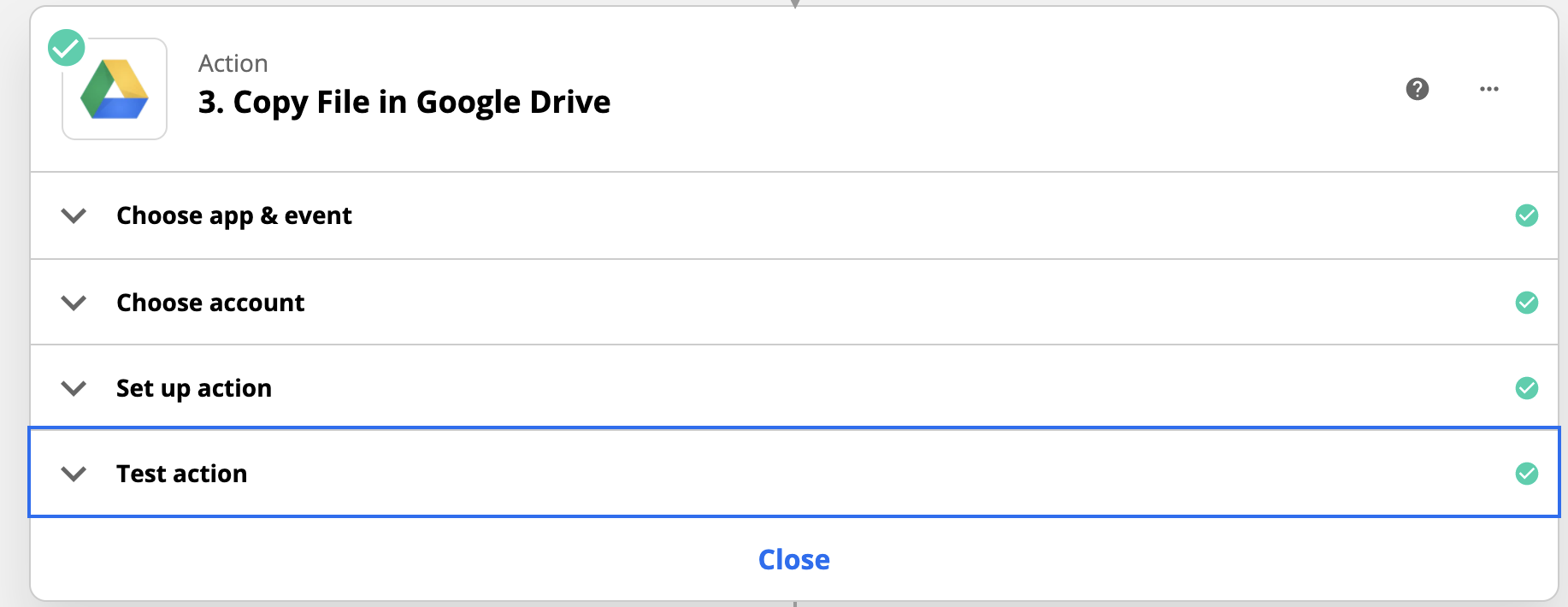
@GetUWired Do you mean the data returned in the “Test action” section?


GetUWired
Forum|alt.badge.img+12
  • Zapier Solution Partner
  • April 20, 2021

@nathanbartell 

yes, correct. 
Thank you! 


SamB
Community Manager
Forum|alt.badge.img+11
  • Community Manager
  • June 16, 2021

Hey @nathanbartell,

Just checking in to see if you’d managed to get the Zap working as intended, or could you still use some help here?

Please let us know!