Best answer

Monday.com to Google Sheets

  • March 9, 2021
  • 7 replies
  • 165 views

Hi!


I want to extract data from Monday.com to a Google Sheet


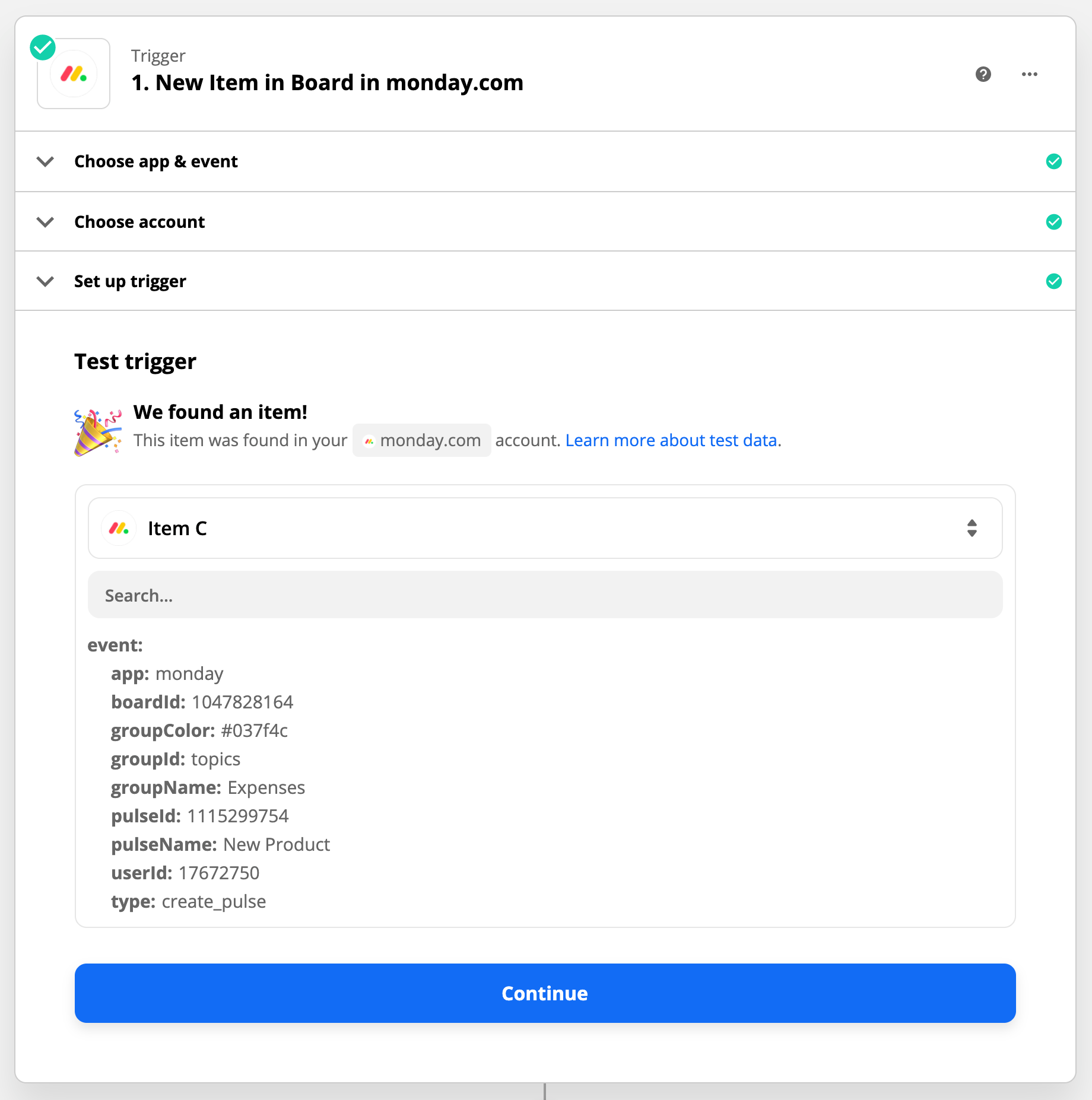
When setting this up, I can’t see all my cols in the Test Trigger - only the pulseName.


What I’m missing here?



Best answer by Troy Tessalone

@stijn 

Yes, Step 3 would be GSheet Create Row with data points returned from Step 1 and/or Step 2

This post has been closed for comments. Please create a new post if you need help or have a question about this topic.

7 replies

Troy Tessalone
Zapier Orchestrator & Solution Partner
Forum|alt.badge.img+14
  • Zapier Orchestrator & Solution Partner
  • March 9, 2021

Hi @stijn 

Add this as Step 2 in the Zap…

NOTE: Only fill in the required fields in order to return all column values for an Item.


  • March 9, 2021

@Troy Tessalone 

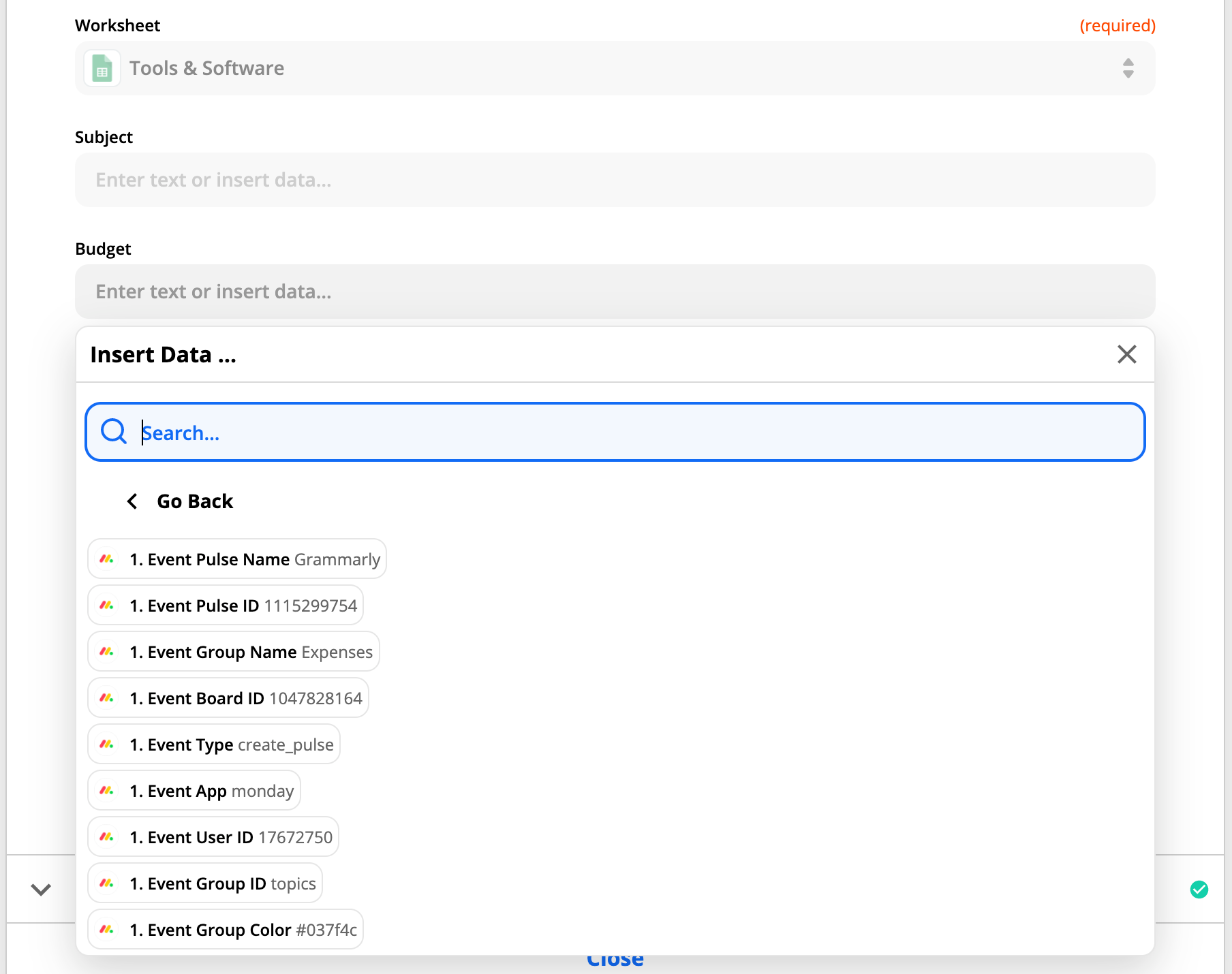
I’m only seeing these … 


Troy Tessalone
Zapier Orchestrator & Solution Partner
Forum|alt.badge.img+14
  • Zapier Orchestrator & Solution Partner
  • March 9, 2021

@stijn 

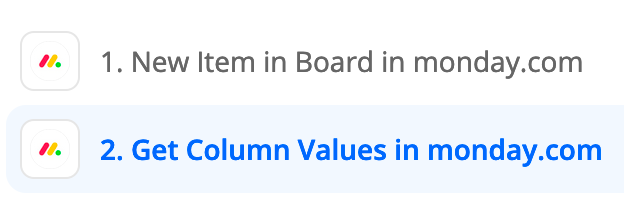
You’re Zap steps should look like this


  • March 9, 2021

And 3th step Create Spreadsheet Row in Google Sheets right?


Troy Tessalone
Zapier Orchestrator & Solution Partner
Forum|alt.badge.img+14
  • Zapier Orchestrator & Solution Partner
  • Answer
  • March 9, 2021

@stijn 

Yes, Step 3 would be GSheet Create Row with data points returned from Step 1 and/or Step 2


  • March 25, 2021

@Troy Tessalone got another question, how to get subitems from a board?


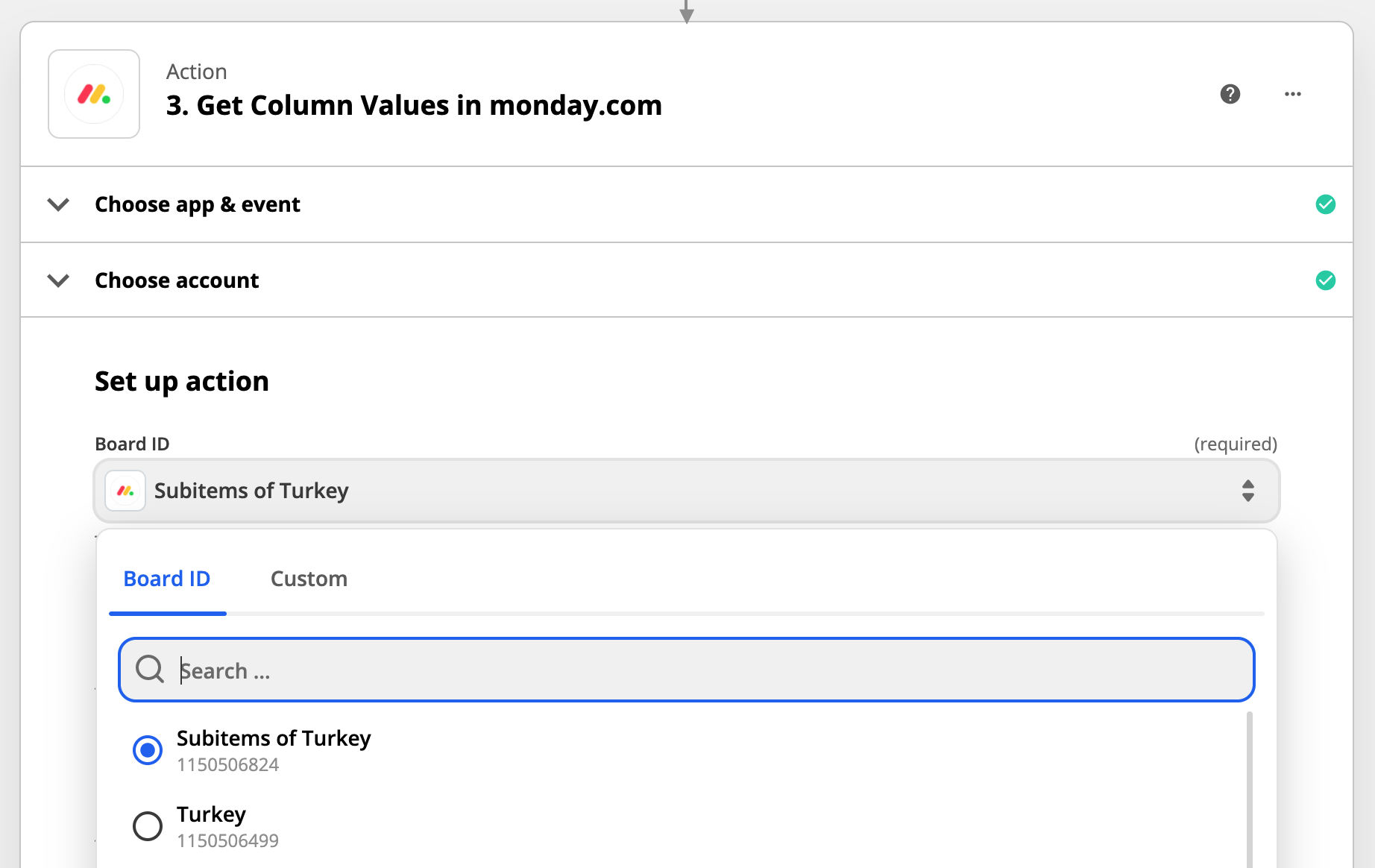
I see the my subitems board in the list:


And then I select the Pulse ID, from step 1, but still nothing is found. (and their are values in the subitems ...)


Required fields without a value

Board ID Item ID


Troy Tessalone
Zapier Orchestrator & Solution Partner
Forum|alt.badge.img+14
  • Zapier Orchestrator & Solution Partner
  • March 25, 2021

@stijn 

Check out this related topic: