

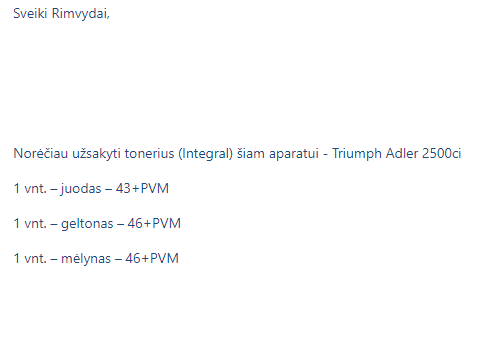
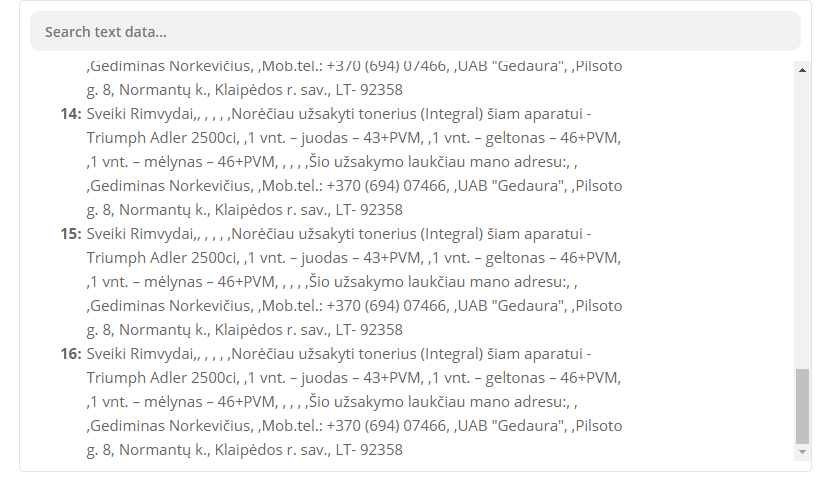
I am facing the following problem with automation of Jira with Trello. I have set a bot to auto create a new Trello card when a new Jira issue is created. All issues in Jira are created using emails. Emails and Jira issues use paragraph formatting. However when the description of issue gets transferred to Trello card it is formatted as single line, how to keep the original request format?

Best answer
Jira to Trello transfer keeping original formatting of description
- Beginner
Best answer by nicksimard
Hi
Looking at your screenshot, and looking into how Jira sends that data, it looks like this is what’s happening:
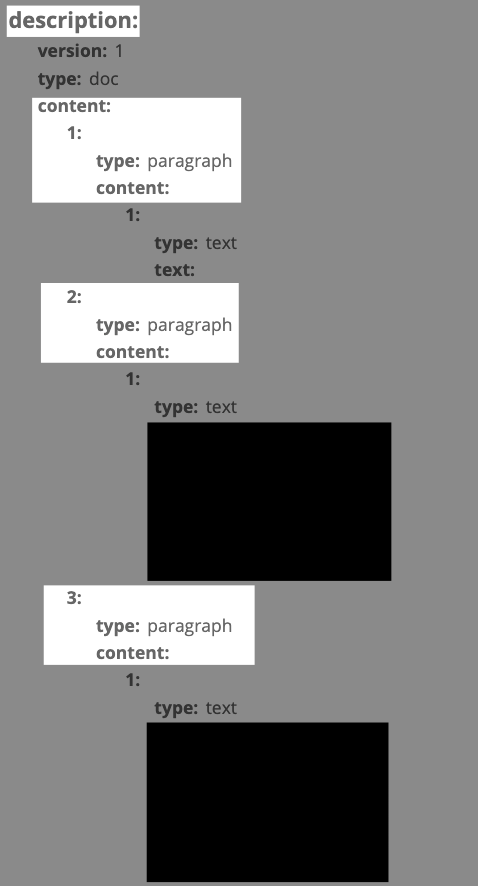
You’ve got line items under Description — Content, which means that using Formatter will perform that action to all the line items. That’s why your output looks the way it does. You could try using Formatter — Utilities — Line Items to Text to see if that helps at all.
This post has been closed for comments. Please create a new post if you need help or have a question about this topic.



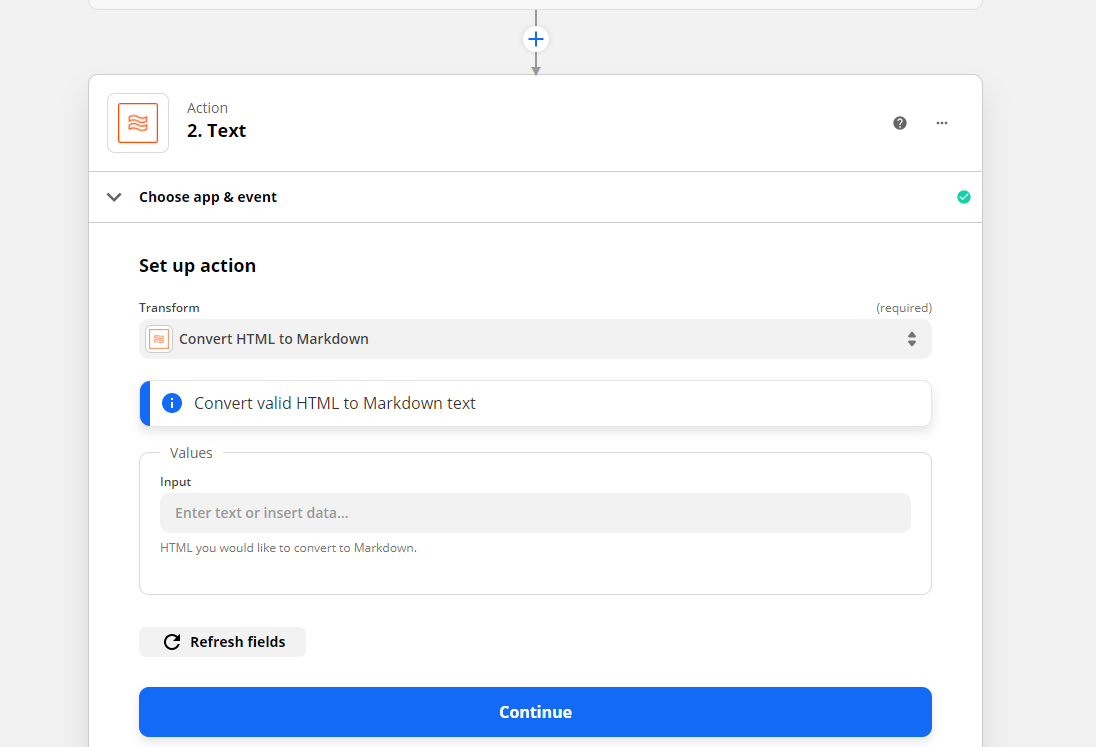




ZapConnect 2026 is coming
Join us September 23rd, 2026 for a free, one-day virtual event with 30+ sessions on AI automation. Get live build-alongs, playbooks, and strategies to lead AI transformation at your organization.
Log in to the Community
No account yet? Create an account
Use your Zapier credentials
Log in with ZapierEnter your E-mail address. We'll send you an e-mail with instructions to reset your password.