Question

Issues with auto-populating Honeybook New Client / Project from Qualtrics Survey Responses

  • August 20, 2024
  • 4 replies
  • 61 views

Hi all,

I’m attempting to auto-populate a New Client or New Project (C/P) in Honeybook (HB) utilizing fields pulled from a New Survey Response (SR) from Qualtrics (Q). I was able to create an auto-population into HB using a completed (filled out by a client) SR but I would like this to happen anytime a SR is submitted into Q.

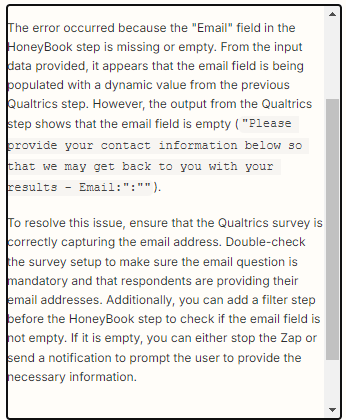
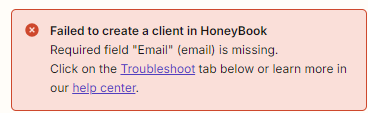
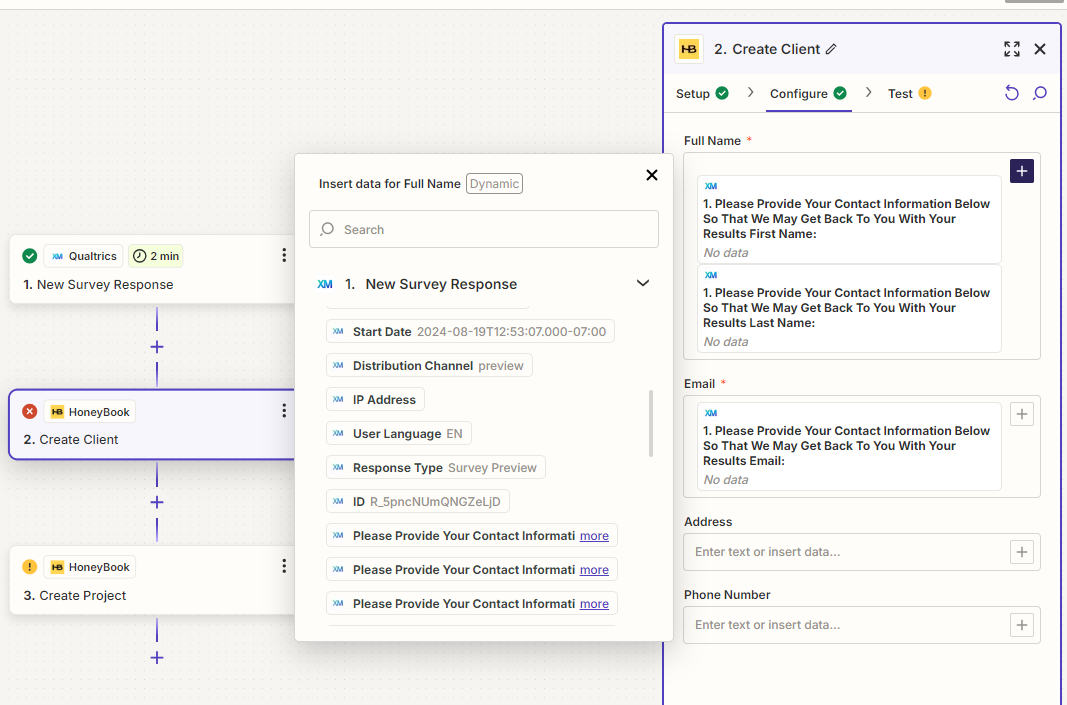
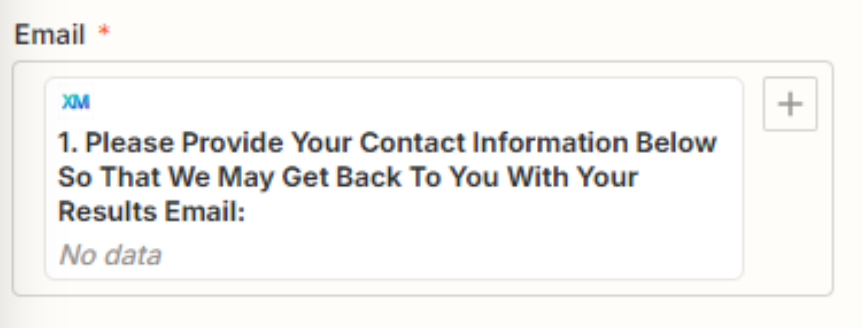
When attempting to use the broad fields from Q (the general survey questions I want the response from) Zapier displays “no data”. An error is also displayed stating, “Failed to create a client in HoneyBook. Required field "Full Name" (full_name) is missing. Required field "Email" (email) is missing.”

Does anyone have advice as to how to set up a general auto-population trigger such as the one I am trying to create? or why I am getting the errors?




This post has been closed for comments. Please create a new post if you need help or have a question about this topic.

4 replies

Troy Tessalone
Zapier Orchestrator & Solution Partner
Forum|alt.badge.img+14
  • Zapier Orchestrator & Solution Partner
  • August 20, 2024

Hi @Granted 

For us to have more info, post screenshots with how your Zap steps are outlined and configured in EDIT mode.


  • Author
  • New
  • August 20, 2024
Error Code I’m receiving 
Missing fields error
From the New Survey Response in Qualtrics: No data is displayed when choosing the Survey questions I want the responses from
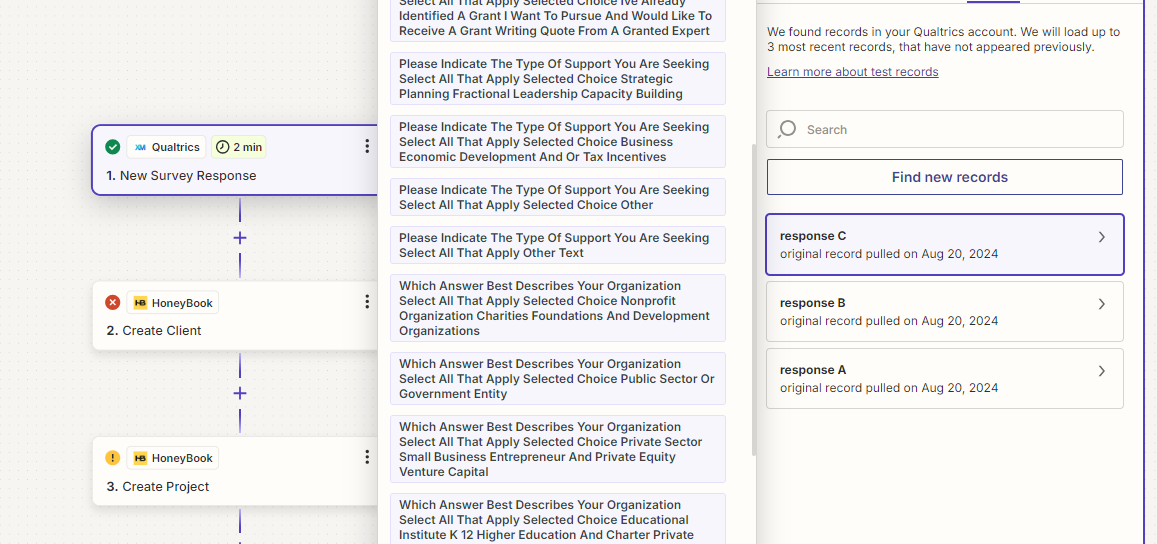
I want to capture future response answers not answers from just one particular client survey. The records I have to choose from ( Response A,B, or C) A and B are records for two previously completed surveys by clients. Response C is my most recent Qualtrics Survey Questions but when choosing this (C) I get the error messages.


Troy Tessalone
Zapier Orchestrator & Solution Partner
Forum|alt.badge.img+14
  • Zapier Orchestrator & Solution Partner
  • August 20, 2024

Hi @Granted 

Help links for testing your Zap trigger step: https://help.zapier.com/hc/en-us/articles/18811411817741-Test-Zap-steps

Make sure to select an example Zap trigger step record that has data populated for the fields.


Try turning the Zap ON and testing live.

Then check your Zap Runs history details to see the DATA IN/OUT for each Zap step to help you trace the data flow and troubleshoot: https://zapier.com/app/history/


You can always add a Filter step to check mapped variables for required fields have a value.

https://zapier.com/apps/filter/help


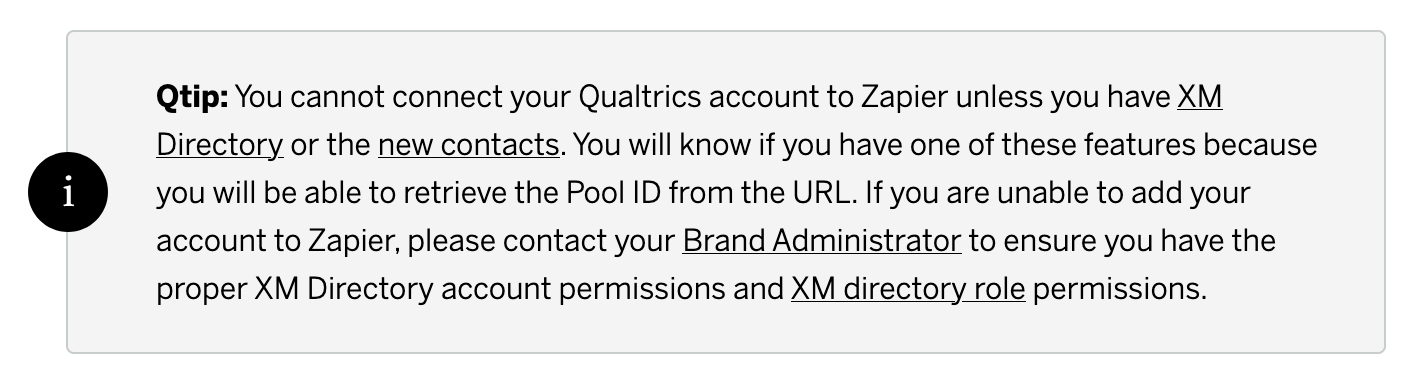
Help link from Qualtrics: https://www.qualtrics.com/support/integrations/zapier-integration/


SamB
Community Manager
Forum|alt.badge.img+11
  • Community Manager
  • August 30, 2024

Hi there @Granted 👋

Were you able to get a new test record from Qualtrics that had an email address to check that the Zap would be successful when an email is provided? 

Please let us know whether or not you’re in need of any further help here - keen to ensure you’re all set! 🙂