Question

I want every change made on a board on monday.com to be sent to my Google spreadsheet, but I can't find a way to do it.

  • November 28, 2025
  • 6 replies
  • 37 views

The steps I want are: On Monday.com, I have several items on a board and will be adding more in the future. I want that when more are added, the Google Sheet is automatically added, and I can update the status, etc., without duplicating information. I also want the items currently on Monday.com to be updated and have that reflected in the Google Sheet I want this to be done only once a day.

6 replies

Sparsh from Automation Jinn
Forum|alt.badge.img+6

Hey ​@GeraldBriones,

Here are all the triggers/ actions for Monday in Zapier- https://zapier.com/apps/monday/integrations
Here are all the triggers/ actions for Google Sheets in Zapier-https://zapier.com/apps/google-sheets/integrations

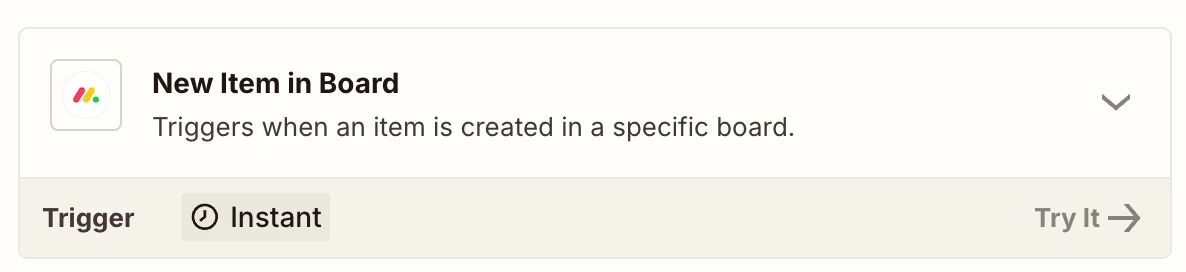
Some of the useful trigger from Monday side for your use case will be New item in Board, New update in Board.
 

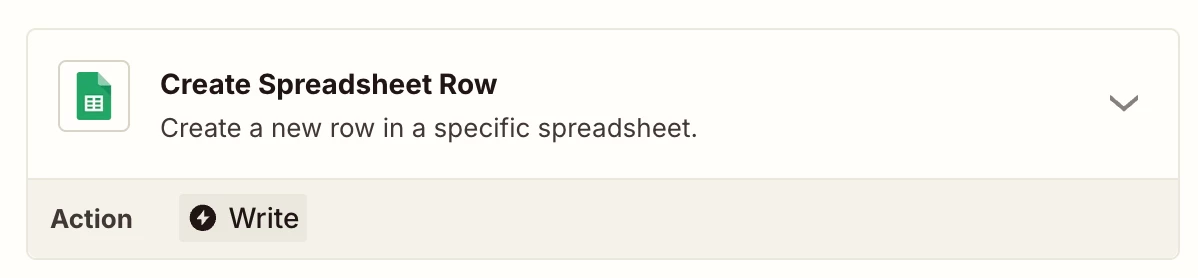
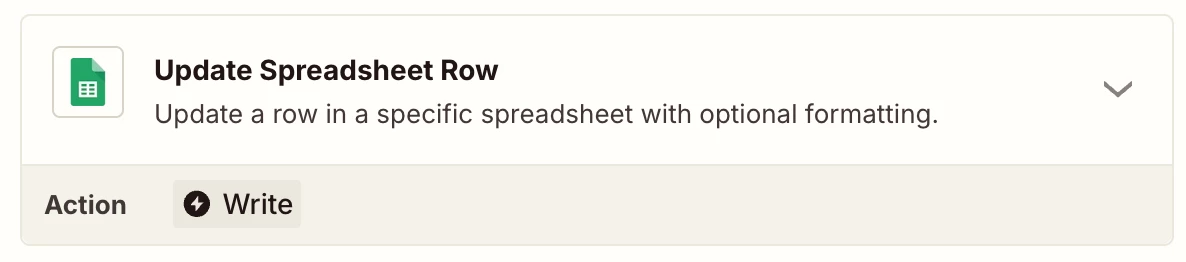
You probably will have to use Create Spreadsheet Row and Update Spreadsheet Row action from Google Sheets side.
 

I do think instant trigger will be better for your usecase but if you want it to trigger it only once a day, you will to use Find items logic with Schedule by Zapier action. You may need to extra actions like Filter, Formatter etc as workflows are usually personalized to user’s needs. Hope it helps!

PS: If you need more active help, I’m happy to connect through my Zapier Solution Partner page if you’d like to reach out here- https://zapier.com/partnerdirectory/automation-jinn


  • Author
  • Beginner
  • November 28, 2025
I do this workflow , It creates rows if I add new items to the monday.com board, but it doesn't create rows for existing items if I update monday.com; it does this in the spreadsheet.


Sparsh from Automation Jinn
Forum|alt.badge.img+6

Hey ​@GeraldBriones,

Using API request is a more advanced way of using Zap. As I suggested instant triggers will be more straightforward than Schedule. 

I can’t say what is going wrong just from the screenshot you provide. It only highlights how your Zap is outlined. Here is a helpful article about Find and Update Spreadsheet Rows- https://help.zapier.com/hc/en-us/articles/8495978803213-Find-and-update-spreadsheet-rows-in-Google-Sheets-on-Zapier.

Hope it helps!


Troy Tessalone
Zapier Orchestrator & Solution Partner
Forum|alt.badge.img+14
  • Zapier Orchestrator & Solution Partner
  • November 28, 2025

Hi ​@GeraldBriones 

For us to have more info about your Monday API Request, post screenshots showing how the Monday API Request is configured.


  • Author
  • Beginner
  • November 30, 2025

Hello , I Already Fix All the zap using a JS Code converting the API Request on to JSON


  • Author
  • Beginner
  • November 30, 2025

Thanks to all