Question

How to update a client file in pixie using a gravity form submission

  • November 9, 2024
  • 2 replies
  • 15 views

Hi,

I have a Zap already where we send a proposal out via GoProposal to a prospect which creates a new client and contact on Pixie.

If the prospect agrees the proposal, then they will automatically be sent a Gravity Form to fill out.

I need to create a Zap so when that Gravity Form is completed (sometimes not all of the questions in the form will be completed so I don’t want blank answers to update fields that already have data in it), the client file is update in Pixie (our practice management software) with all the information provided in the form. 

When I'm creating a new step to find the client in Pixie, it’s only allowing me to find them by the ID or the Name. I don’t know how I could get the ID part to work but I feel the email would be better incase someone has the same name. Does anyone have any ideas?


Thank you!

This post has been closed for comments. Please create a new post if you need help or have a question about this topic.

2 replies

Troy Tessalone
Zapier Orchestrator & Solution Partner
Forum|alt.badge.img+14
  • Zapier Orchestrator & Solution Partner
  • November 9, 2024

Hi @Achieve-Noush 

Try this…

On the Gravity Form add a Hidden field to capture the Pixie Client ID: https://docs.gravityforms.com/hidden/

Then when sending the link to the Gravity Form to the client use a query string parameter to pass the Pixie Client ID that will then be saved into the Gravity Form field for Pixie Client ID.

Help: https://docs.gravityforms.com/using-dynamic-population/


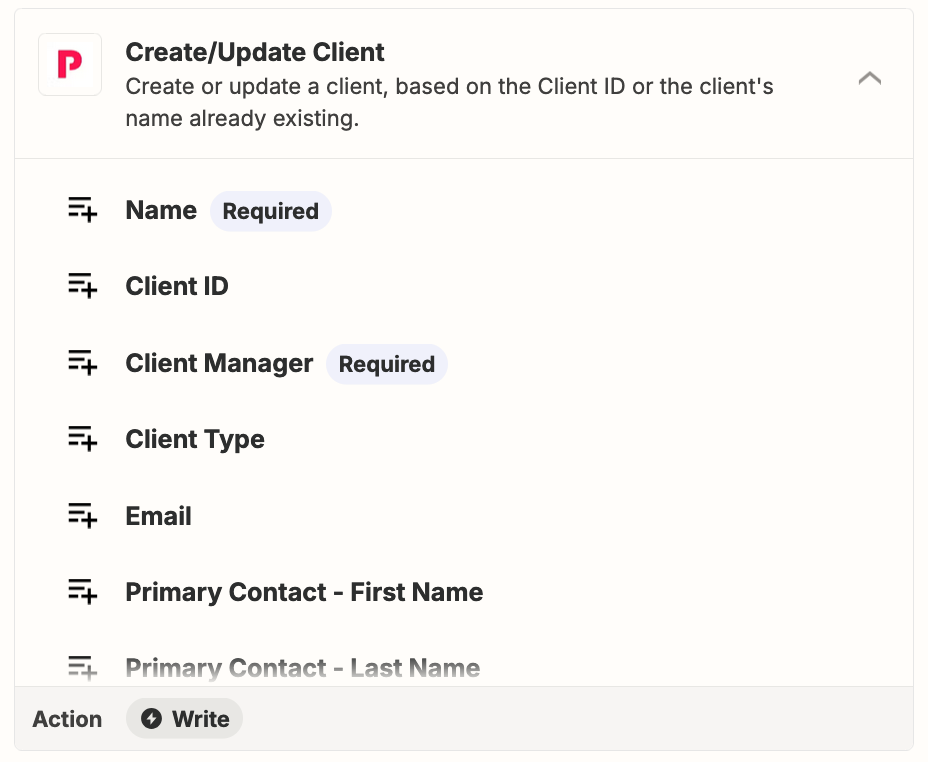
That will allow you to use this Zap action: Pixie - Create/Update Client


ken.a
Forum|alt.badge.img+6
  • Zapier Staff
  • November 11, 2024

Hi there @Achieve-Noush,

I just came across your post here and wanted to check in here to see how you’re getting on. Were you able to try Troy’s suggestion here?

Please do let us know if you’re still in need of some help on this at all - happy to assist further! 🤗