Answer

How to trigger Slack mentions of group tags and post them to a dedicated channel?

  • July 12, 2023
  • 6 replies
  • 4680 views

Auxina

Hello, I’m trying to make all the mentions of a Slack group tag for my team (not a username, but looking similar - i.e. @social.team) get posted into a dedicated channel. 

The idea is to automatically gather all the requests the team is getting on scattered channels, into a single channel. 

Unfortunately I don’t seem to be able to make the trigger work, as it’s not a username (i.e. @auxina), but it’s in facts a group tag (which natively triggers a mention to everyone included in the group tag).

Is anyone aware of a way to make a trigger that works with group tags?

Thanks a lot in advance!

Best answer by quercus

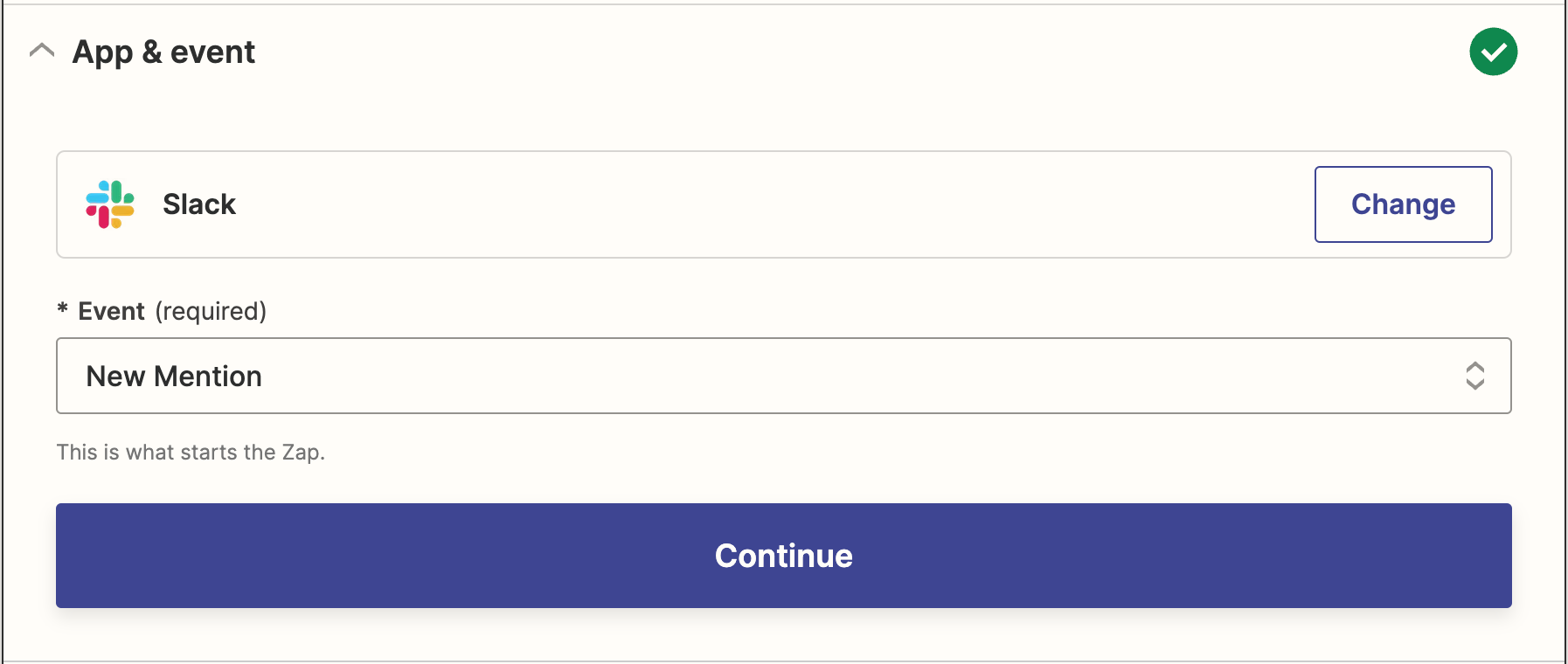
Apparently triggering on group mentions is not a supported feature (Why?  This seems way more useful than triggering on a mention of an individual).  This morning a group mention didn’t trigger the Zap for us, and the help response was:

I was able to find an open feature request where users are asking for the ability to trigger off of user groups for new mentions instead of just users. I understand that you were able to get around this limitation by entering the user group ID into the Username field as a custom value, but since triggering off of mentions to specific groups isn't officially supported by Zapier, I'm afraid there isn't much else that I can do here.”

This post has been closed for comments. Please create a new post if you need help or have a question about this topic.


6 replies

Troy Tessalone
Zapier Orchestrator & Solution Partner
Forum|alt.badge.img+14
  • Zapier Orchestrator & Solution Partner
  • July 12, 2023

Hi @Auxina 

Good question.

Try adding a Filter as Step 2 in the Zap:


quercus
Forum|alt.badge.img+1
  • Beginner
  • July 28, 2023

You can add a slack group using the subteam id as the value for a Custom Username on a Mention trigger, something like `!subteam^S01L23ABCDE`.

I’m not sure how a filter solves this problem, but I’d like to see an example of it working. 


eileenh
Forum|alt.badge.img
  • New
  • July 29, 2023

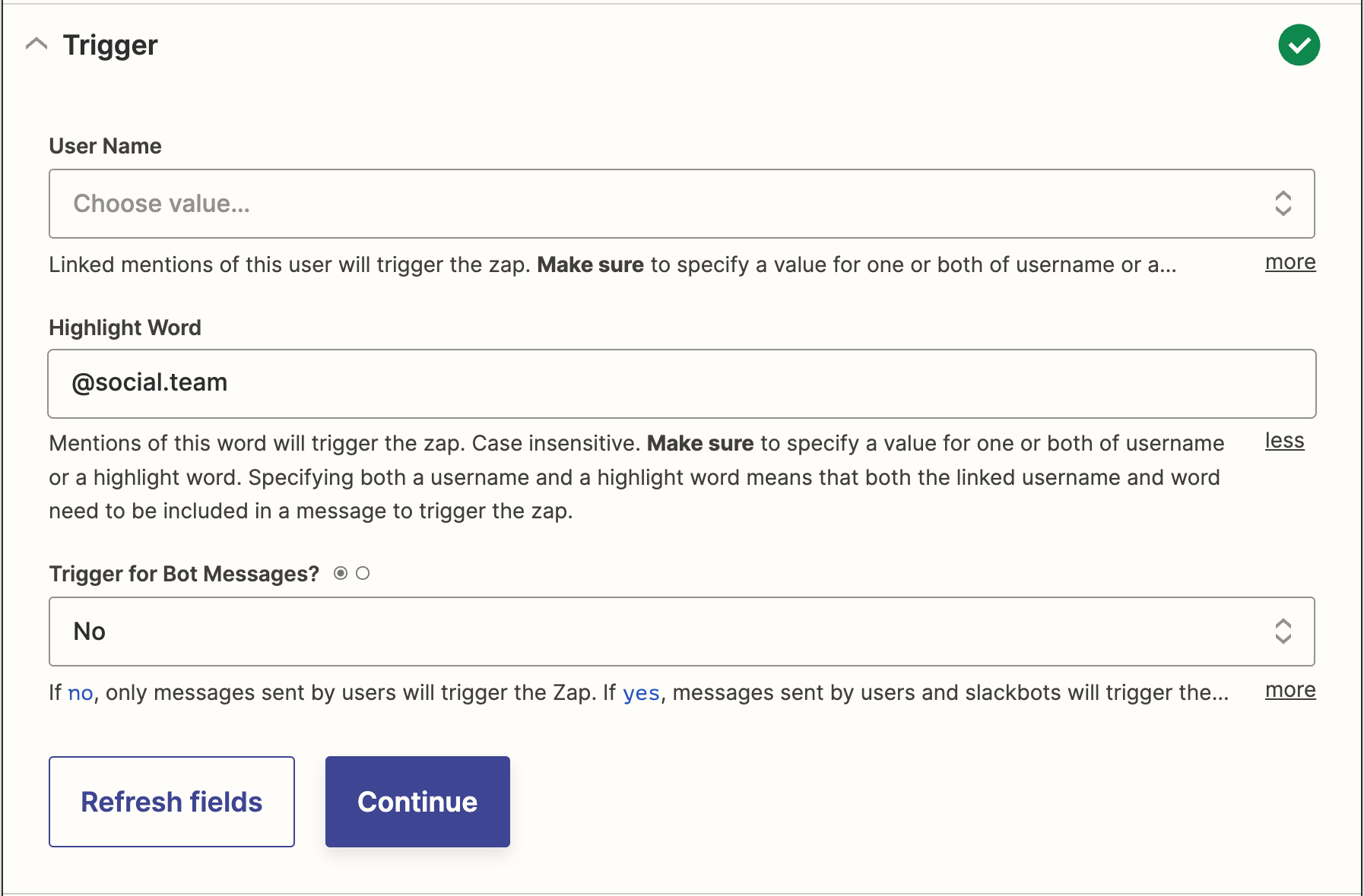
Hi @Auxina! Could you see if it works to use the “New Mention” trigger event, and then in the trigger settings under “Highlight Word” enter the slack group name? I tested it in a Zapier & Slack workspace that I’m part of and the test step did yield an accurate result. I would suggest setting up the trigger and then sending a test message so that you can see if the Zap picks it up.

Also note that this is only going to work for messages in public channels.


quercus
Forum|alt.badge.img+1
  • Beginner
  • July 31, 2023


Also note that this is only going to work for messages in public channels.


From my experience, this is only partially true.  It will also work for private channels that the connected account is a member of (this was pretty surprising to me when it happened the first time).


quercus
Forum|alt.badge.img+1
  • Beginner
  • Answer
  • July 31, 2023

Apparently triggering on group mentions is not a supported feature (Why?  This seems way more useful than triggering on a mention of an individual).  This morning a group mention didn’t trigger the Zap for us, and the help response was:

I was able to find an open feature request where users are asking for the ability to trigger off of user groups for new mentions instead of just users. I understand that you were able to get around this limitation by entering the user group ID into the Username field as a custom value, but since triggering off of mentions to specific groups isn't officially supported by Zapier, I'm afraid there isn't much else that I can do here.”


rachael.silvano
Forum|alt.badge.img+7

Hey there @quercus - I appreciate you letting us know that you heard from our friends in Support about it currently being a feature request; I understand there is frustration over what features are and are not supported, and sometimes the answers are surprisingly complex behind the scenes. In the meantime, I’ll make your answer as the best answer so if others run into a similar issue they can learn from this thread. Thanks for coming by the Community. 


Best,
Rachael