Question

How to transform the Stripe charge created tag into a date?

  • June 7, 2024
  • 4 replies
  • 18 views

Hi,

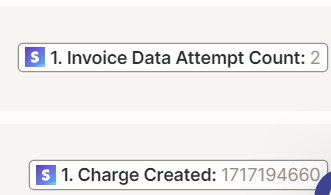
I want to set up a Zap in order to keep track on the failed payment attempts in Stripe, but I am struggling with the charge date. On which way can I transform the information of the tag (1717194660) into a date?

Is it the right tag I am using, or should you use a different one?

The connection I try to set up is between Stripe and Google sheets.

Thanks a lot!


This post has been closed for comments. Please create a new post if you need help or have a question about this topic.

4 replies

Troy Tessalone
Zapier Orchestrator & Solution Partner
Forum|alt.badge.img+14
  • Zapier Orchestrator & Solution Partner
  • June 7, 2024

Hi @Melinda 

Zap action: Formatter > Date & Time > Format


  • New
  • June 9, 2024

Hey @Troy Tessalone,


Thanks for your reply.

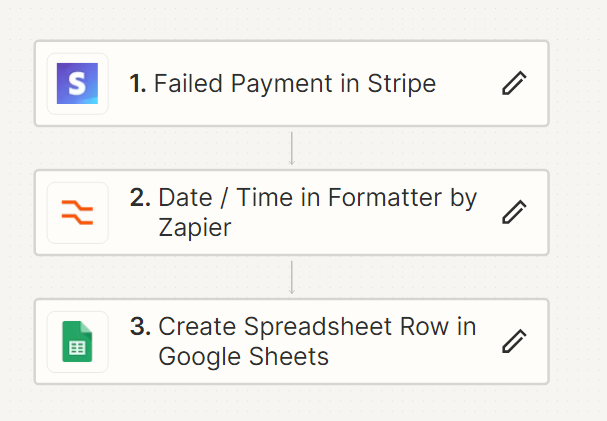
The Formatter comes between Stripe and Google Sheets right?

So it should look like this? 


Troy Tessalone
Zapier Orchestrator & Solution Partner
Forum|alt.badge.img+14
  • Zapier Orchestrator & Solution Partner
  • June 9, 2024

@Jozefien 

Correct


SamB
Community Manager
Forum|alt.badge.img+11
  • Community Manager
  • June 11, 2024

Hi @Melinda and @Jozefien! 👋

Just came across this thread and wanted to check how you’re both getting on with this? 

Happy to help if you need any further assistance at all so please let us know whether you’re getting stuck at all!