I have a contact form in our wix hosted website. I constructed the form from scratch in wix. I have a zap connecting this to hubspot to create a contact in hubspot. On the wix form, I placed a long answer text box that has a title line and then a box for customers to describe what they needed. I noted that the zap carries over the title and puts that in the hubspot box along with the information that the customer entered. Is there a way to stop the carry over of the title of the text box to hubspot?

Question
How to stop the title from duplicating in HubSpot when using Wix forms with Zapier




Early access
Next Gen Zaps
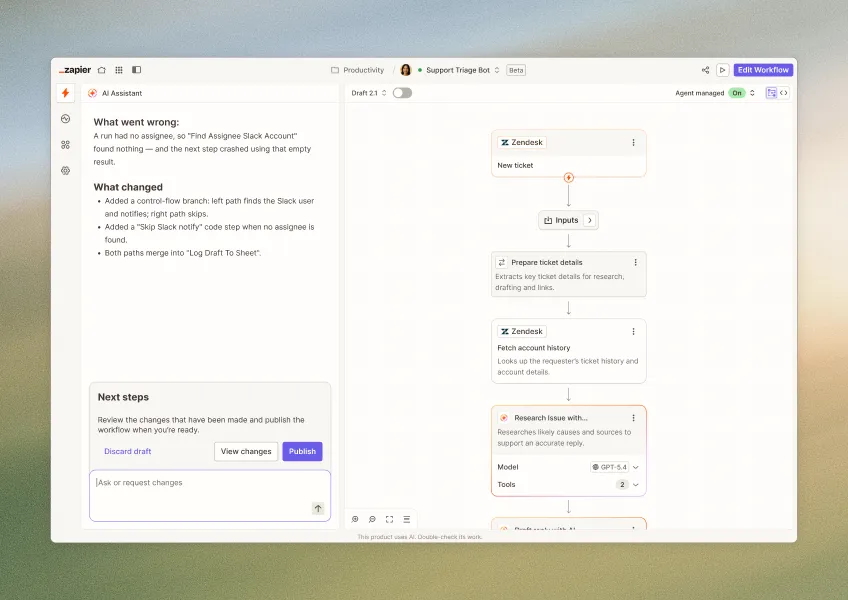
Build and deploy automations from AI tools you already use. With Agentic Management, if anything breaks, the agent diagnoses the issue and proposes a fix.
Request access now
Enter your E-mail address. We'll send you an e-mail with instructions to reset your password.