Question

How to set up Shopify Zaps to route orders based on specific keywords to different boards?

  • July 29, 2023
  • 3 replies
  • 35 views

Rclapp

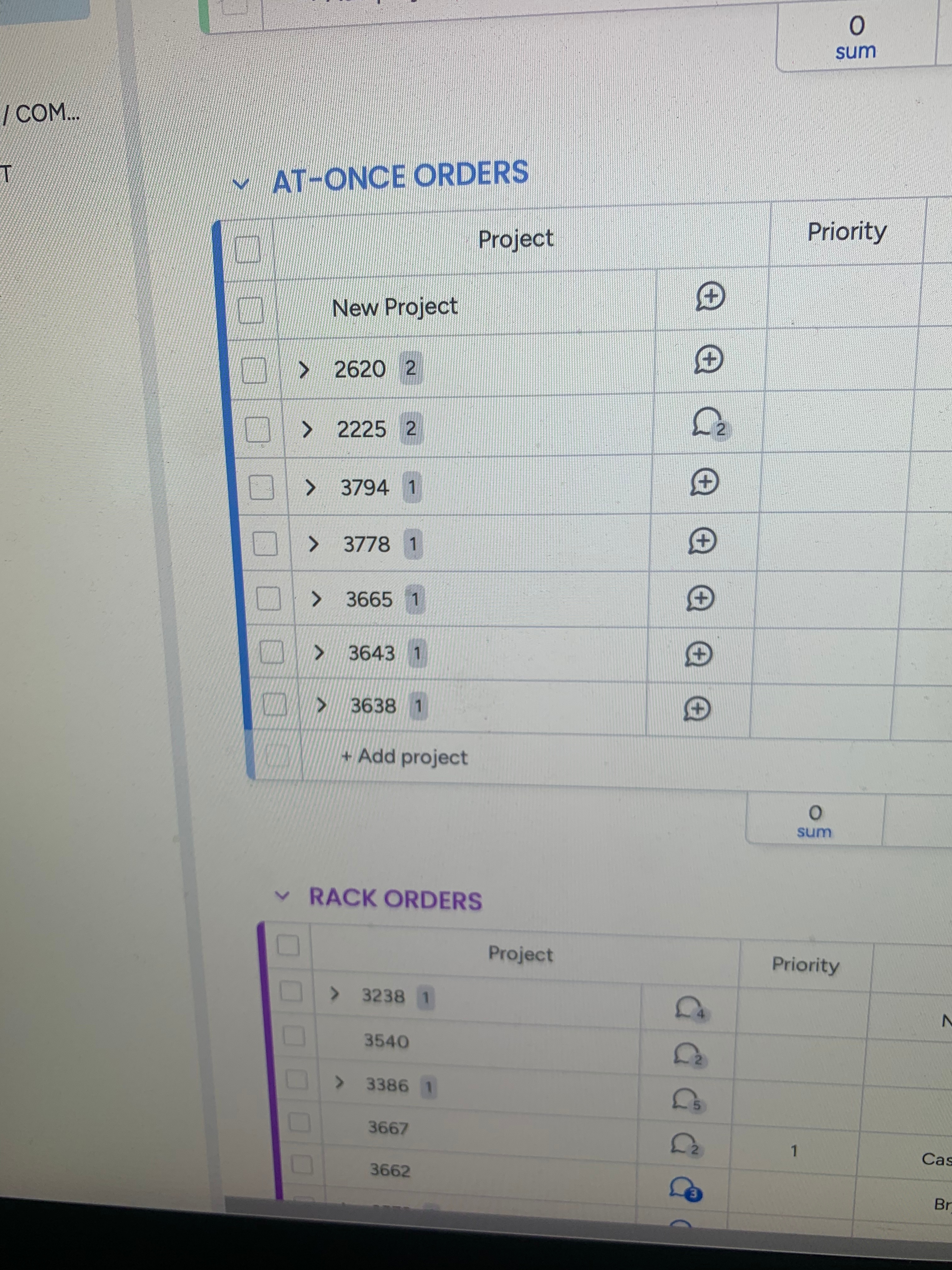
I have two different boards in Shopify.  One is for orders that include the word “rack” and one for orders that do not include the word “rack”


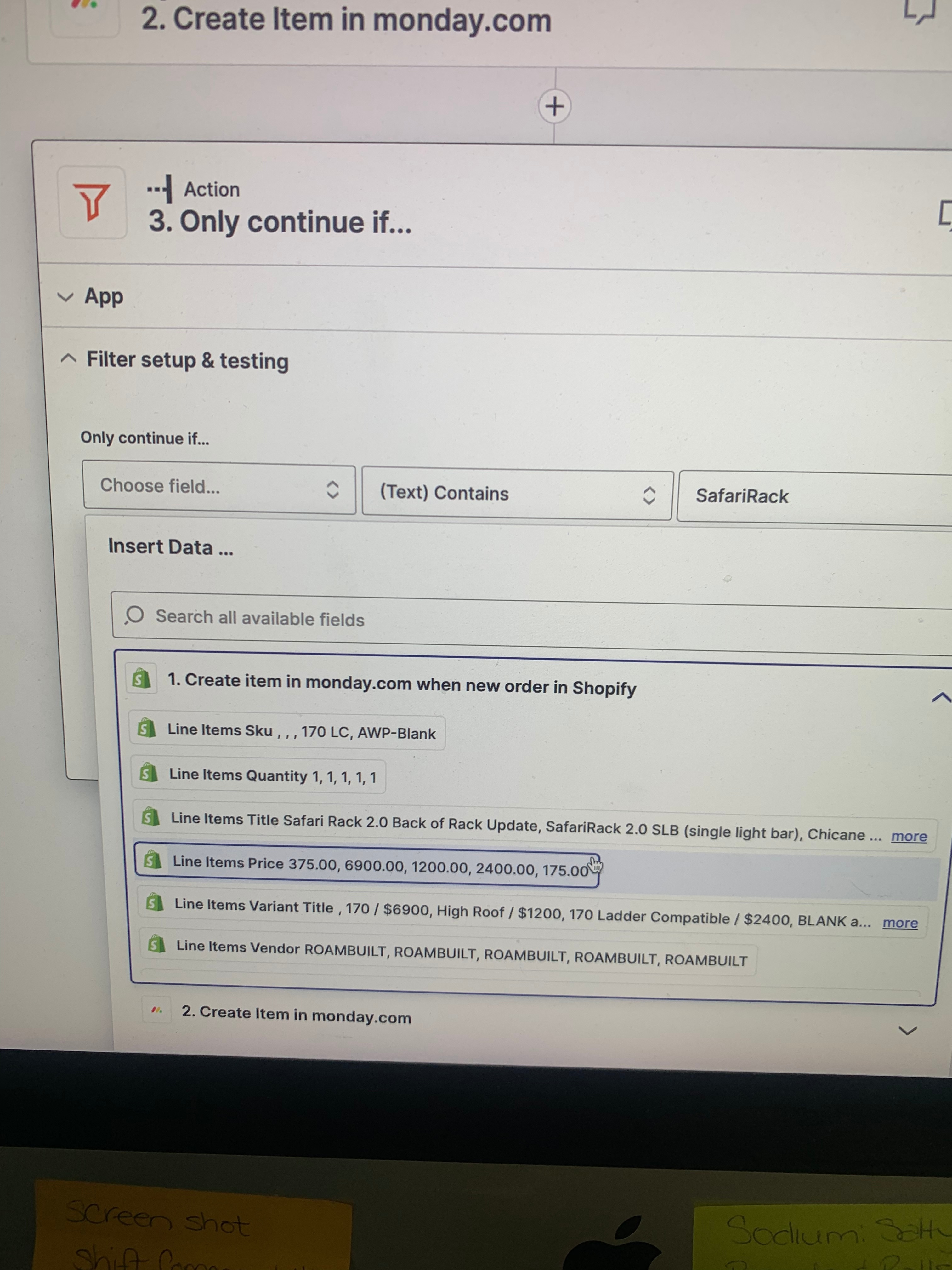
I cannot figure out how to change the destination board I think im supposed to enter something in the “choose field”  but when I select that I don't know how to select the different board from the board programmed into the zap


This post has been closed for comments. Please create a new post if you need help or have a question about this topic.

3 replies

Troy Tessalone
Zapier Orchestrator & Solution Partner
Forum|alt.badge.img+14
  • Zapier Orchestrator & Solution Partner
  • July 29, 2023

Hi @Rclapp 

Good question.

Please post screenshots with how your Zap steps are configured along with the field in question to help us have proper context, thanks.


Rclapp
  • Author
  • New
  • July 29, 2023

If the order contains the word (xxxxrack) 

I need it to go into the group “rack orders”


if the order does not contain the word (xxxxrack)

I need it to go into the group “at once orders”


I have a number of racks.  Safari rack/cargo rack / flatrack


Troy Tessalone
Zapier Orchestrator & Solution Partner
Forum|alt.badge.img+14
  • Zapier Orchestrator & Solution Partner
  • July 29, 2023

@Rclapp 

If you have a Zapier Pro+ plan, then you can use Paths in Zaps: https://help.zapier.com/hc/en-us/articles/8496288555917


Of you can create 2 Zaps.

I’d recommend moving the Filter to be Step 2 in both Zaps, so only 1 of the 2 Zaps would process.