Best answer

How to send the VAT number on Quaderno invoices (from Thrive Cart or Stripe)?

  • November 4, 2022
  • 1 reply
  • 82 views

Hello,

I am looking for a solution so that the VAT number appears on invoices in Quaderno.


The tools I use:

- Thrive Cart (online payment)

- Stripe (linked to Thrive Cart)

- Quaderno (for multi-country invoice management, linked to Stripe)


When I sell a product online, the purchase is made on Thrive Cart. Customers can enter their VAT number but it is not sent to Stripe and does not appear on Quaderno invoices.


Stripe and Thrive Cart support tell me to set up a Zap but I don't know how to go about it.


> Have you encountered this situation before?

> How can I do to avoid 2 invoices from being generated? (one by Quaderno via Stripe + one by Quaderno via Zapier)


Thanks in advance for any help you can give me 🙏
Best answer by robschmidt

Hi @TBB 

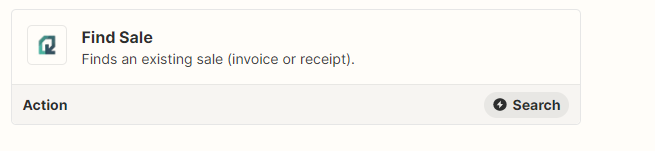
You can fix the duplicate issue in zapier by searching in Quaderno before the making the invoice. If the invoice already exist, you filter it out, and if not you let it through.


It should look like this:

  • Thrivecart purchase
  • Search invoice in Quaderno 
  • Filter: If Invoice ID doesnt exist
  • Create invoice in Quaderno 


This post has been closed for comments. Please create a new post if you need help or have a question about this topic.

1 reply

robschmidt
Forum|alt.badge.img+9
  • Zapier Solution Partner
  • Answer
  • November 4, 2022

Hi @TBB 

You can fix the duplicate issue in zapier by searching in Quaderno before the making the invoice. If the invoice already exist, you filter it out, and if not you let it through.


It should look like this:

  • Thrivecart purchase
  • Search invoice in Quaderno 
  • Filter: If Invoice ID doesnt exist
  • Create invoice in Quaderno