I’m trying to get zapier to send slack messages based on the date/column in excel. The excel sheet is updated daily and I want zapier to send slack messages for each row with a particular date or date range

Best answer
How to send multiple rows from Excel to Slack
Best answer by Troy Tessalone
Hi
Good question.
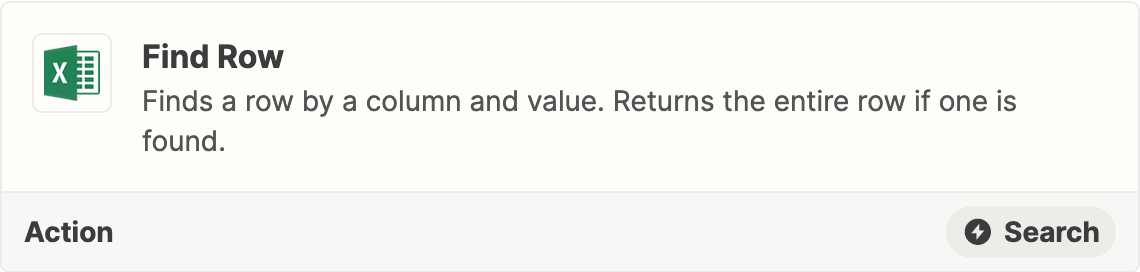
The Excel Find Row Zap action will only return 1 row.
GSheets has 2 Zap actions that will return multiple records (MAX 10 or 20)

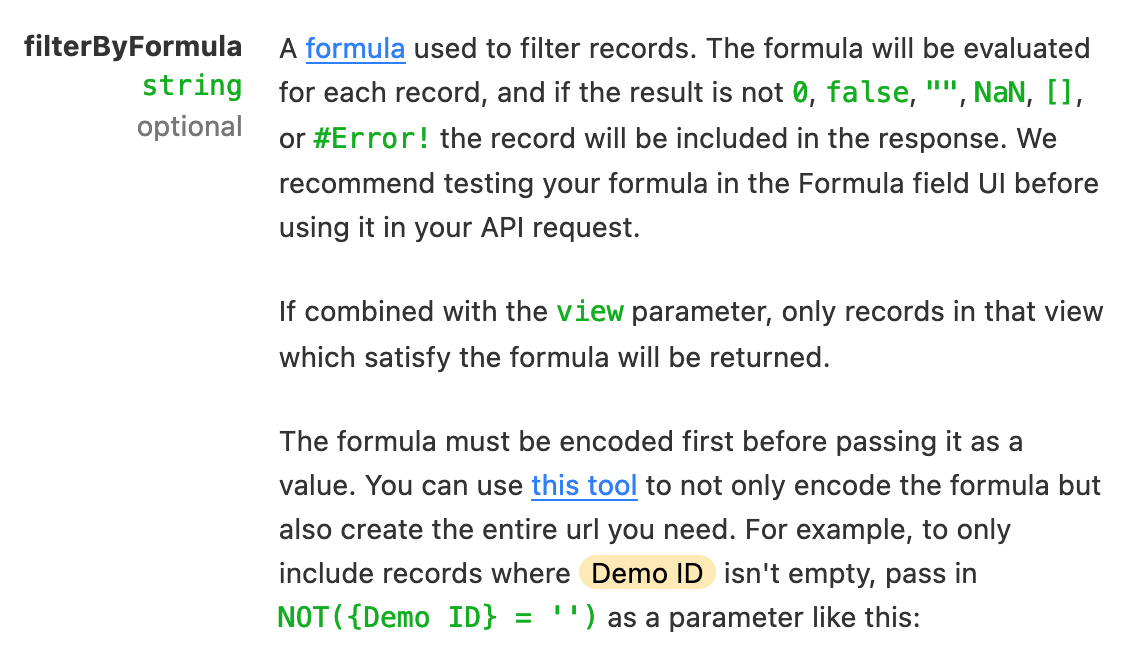
Otherwise, you can use an Airtable Base with the Airtable API to return multiple records.
NOTE: The Airtable API has pagination that returns 100 records per page.
This post has been closed for comments. Please create a new post if you need help or have a question about this topic.





ZapConnect 2026 is coming
Join us September 23rd, 2026 for a free, one-day virtual event with 30+ sessions on AI automation. Get live build-alongs, playbooks, and strategies to lead AI transformation at your organization.
Log in to the Community
No account yet? Create an account
Use your Zapier credentials
Log in with ZapierEnter your E-mail address. We'll send you an e-mail with instructions to reset your password.