Best answer

How to send empty fields from Google Sheets to ESP via Zapier to clear existing data?

  • April 15, 2024
  • 3 replies
  • 69 views

I am using a Google sheets > zapier > ESP zap to update contact data. I want to send empty fields to erase existing attribute data in the ESP. The automation currently seems to only be sending fields with values and not sending empty fields (When I send a zap, existing attribute data remains in fields where the current field is empty). Please tell me how to build a zap so that it sends empty fields.

Best answer by Troy Tessalone

@deade 

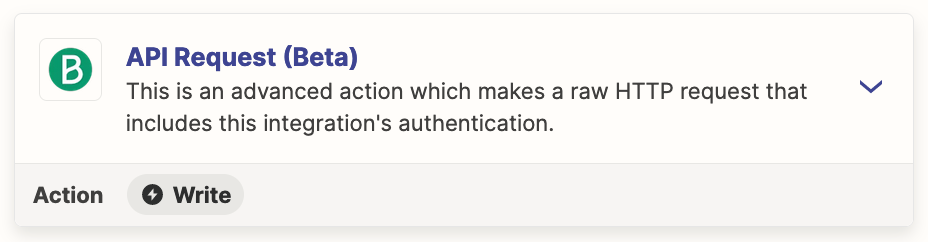
You may have to use the Brevo API: https://developers.brevo.com/reference/getting-started-1


This post has been closed for comments. Please create a new post if you need help or have a question about this topic.


3 replies

Troy Tessalone
Zapier Orchestrator & Solution Partner
Forum|alt.badge.img+14
  • Zapier Orchestrator & Solution Partner
  • April 16, 2024

Hi @deade 

Which Zap app are you using for “ESP”? Link to the website.

The Zap app integration would have to support clearing data as part of the Zap action.

e.g. Some apps include fields descriptions with instructions about how to do that, if possible.

Perhaps try reaching out to the ESP app Support for possible guidance.


  • Author
  • New
  • April 16, 2024

Hi @Troy Tessalone 

I’m using Brevo (formerly Sendinblue): https://help.brevo.com/hc/en-us/articles/209580465-Use-Zapier-to-integrate-an-app-with-Brevo. I did see that Brevo has specific instructions on how to import empty fields to erase existing attribute data with manual imports but haven’t found anything about automated updates.

I have reached out to their customer support but haven’t heard back yet. Please let me know if you have any other information and thank you for responding!


Troy Tessalone
Zapier Orchestrator & Solution Partner
Forum|alt.badge.img+14
  • Zapier Orchestrator & Solution Partner
  • Answer
  • April 16, 2024

@deade 

You may have to use the Brevo API: https://developers.brevo.com/reference/getting-started-1