Question

How to send an email when an intake form is filled out in Practice Panther

  • April 23, 2025
  • 4 replies
  • 20 views

I would like to be able to send an email when an intake for is filled out.  It isn’t an option so I selected a change in a matter since after an intake form is filled out if we accept them we turn it into a matter.  I can’t figure out how to get the email to match with the contact info for the contact that the matter is assigned to.


 

This post has been closed for comments. Please create a new post if you need help or have a question about this topic.

4 replies

Troy Tessalone
Zapier Orchestrator & Solution Partner
Forum|alt.badge.img+14
  • Zapier Orchestrator & Solution Partner
  • April 23, 2025

Hi ​@kward510 

What does the PracticePanther intake form do? (e.g. create contact, create matter, etc.)

Try this Zap trigger: PracticePanther - New Matter

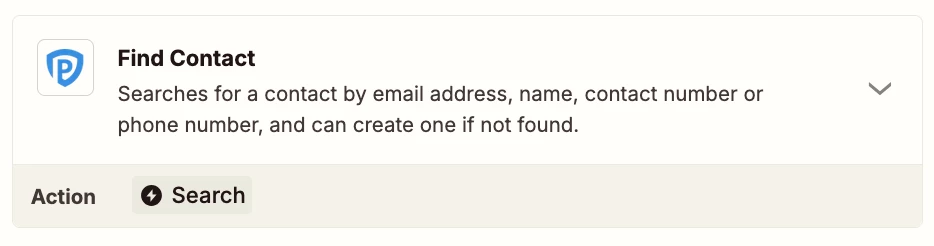
You may need to add a Zap step to find the Contact associated to the Matter in order to get the Contact details to use.

The Matter may contain the ID of the Contact.


SamB
Community Manager
Forum|alt.badge.img+11
  • Community Manager
  • May 8, 2025

Hi ​@kward510 👋

Did Troy’s suggestions here do the trick? Keep us posted on how it’s going—want to make sure you’re all set! 🙂


  • Author
  • Beginner
  • May 8, 2025

I could get it to email me during the test but not pull the contact’s email and send it to them.  


JammerS
Forum|alt.badge.img+6
  • Zapier Staff
  • May 9, 2025

Hi ​@kward510,


If your Zap successfully sends a test email but fails to send to the contact during live runs, the issue may lie in how the contact's email is being pulled and mapped. First, confirm that the email address is present in the trigger data by reviewing the output of that step. Then, ensure the "To" field in the email action is dynamically mapped to the correct email field, rather than using a static or default address used during testing. If the email isn't directly available, add a "Find Contact" step using a unique identifier (like a contact ID or name) to retrieve the correct email. Test the Zap using real data and review the Zap History for errors. If problems persist, contacting Zapier Support with specifics of your setup can help uncover field mapping or data retrieval issues.

I hope this helps resolve the issues you're facing. If you have any more questions or need further clarification, feel free to ask.