Question

How to retrieve “Meeting scheduled date” of a specific HubSpot meeting to run a SMS workflow?

  • April 9, 2024
  • 7 replies
  • 126 views

Hello,

I want to retrieve “Meeting scheduled date” of a specific HubSpot meeting to run a sms workflow.

But HubSpot does not allow us to get that property value? Can I achieve this with Zapier?


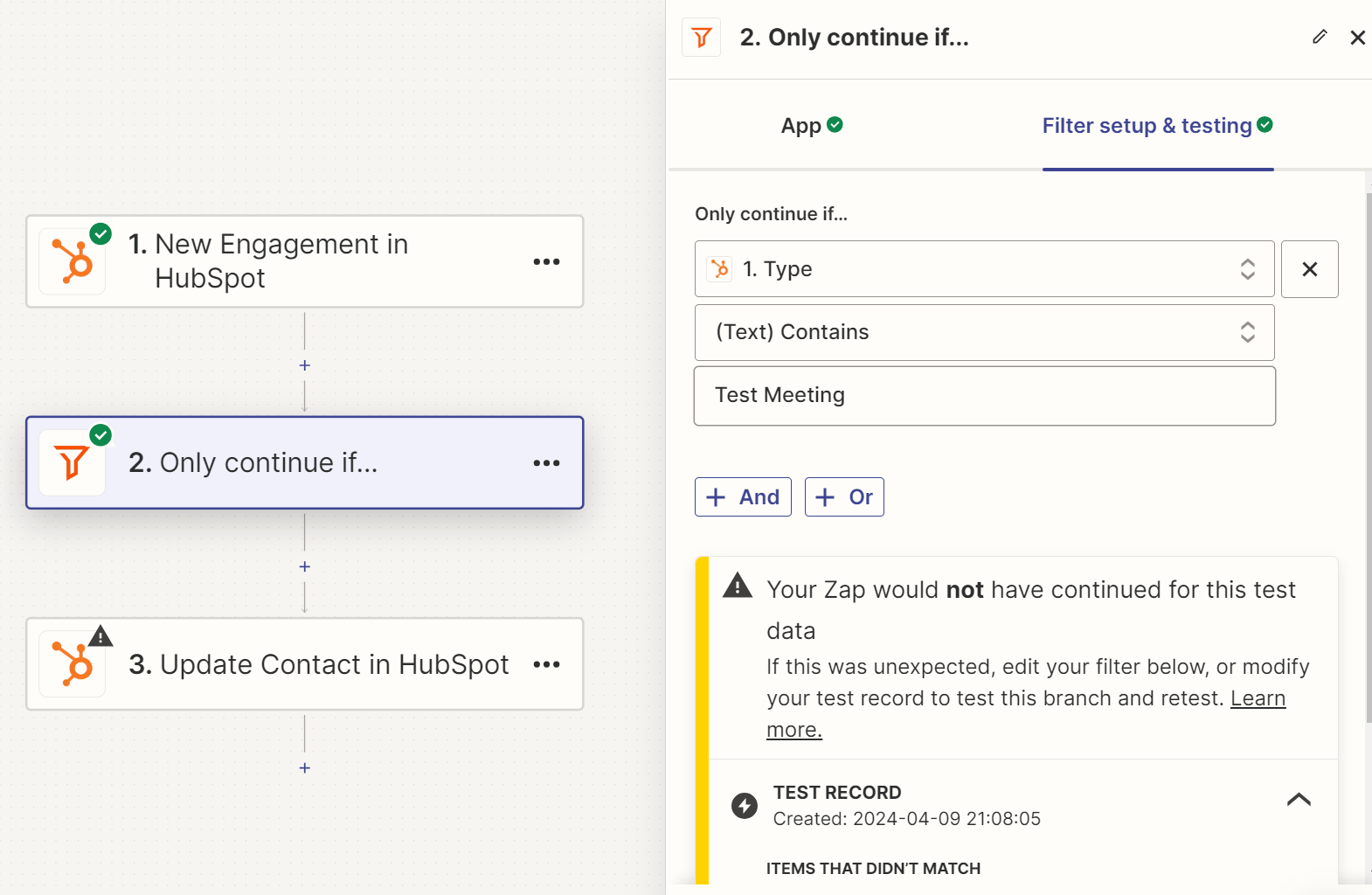
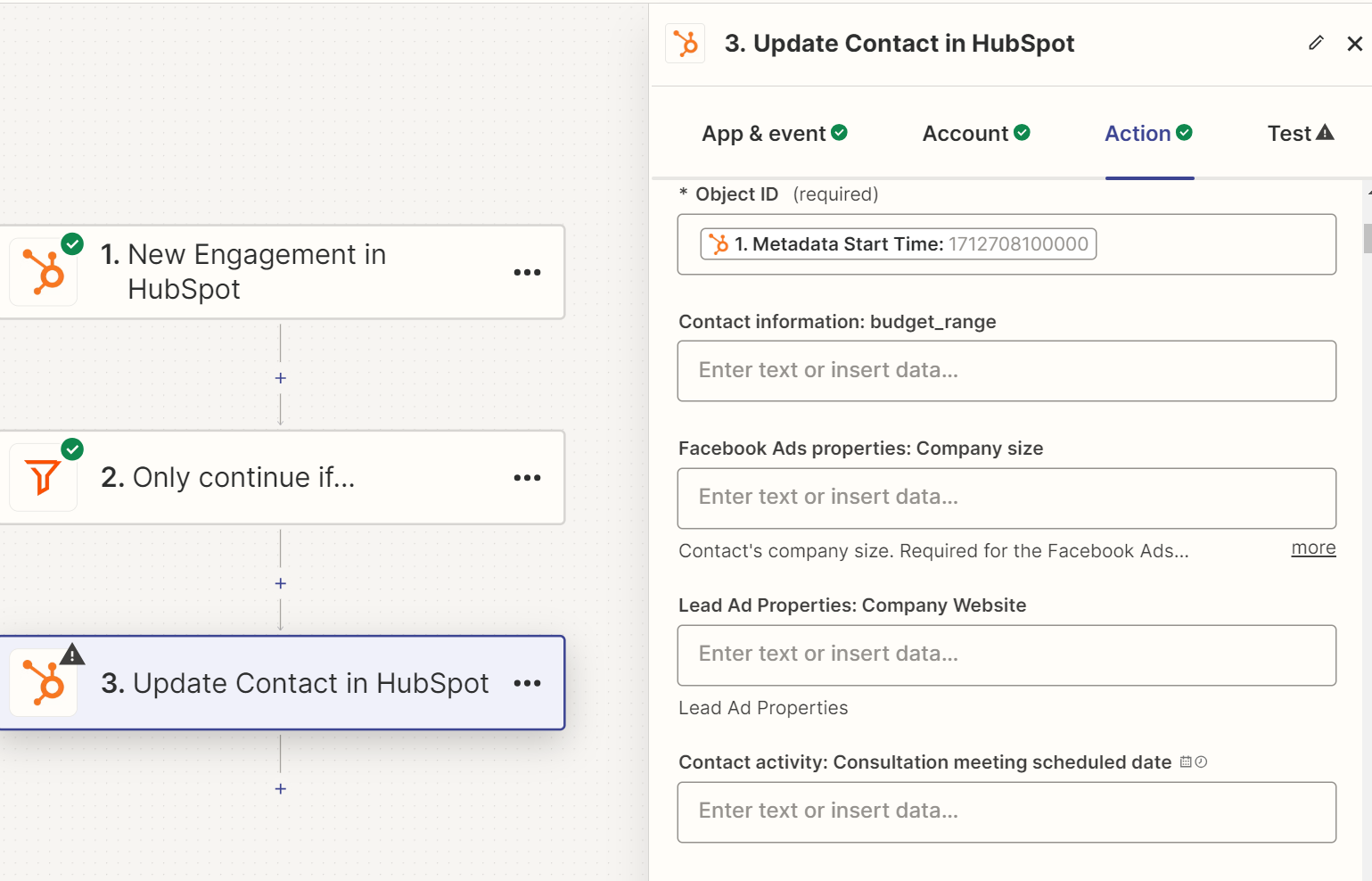
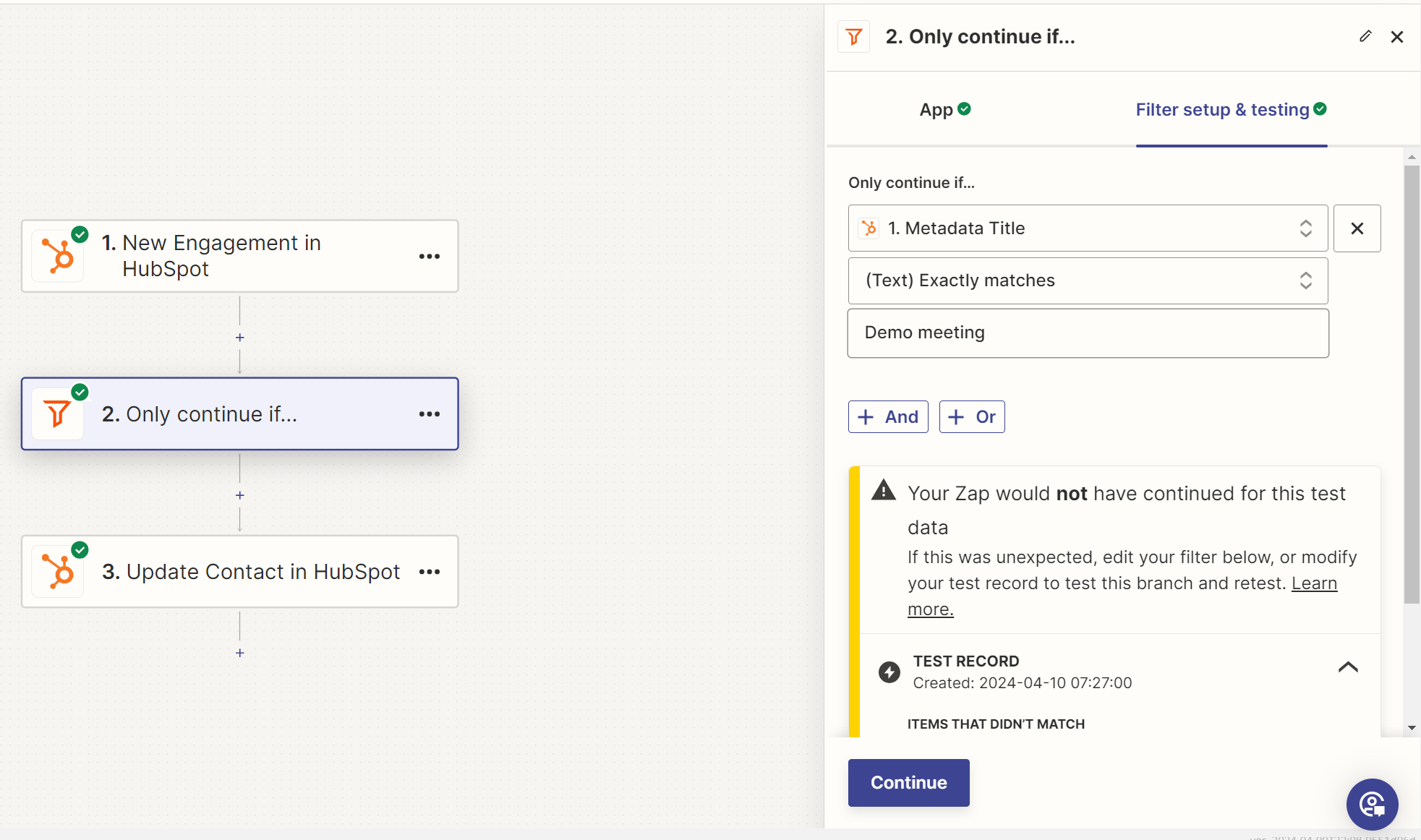
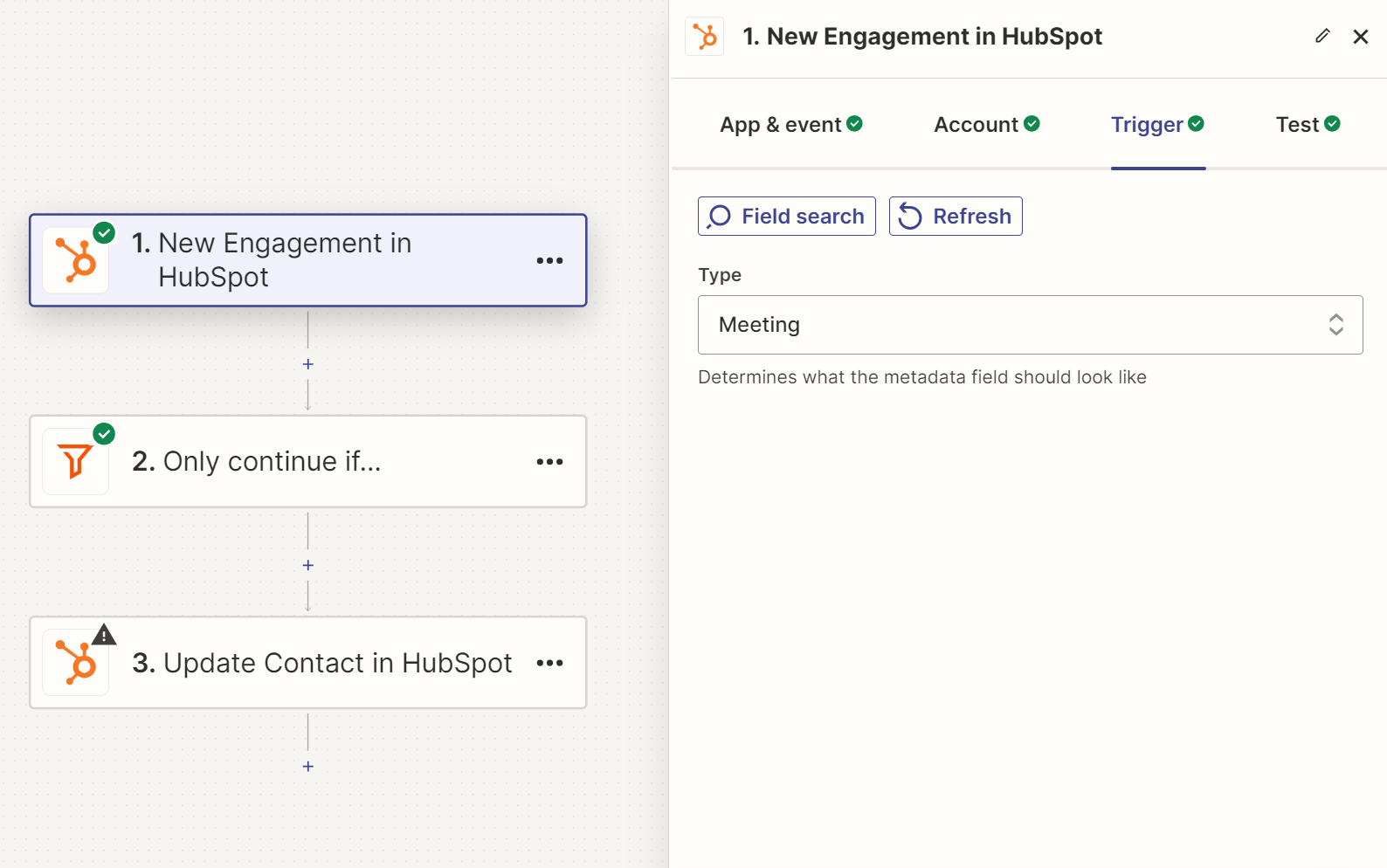
I created a custom “Meeting Scheduled Date” property in HubSpot and created a Zap to update it. Unfortunately, it doesn’t work. Here is my Zap. Please guide me through as I am very new to Zapier.


Thanks a lot. 


This post has been closed for comments. Please create a new post if you need help or have a question about this topic.

7 replies

Troy Tessalone
Zapier Orchestrator & Solution Partner
Forum|alt.badge.img+14
  • Zapier Orchestrator & Solution Partner
  • April 9, 2024

Hi @Thadar 

Is the property you are trying to update on the HubSpot Contact object?

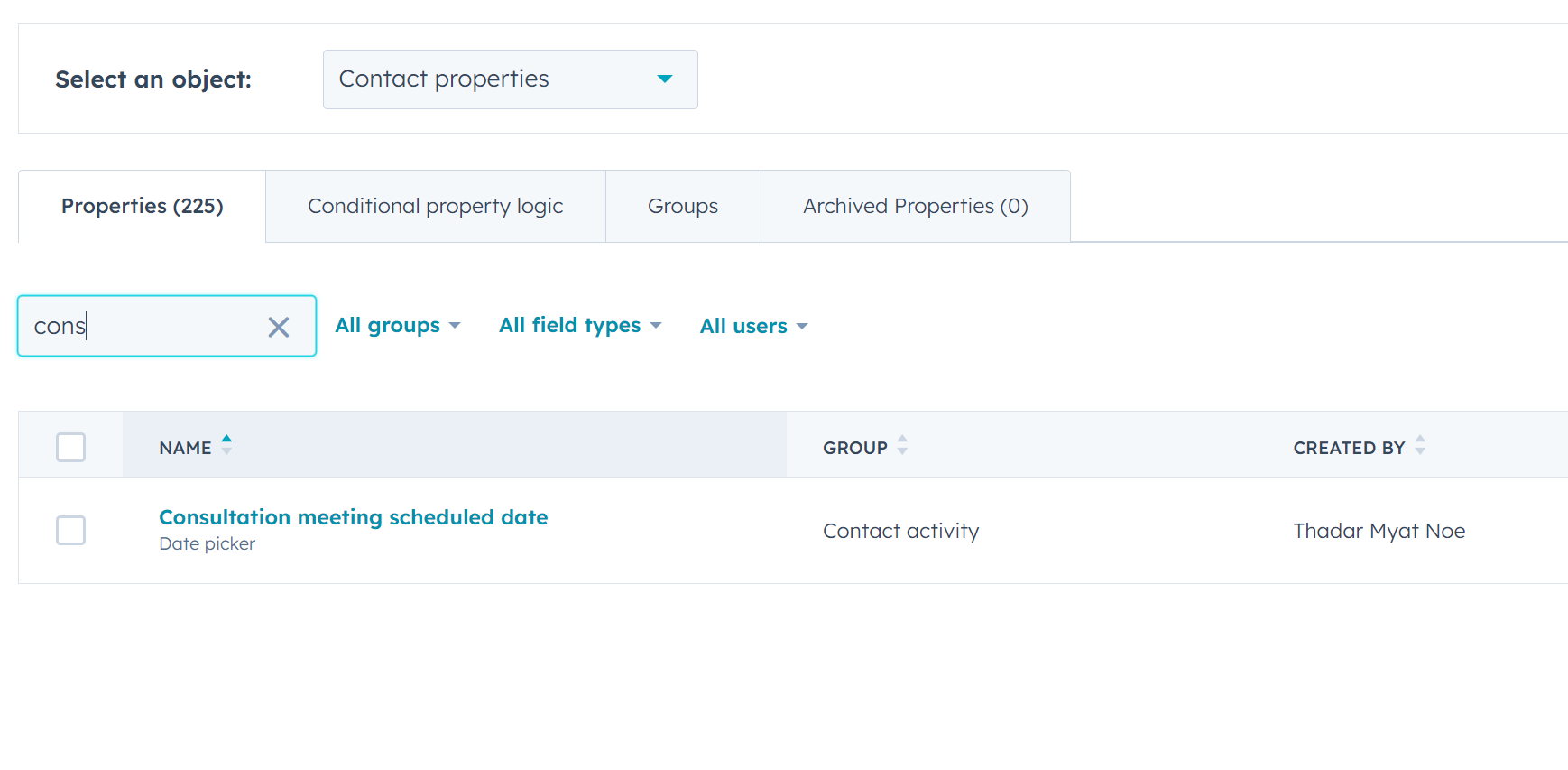
Can you post screenshots of the property as you see it in HubSpot for us to have context?


  • Author
  • New
  • April 9, 2024

Hi @Troy Tessalone , yes, it is on HubSpot contact object. 

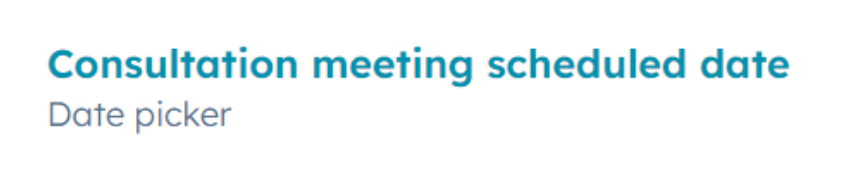
You can see it here.


Troy Tessalone
Zapier Orchestrator & Solution Partner
Forum|alt.badge.img+14
  • Zapier Orchestrator & Solution Partner
  • April 9, 2024

@Thadar 

fyi...Depending on your HubSpot plan, you may have able to use HubSpot Workflow Rules to update this Contact Property: https://knowledge.hubspot.com/workflows/create-workflows


You would need to do one of these for the field value:


Supported date/time formats 

Zapier tries to interpret any date or time you provide. For example, all of the following date formats are supported:

  • tomorrow at noon
  • next Friday at 7PM (Friday of the next week, not the current week)
  • 2/13/2020 8PM EST
  • 2020-10-26T16:56 (standard ISO format)
  • 1393462573 (a UNIX timestamp)
miscEye icon Note

By default, Zapier uses the ISO 8601 standard for formatting dates. Some apps may use different date and time defaults. If needed, you can adjust date/time values in Zaps by adding or subtracting time from the value within the field.


  • Author
  • New
  • April 9, 2024

Hey @Troy Tessalone ,


Thanks for the prompt response. Zap runs now, however, it is not for the meeting that I want. Can you please check? Thank you.


  • Author
  • New
  • April 9, 2024

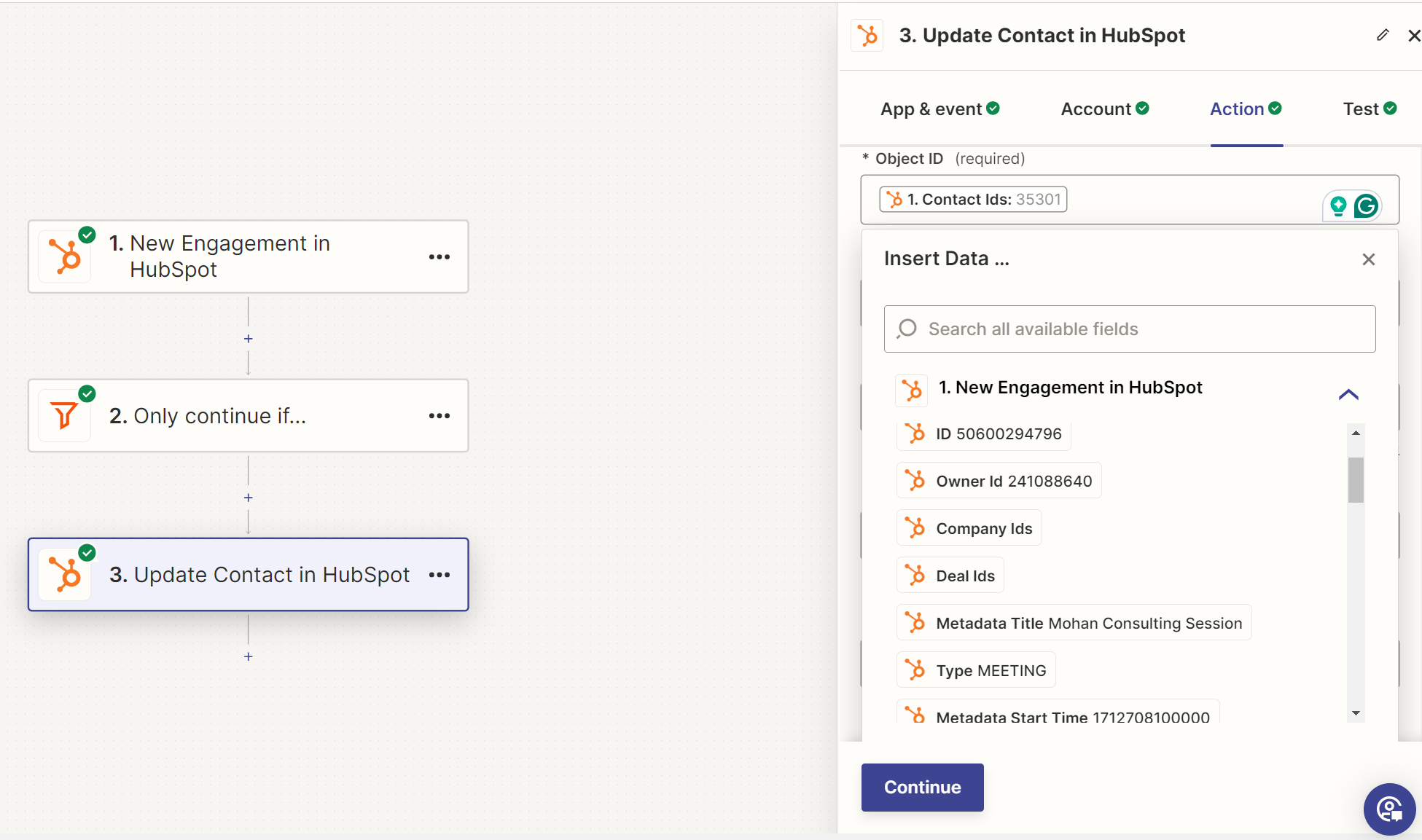
Hey @Troy Tessalone, I found out that the data available in the data field is only for a contact (Mohan). Can you please shed some light on the reason for it? 


  • Author
  • New
  • April 9, 2024

Is it related to the test record that I chose at the trigger stage?


Many thanks.


Troy Tessalone
Zapier Orchestrator & Solution Partner
Forum|alt.badge.img+14
  • Zapier Orchestrator & Solution Partner
  • April 9, 2024

@Thadar 

Help article about changing Zap trigger test records: https://help.zapier.com/hc/en-us/articles/8496310366093-Change-the-test-record-in-your-Zap-trigger


Each time the Zap is triggered to run the mapped dynamic variables will have different values.


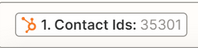
Example: This “Contact Ids” mapped dynamic variable comes from Step 1 and has a value of 35301.