Question

How to map Google Sheets fields to WordPress Gutenberg fields in Zapier?

  • November 3, 2023
  • 11 replies
  • 100 views

Hello,


I tried to set up a zap that creates a new post when a google spreadsheet row is updated. However when testing it tells me the summary, description and title are empty. now we dont use the basic wordpress but mostly gutenberg blocks. Can i map my fiels from google spreadsheat to the wordpress/gutenberg fields? 

This post has been closed for comments. Please create a new post if you need help or have a question about this topic.

11 replies

Troy Tessalone
Zapier Orchestrator & Solution Partner
Forum|alt.badge.img+14
  • Zapier Orchestrator & Solution Partner
  • November 3, 2023

Hi @A performis 

Good question.

For us to have more info, please post screenshots with how your Zap steps are configured.


  • Author
  • Beginner
  • November 3, 2023

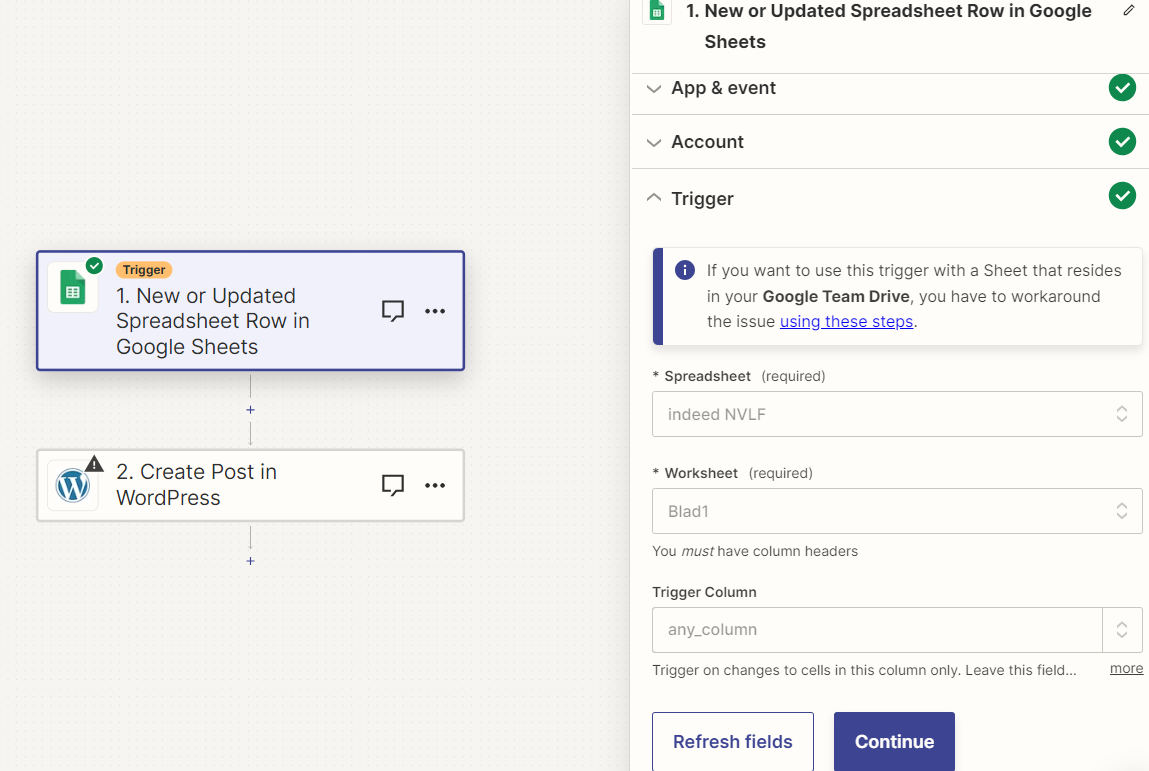
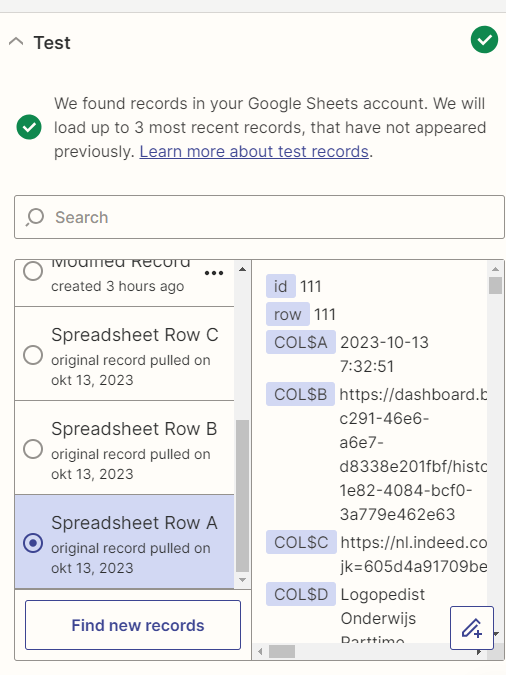
The event is new or updated spreadsheet row


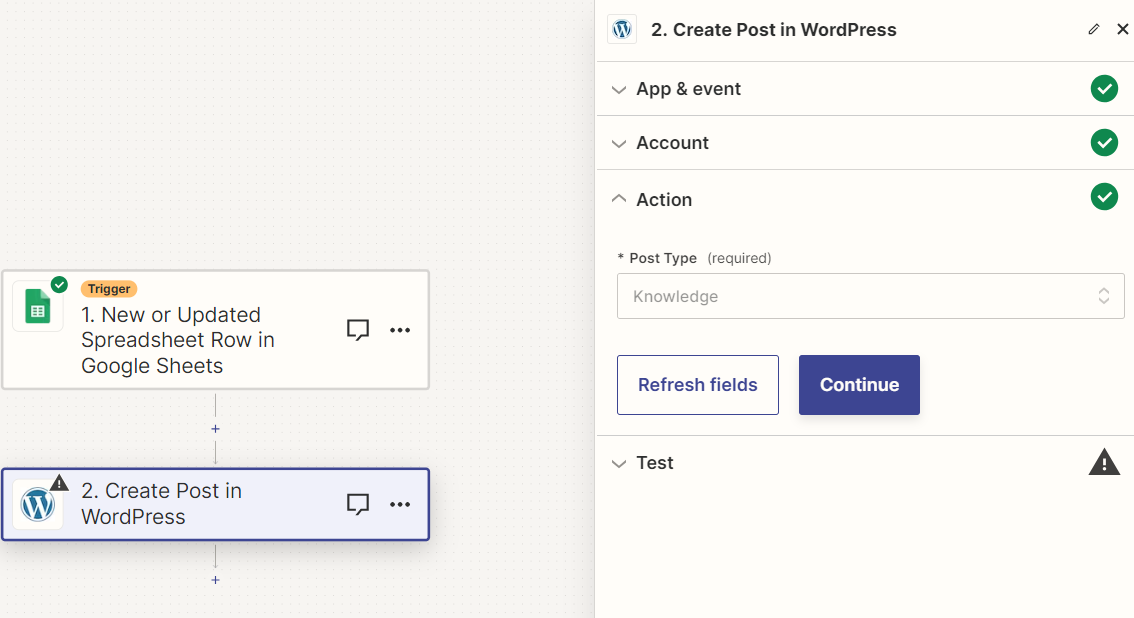
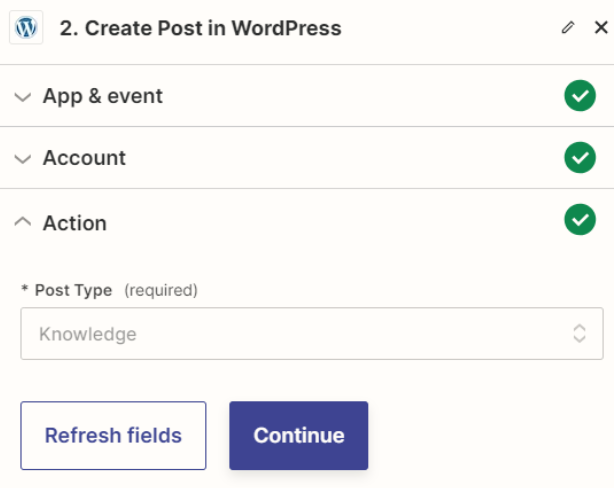
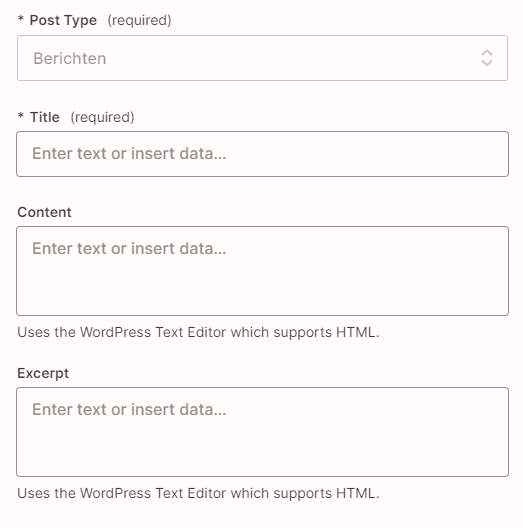
Wordpress create a post:

This is all it lets me select after that it goes to test but that tells me the fields are empty. 


Do you need anymore information?


Troy Tessalone
Zapier Orchestrator & Solution Partner
Forum|alt.badge.img+14
  • Zapier Orchestrator & Solution Partner
  • November 3, 2023

@A performis 

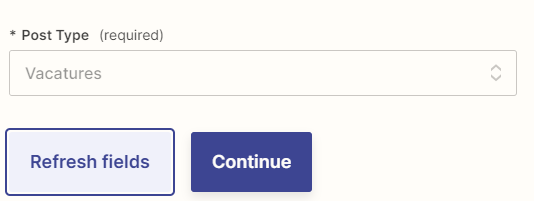
Did you try clicking the [Refresh fields] button?


  • Author
  • Beginner
  • November 3, 2023

Yeah it gives me the same error. but we dont use the normal wordpress. We use certain gutenberg blocks. So the original ones that i think its asking for we dont have. But it doesn't give me the option to map what data needs to go where. 


Troy Tessalone
Zapier Orchestrator & Solution Partner
Forum|alt.badge.img+14
  • Zapier Orchestrator & Solution Partner
  • November 3, 2023

@A performis 

Help articles for using the WordPress Zap app: https://zapier.com/apps/wordpress/help


  • Author
  • Beginner
  • November 16, 2023

@Troy Tessalone so i got it work, however, the test post it makes doesnt show up in my wordpress


Troy Tessalone
Zapier Orchestrator & Solution Partner
Forum|alt.badge.img+14
  • Zapier Orchestrator & Solution Partner
  • November 16, 2023

@A performis 

If you are able to test the Zap step it should return data that you can use to troubleshoot.

e.g. ID, etc.

Post screenshots to give us context.


  • Author
  • Beginner
  • November 17, 2023

Hi @Troy Tessalone 

The problem is that if I select 'blogposts’ as post type, then I get the possibility to map fields of my Google Docs.

But if I select a custom post type (like vacancies), then there don't appear any mapping fields


We make use of ACF fields (these are custom fields), which may be the cause. 

Do you have any idea what goes wrong here and do you have a solution to map data from my google drive sheet to my custom fields?


Troy Tessalone
Zapier Orchestrator & Solution Partner
Forum|alt.badge.img+14
  • Zapier Orchestrator & Solution Partner
  • November 17, 2023

@A performis 

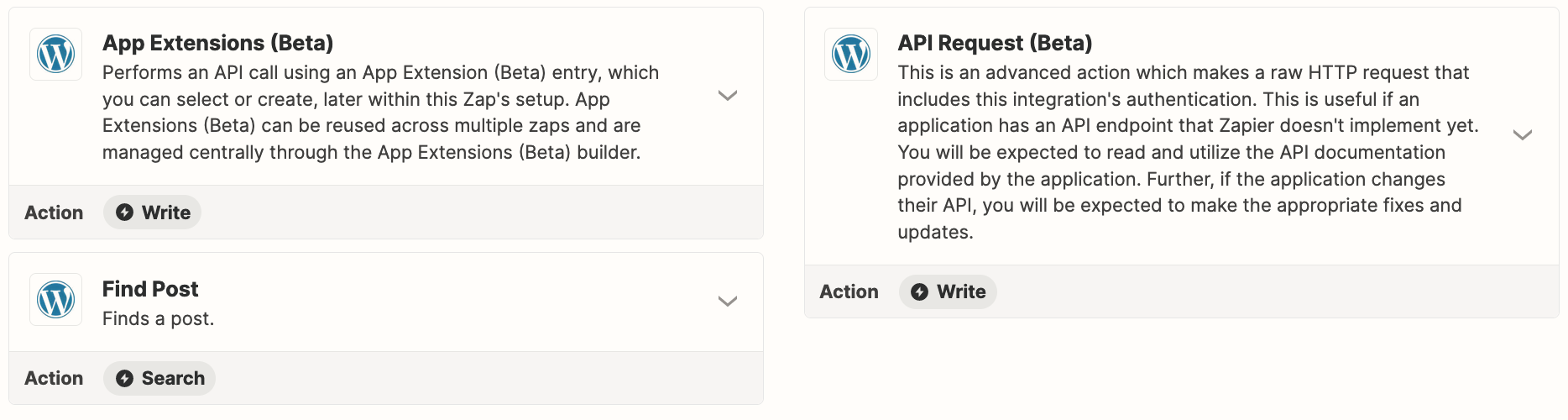
If custom post types are not supported, then you may have to explore using the WordPress API via one of the 2 API actions shown.


  • Author
  • Beginner
  • November 20, 2023

@Troy Tessalone Alright, we will investigate the API option. 

But can you confirm that de zapier wordpress plugin doesn't support ACF custom fields? ACF custom fields is widely used plugin in wordpress development and I would assume that this plugin would support custom fields. So maybe there is a bug in our codebase, but in order to know that, I have to know if the plugin supports (ACF) custom fields?


Troy Tessalone
Zapier Orchestrator & Solution Partner
Forum|alt.badge.img+14
  • Zapier Orchestrator & Solution Partner
  • November 20, 2023

@A performis 

You’ll have to open a ticket with Zapier Support to get official confirmation about the Zapier plugin.

https://zapier.com/app/get-help