Best answer

How to I setup filtering on Google Sheets to prevent duplications?

  • October 6, 2021
  • 4 replies
  • 615 views

Hi 

I am using Zapier to connect my Gravity forms to a Google Sheet. Every time someone submits a form on my website I get all their data on a spreadsheet. This data is Last Name, First Name and all demographics. I created a filter so only the people that selects “Orange” as their county of residency are the ones that are being added to this spreadsheet. I would like to add another filter to it this and this is the problem that I am having. I would like the new row to be created only if that contact is not already on the spreadsheet. I basically don’t want duplicates on the spreadsheet. 

Thank you,

Best answer by Troy Tessalone

Hi @nadearteaga 

Try these Zap steps…

  1. Trigger: Gravity Forms
  2. Action: Filter
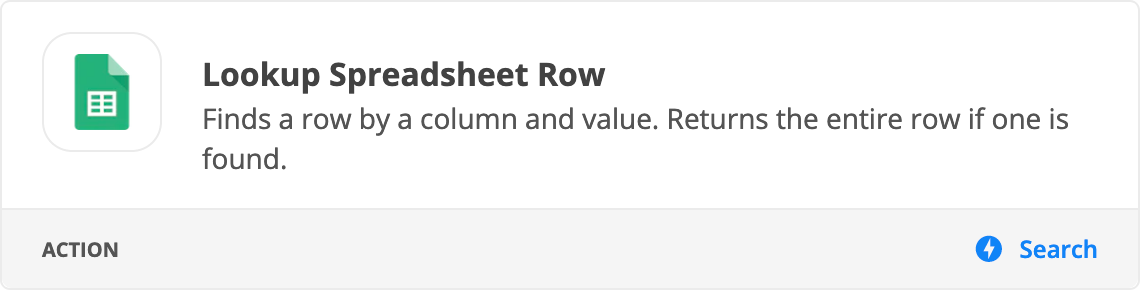
  3. Action: GSheets - Lookup Spreadsheet Row (and check the Create Row option at the bottom)


This post has been closed for comments. Please create a new post if you need help or have a question about this topic.

4 replies

Troy Tessalone
Zapier Orchestrator & Solution Partner
Forum|alt.badge.img+14
  • Zapier Orchestrator & Solution Partner
  • Answer
  • October 6, 2021

Hi @nadearteaga 

Try these Zap steps…

  1. Trigger: Gravity Forms
  2. Action: Filter
  3. Action: GSheets - Lookup Spreadsheet Row (and check the Create Row option at the bottom)


  • Author
  • Beginner
  • October 8, 2021

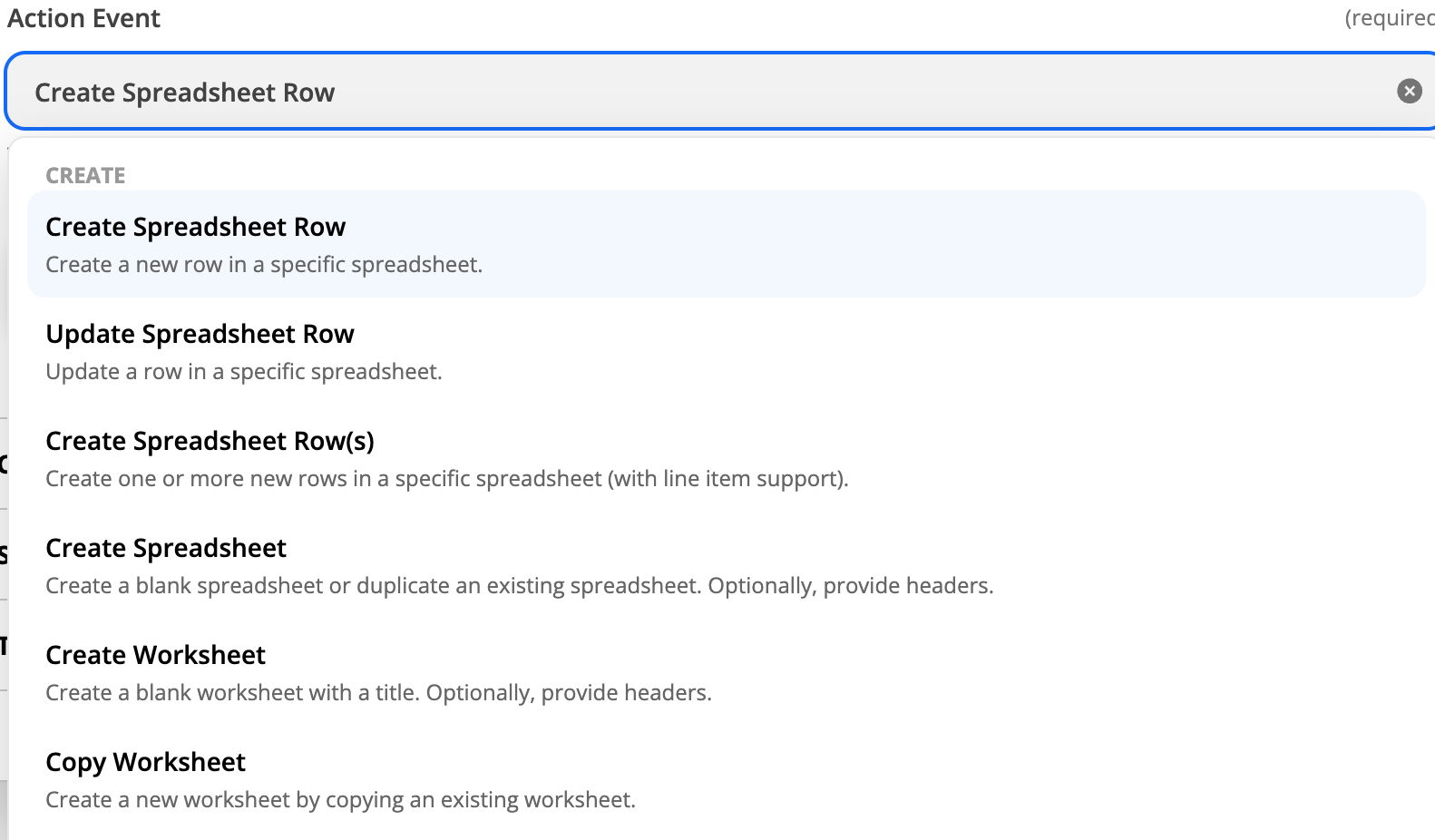
Hi thank you for your reply! I don’t see that option :(!!


Troy Tessalone
Zapier Orchestrator & Solution Partner
Forum|alt.badge.img+14
  • Zapier Orchestrator & Solution Partner
  • October 8, 2021

@nadearteaga

Try scrolling/searching for ‘lookup’.


  • Author
  • Beginner
  • October 19, 2021

Thank you SO MUCH this worked perfectly!!