Question

How to get Slack notification when hyperlink clicked in Gmail?

  • February 9, 2022
  • 4 replies
  • 318 views

I would love to put a hyperlink inside a native Gmail email (sent from Gmail, not via Zapier) and it notify me somehow, if someone clicks that link…. text, Slack, another email, etc.


Is there a way to set this up? The emails themselves that I’m sending are not automated, they vary from person to person. I just want the ability to add ONE link and then get a notification that it was clicked. (For context, this would be so potential leads could click the link and say “no longer interested”)


This post has been closed for comments. Please create a new post if you need help or have a question about this topic.

4 replies

Troy Tessalone
Zapier Orchestrator & Solution Partner
Forum|alt.badge.img+14
  • Zapier Orchestrator & Solution Partner
  • February 9, 2022

Hi @jessfreeman 

You’ll need to use an email tracking app.

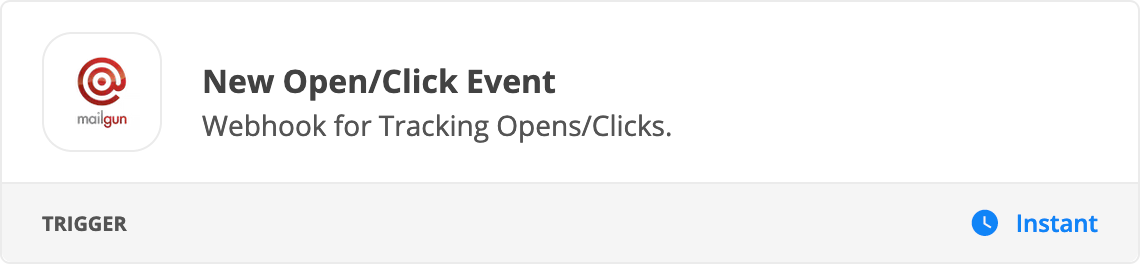
For example, Mailgun has this trigger event: https://zapier.com/apps/mailgun/integrations#triggers-and-actions


Troy Tessalone
Zapier Orchestrator & Solution Partner
Forum|alt.badge.img+14
  • Zapier Orchestrator & Solution Partner
  • February 9, 2022

@jessfreeman 

The other option is to have the link redirect to a web page.

As part of the link you’d configure URL query string parameters to pass along.

On that web, there would be JavaScript configured to parse the URL query string parameters and trigger a webhook.

That webhook would be used to trigger a Zap.

The Zap trigger would be Webhook (Catch Hook) which would generate the webhook URL to use in the JavaScript: https://zapier.com/apps/webhook/help


  • Author
  • New
  • February 9, 2022

Thank you! Sounds like the second option is what I am looking for, just need to figure out how to do that :)


Troy Tessalone
Zapier Orchestrator & Solution Partner
Forum|alt.badge.img+14
  • Zapier Orchestrator & Solution Partner
  • February 9, 2022

@jessfreeman

This topic might point you in the right direction:


Similar help here: https://www.w3docs.com/snippets/javascript/how-to-get-url-parameters.html