Question

How to find QBO Tags filed on invoices for Google Sheets

  • March 6, 2026
  • 3 replies
  • 14 views

Forum|alt.badge.img

How do I find the Tags filed on my invoices to pull into a google sheet? I can’t find it in the available fileds.


3 replies

Troy Tessalone
Zapier Orchestrator & Solution Partner
Forum|alt.badge.img+14
  • Zapier Orchestrator & Solution Partner
  • March 6, 2026

Hi ​@tnelson 

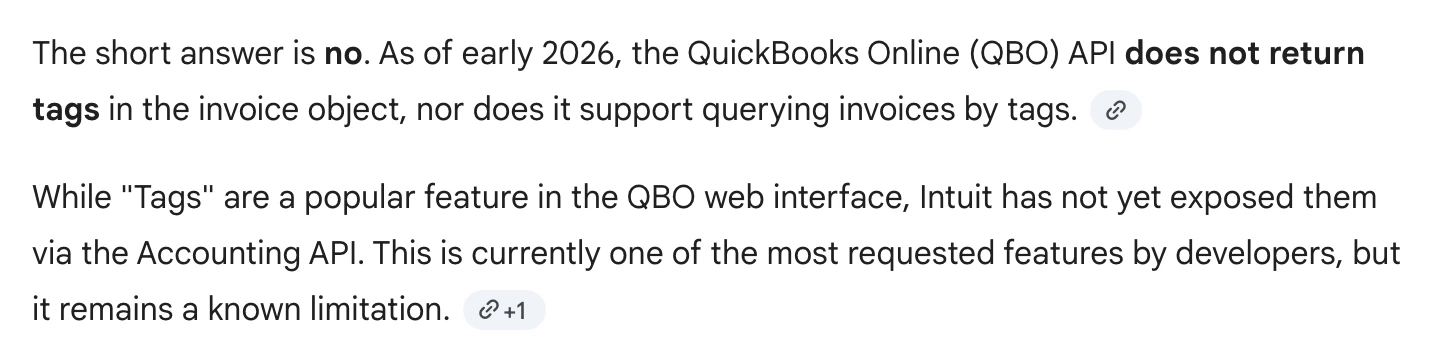
This may be why… (see screenshot)


Sparsh from Automation Jinn
Forum|alt.badge.img+6

Hey ​@tnelson,

I think tags are already deprecated by Quickbooks. Try moving to custom fields instead of tags. Hope it helps!


Forum|alt.badge.img+1

You probably won’t see Tags as a normal invoice field in Zapier.

QuickBooks has been moving away from legacy Tags toward custom fields, and Zapier’s QuickBooks Online integration does not expose every invoice field in every trigger/action. Intuit’s current docs point users toward custom fields/tagging changes, while Zapier’s QBO app only surfaces the fields the integration supports.

So if you can’t find it in the available fields, it’s likely not being returned by that Zap trigger. In practice, the usual options are:

  • switch to using a custom field in QBO instead of Tags

  • refresh/retest the QBO trigger with a very recent invoice

  • if you specifically need Tags, use a Webhook/API step instead of the standard Zapier field list

So this is probably a Zapier/QBO field availability limitation, not you missing it in the setup.