Question

How to ensure Gmail sends the updated email instead of the old version

  • April 28, 2025
  • 5 replies
  • 27 views

Hello,

I updated my gmail to go out to clients and it is not sending new updated email.  Instead it is sending the old verision.  How do I get it to send the updated?  Also, I don’t see the old email any more.


THanks,  Neave

This post has been closed for comments. Please create a new post if you need help or have a question about this topic.

5 replies

ken.a
Forum|alt.badge.img+6
  • Zapier Staff
  • April 29, 2025

Hi ​@Neave,

Welcome to the Community! 🎉

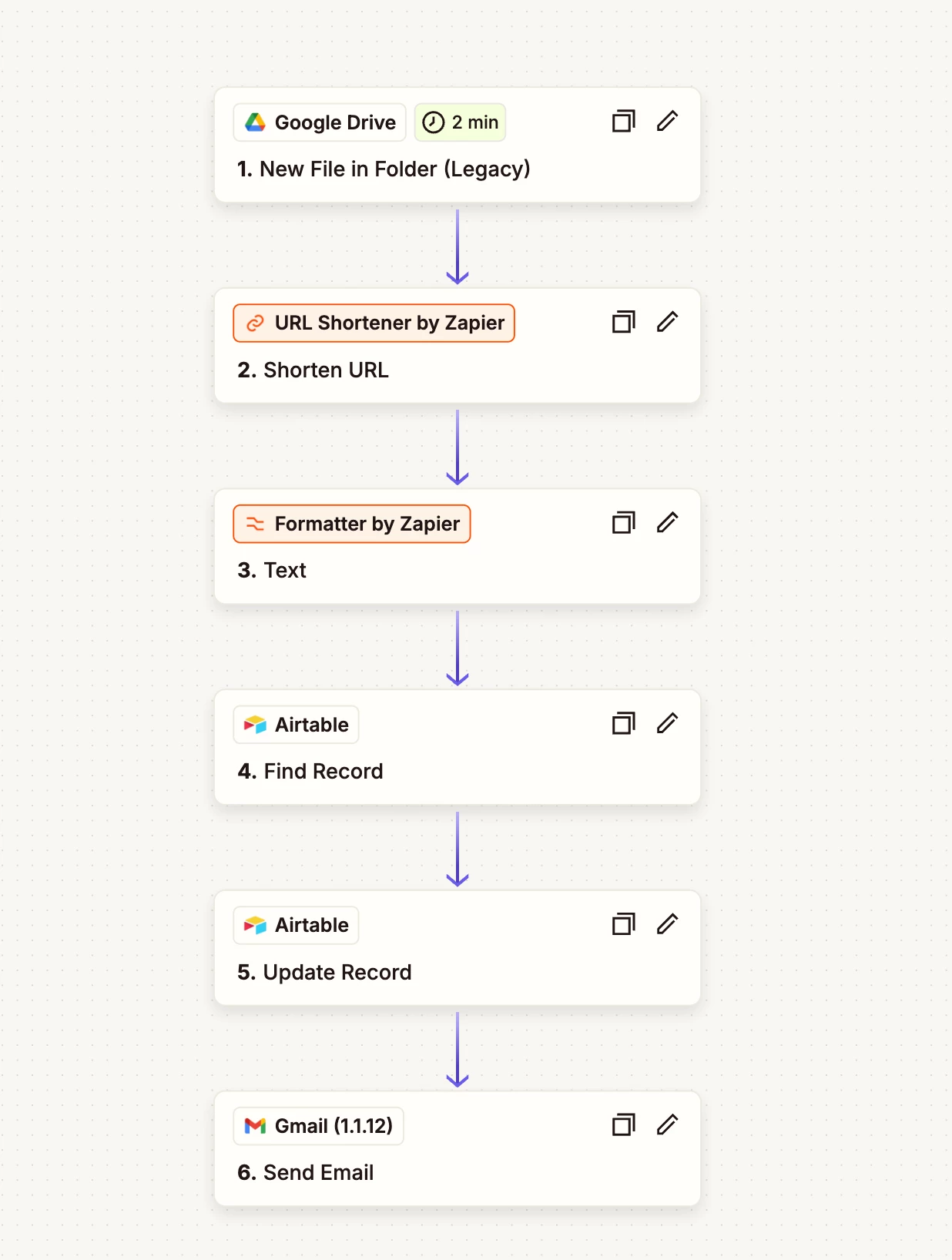
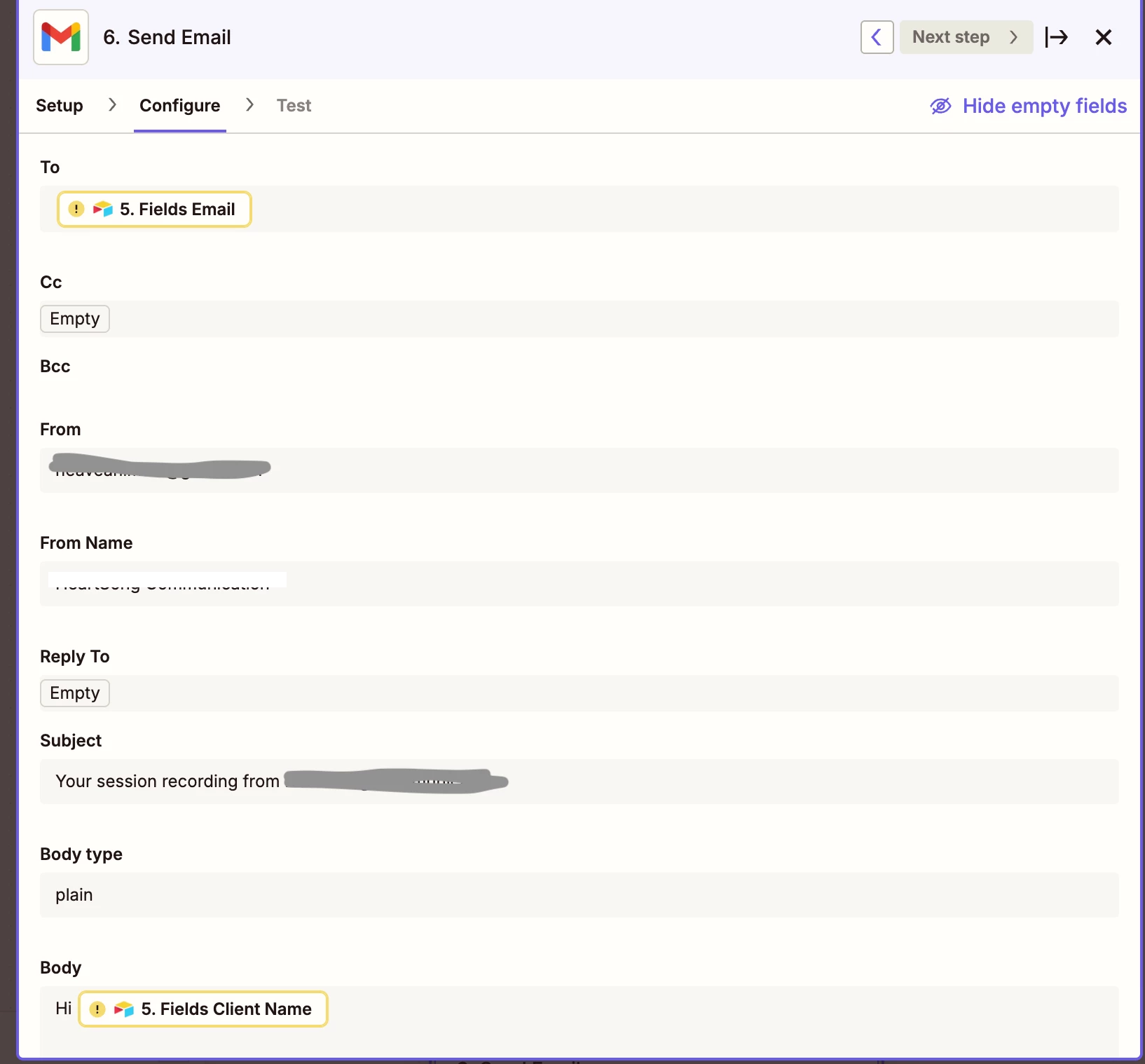
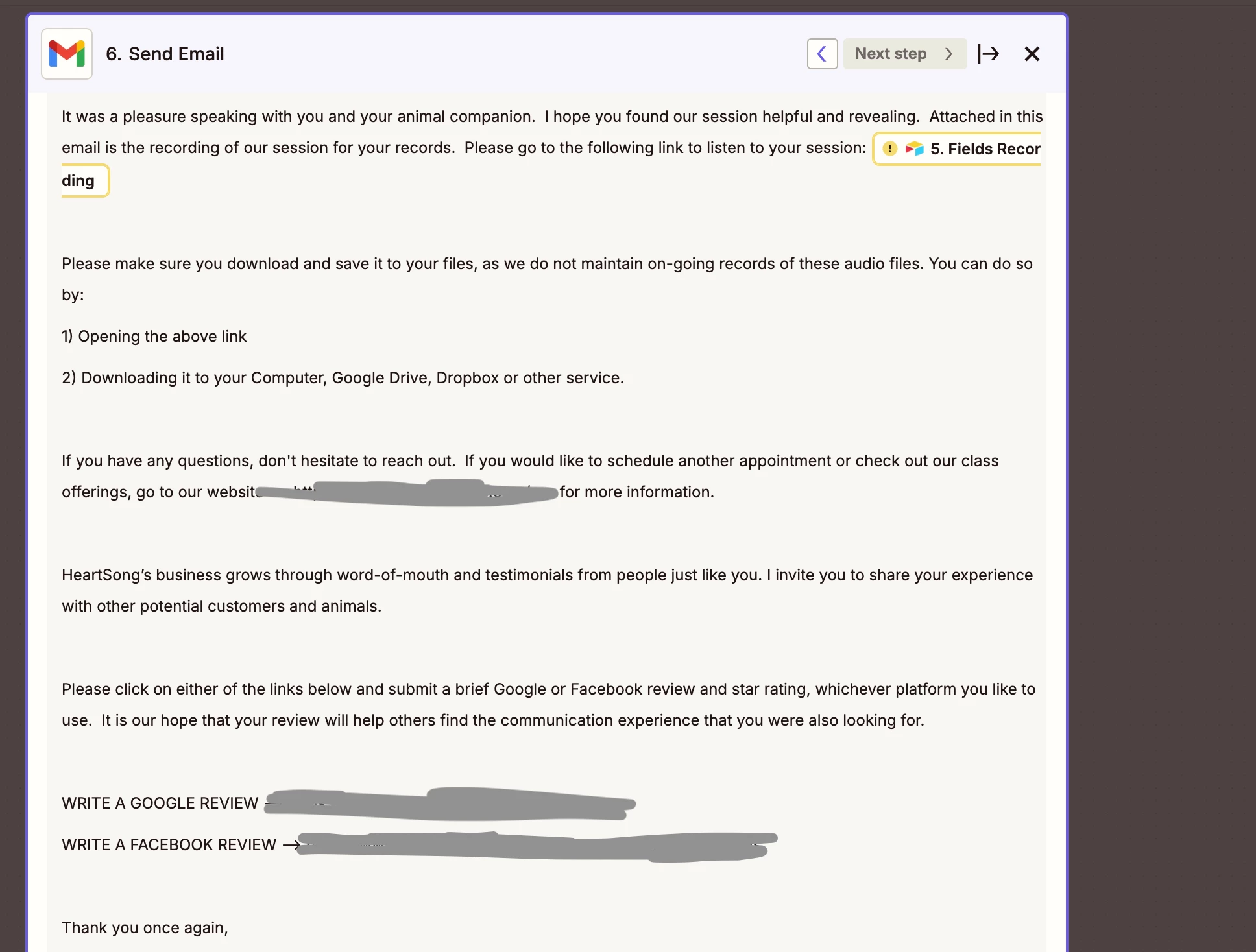
Before we dig deeper into this, would you mind sharing a detailed screenshot of how your Zap is configured? Also, please send a screenshot of the CONFIGURE section of the Gmail step that shows all of its fields.

Please don't include personal information in the screenshot, or be sure blur out any personal information.

Thanks!


  • Author
  • Beginner
  • April 29, 2025


ken.a
Forum|alt.badge.img+6
  • Zapier Staff
  • April 30, 2025

Hi ​@Neave,

Thanks for the screenshots!

Just to confirm—did you republish the Zap after updating the email address to ensure the changes were saved?

I'll be keeping an eye out for your response!


  • Author
  • Beginner
  • April 30, 2025

I did publish and from the screen shots I see that it has reverted back to the old verision again.  uggghh..


JammerS
Forum|alt.badge.img+6
  • Zapier Staff
  • May 1, 2025

Hi ​@Neave,


If you're experiencing issues with your Gmail Zap not sending the updated version of your email, first ensure that you've saved any recent changes. You can confirm this by checking your Zap's Zap History in the dashboard—if the Zap has run since the update, the latest version should appear there. Additionally, test the Gmail step using the 'Test & Review' option to verify that the correct email is being sent. If the outdated version still appears, a caching issue might be the cause; try clearing your browser cache, switching browsers, or using an incognito window. Finally, ensure your Zap is turned on, as it won't run, and send emails if it's off.

If you continue to experience issues, please let us know. We're here to help.