

Best answer

How to create individual Excel Spreadsheets and send them as attachment via email with Zapier

  • February 21, 2022
  • 2 replies
  • 520 views

Hi Everyone, 


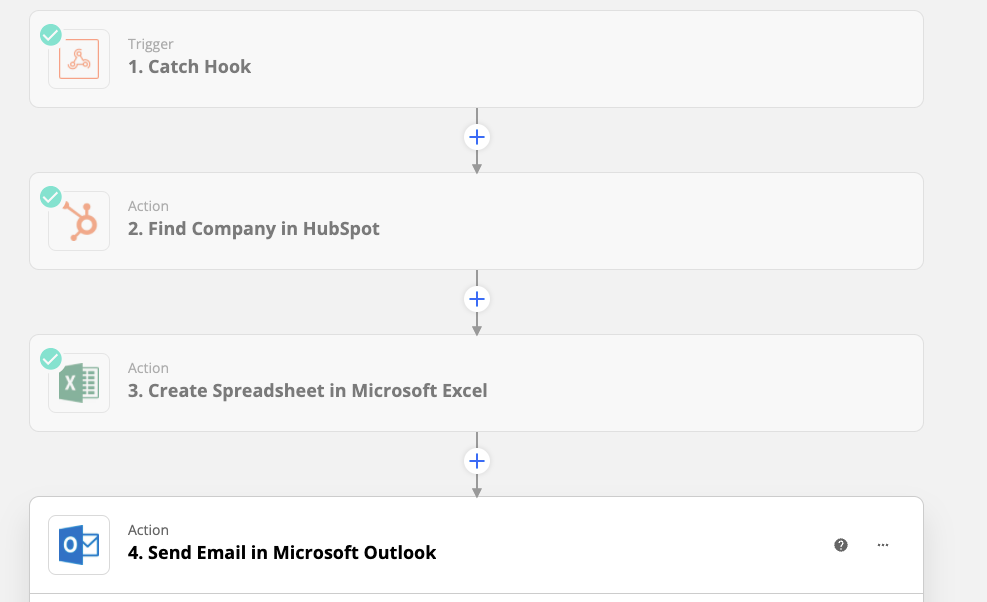
I am catching a webhook on user basis from my website. I want then Zapier to automatically create a new spreadsheet with those data (like a personalised report) and then send automatically the file via email (outlook connection) to the email adress of the email catched in the Webhook. 


The problem is that I cannot just share a folder link where all the documents created are shared, as I want that the person received only the file with the info from the Hook. Further, I am not able to send per email the auto generated sharing link of the excel file. Can someone help?


Best answer by Troy Tessalone

Hi @Cfrigo 

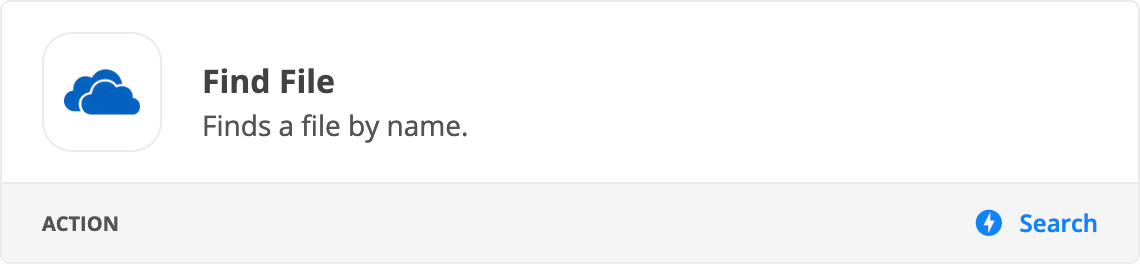
Try adding a OneDrive Find File action step to your Zap:


This post has been closed for comments. Please create a new post if you need help or have a question about this topic.

2 replies

Troy Tessalone
Zapier Orchestrator & Solution Partner
Forum|alt.badge.img+14
  • Zapier Orchestrator & Solution Partner
  • Answer
  • February 21, 2022

Hi @Cfrigo 

Try adding a OneDrive Find File action step to your Zap:


  • Author
  • Beginner
  • February 23, 2022

Thank you very much Troy! It works!!


Best, 


Cristian




