Best answer

How to create/enable automation flow once I receive response/reply to my email/

  • November 7, 2022
  • 5 replies
  • 121 views

Hi Everyone 


Did some research, but could not find any functionality in zappier that would trigger action once someone replied to my email. 

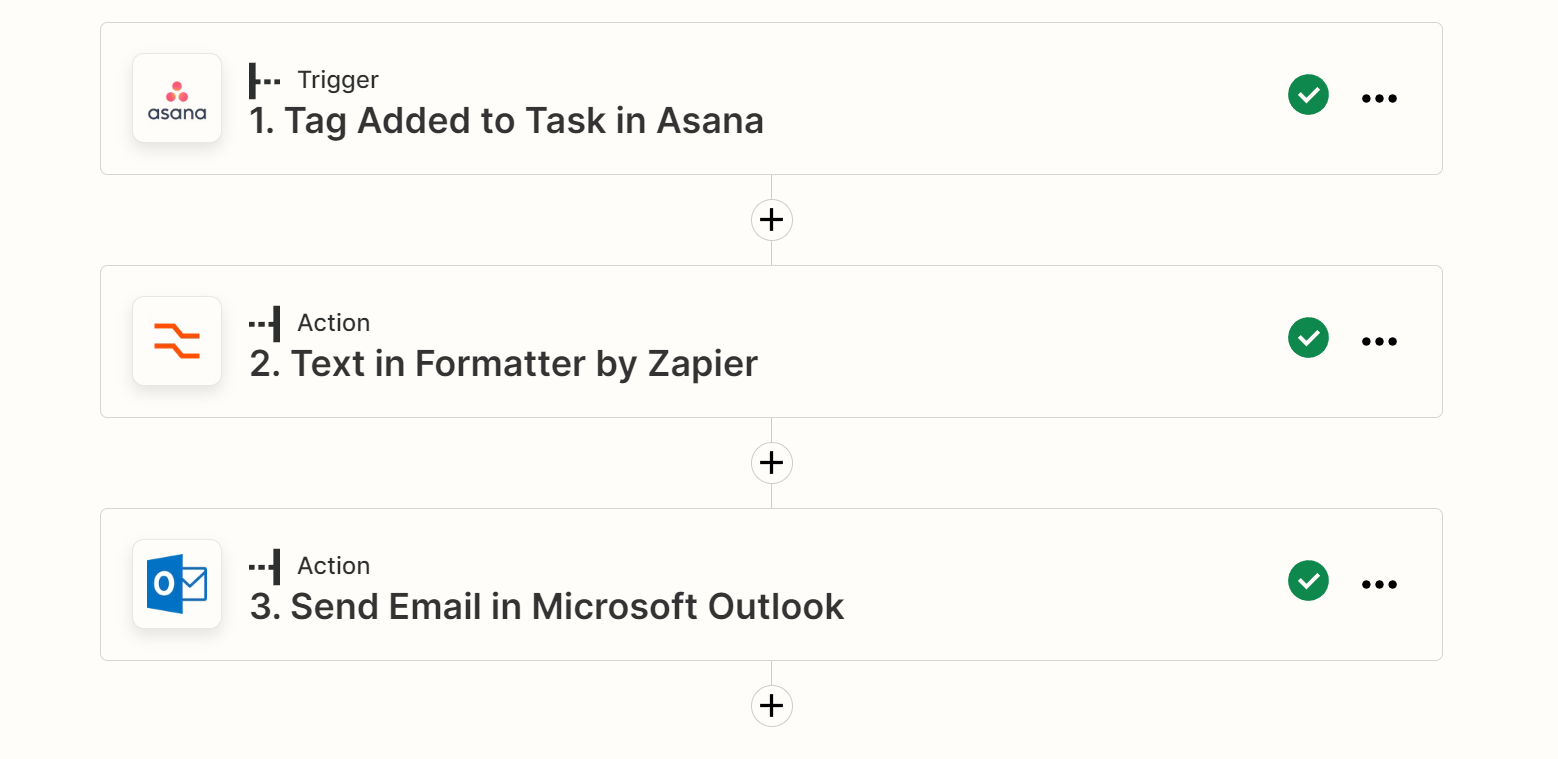
At the moment I have automation which will send the email once certain tag is added to the task in the Asana. What I want to do next is to mark Asana task is ready once I receive a reply to that specific email. 

Please can you let me know if i can set any action/zaps once I receive reply to the automated email that i have created. Thank you 

 

Best answer by Troy Tessalone

@Vovash 

You’d likely have to use Zap steps like this…

  1. Trigger: Outlook - New Email
  2. Action: Filter
    1. To make sure you are filtering on emails that match certain criteria
  3. Action: Asana - Find Task
  4. Action: Asana - Update Task
This post has been closed for comments. Please create a new post if you need help or have a question about this topic.

5 replies

Troy Tessalone
Zapier Orchestrator & Solution Partner
Forum|alt.badge.img+14
  • Zapier Orchestrator & Solution Partner
  • November 7, 2022

Hi @Vovash 

Good question.

Please clarify what email app you are using.


  • Author
  • Beginner
  • November 7, 2022

HI @Troy Tessalone. Thanks for help. I am using  Outlook/ 


  • Author
  • Beginner
  • November 7, 2022

Here a screen shot of my automation flow so far  


Troy Tessalone
Zapier Orchestrator & Solution Partner
Forum|alt.badge.img+14
  • Zapier Orchestrator & Solution Partner
  • Answer
  • November 7, 2022

@Vovash 

You’d likely have to use Zap steps like this…

  1. Trigger: Outlook - New Email
  2. Action: Filter
    1. To make sure you are filtering on emails that match certain criteria
  3. Action: Asana - Find Task
  4. Action: Asana - Update Task

  • Author
  • Beginner
  • November 7, 2022

Wow. Thank you for a quick response @Troy Tessalone . You are legend. I will try to do it now/