Question

How to create an unsubscribe button for Google Sheet-based email workflows?

  • November 25, 2023
  • 4 replies
  • 159 views

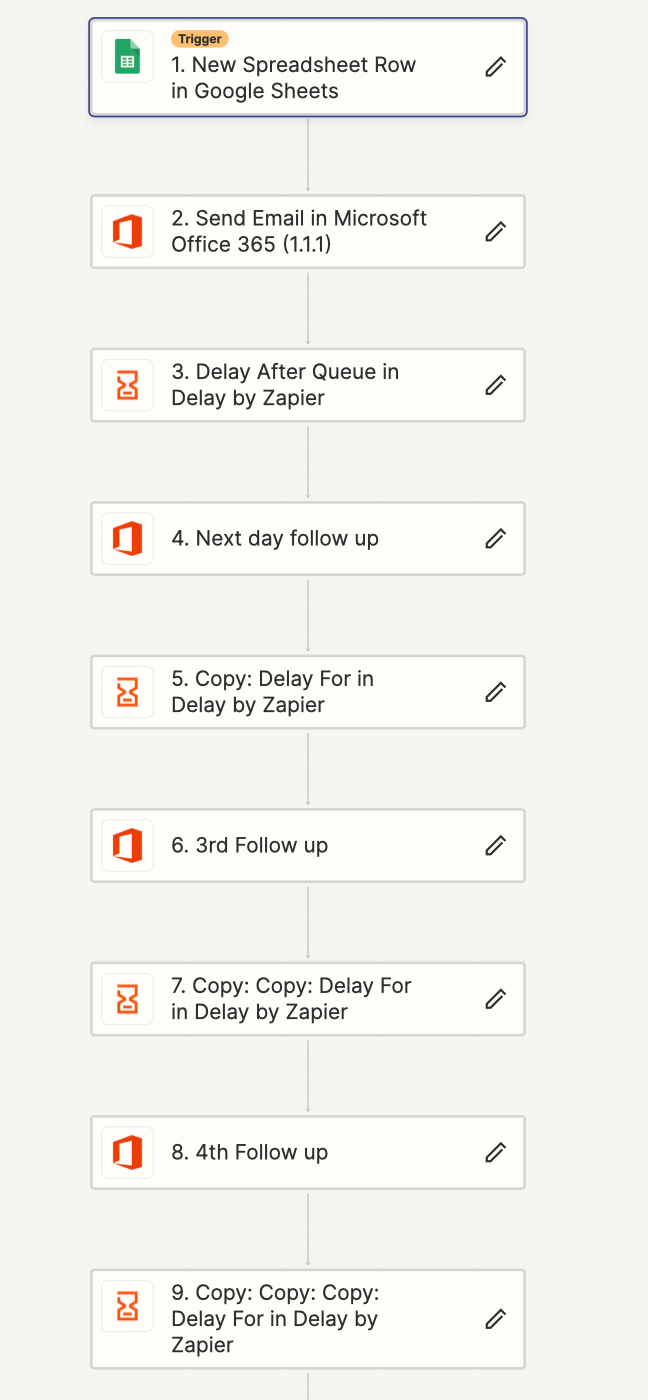
I use google sheets to feed new lead email addresses into a welcome set of emails that come every few days. If the client gets back to me I want to take their email address out of the next set of emails that would come, but deleting them from my google sheet doesn’t work. Is there a button they can click to no longer receive the emails?

This post has been closed for comments. Please create a new post if you need help or have a question about this topic.


4 replies

Troy Tessalone
Zapier Orchestrator & Solution Partner
Forum|alt.badge.img+14
  • Zapier Orchestrator & Solution Partner
  • November 25, 2023

Hi @deannaleigh1979 

Good question.

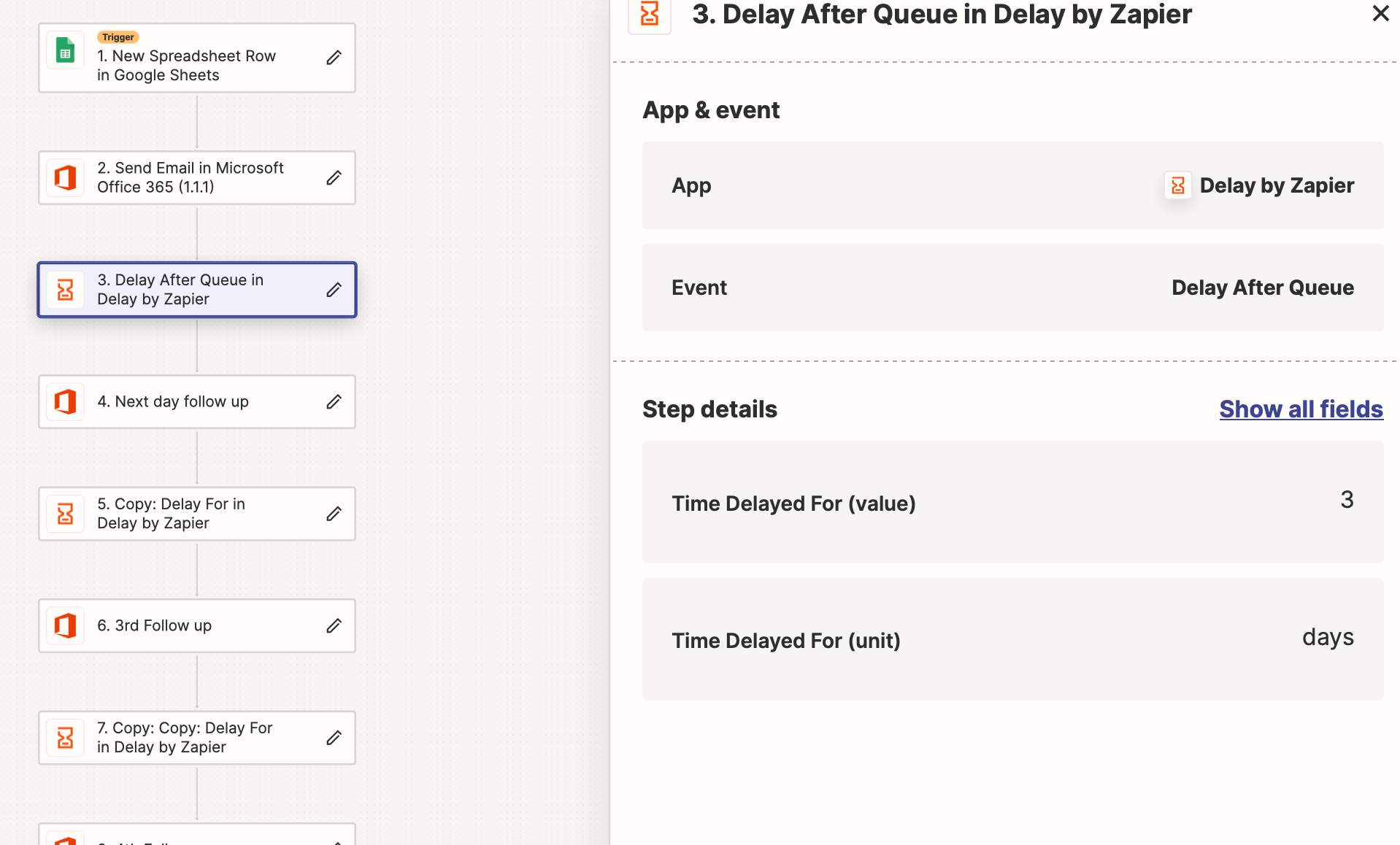
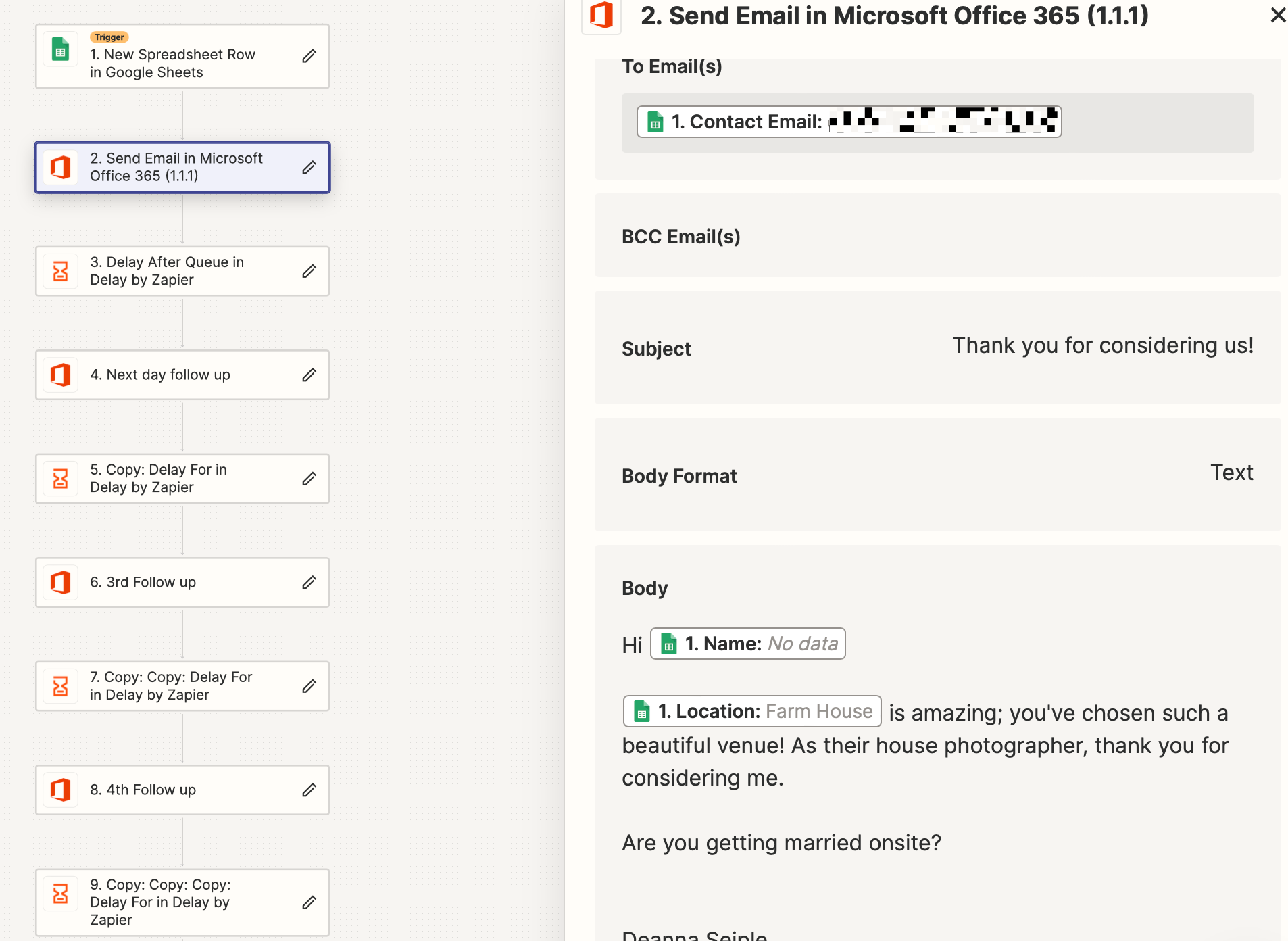
Can you post screenshots with how your Zap steps are configured?


This post has been edited by a moderator to remove personal information. Please remember that this is a public forum and to remove any sensitive information prior to posting.

Sure thing!


Troy Tessalone
Zapier Orchestrator & Solution Partner
Forum|alt.badge.img+14
  • Zapier Orchestrator & Solution Partner
  • November 27, 2023

@deannaleigh1979 

You would need to add a GSheet Lookup Row step after each Delay to check the Row data again to then follow that with a Filter step.


A better approach would be to use Airtable instead of GSheets.

Airtable has Views, which are segments of data in a Table. (sort, filter, etc.)

When records enter Airtable Views, that can trigger Airtable Automations/Zaps.

Airtable Automations have a native integration with Outlook.

So you would configure separate Views with Filter conditions for each of the email you want to send.


shalgrim
Forum|alt.badge.img+8
  • Zapier Staff
  • November 30, 2023

You might even be able to automate the part where their reply deletes their row from the Google Sheet (or updates the row or updates the Airtable row)