Best answer

How to create an Outlook draft from Smartsheet data?

  • August 21, 2025
  • 4 replies
  • 21 views

Good Morning Community, 


I need help creating an automation which inserts data from Smartsheet rows into a Microsoft Outlook Draft. Anyone have suggestions?


Thanks,


CD

Best answer by Sparsh from Automation Jinn

Hey ​@CD2025,

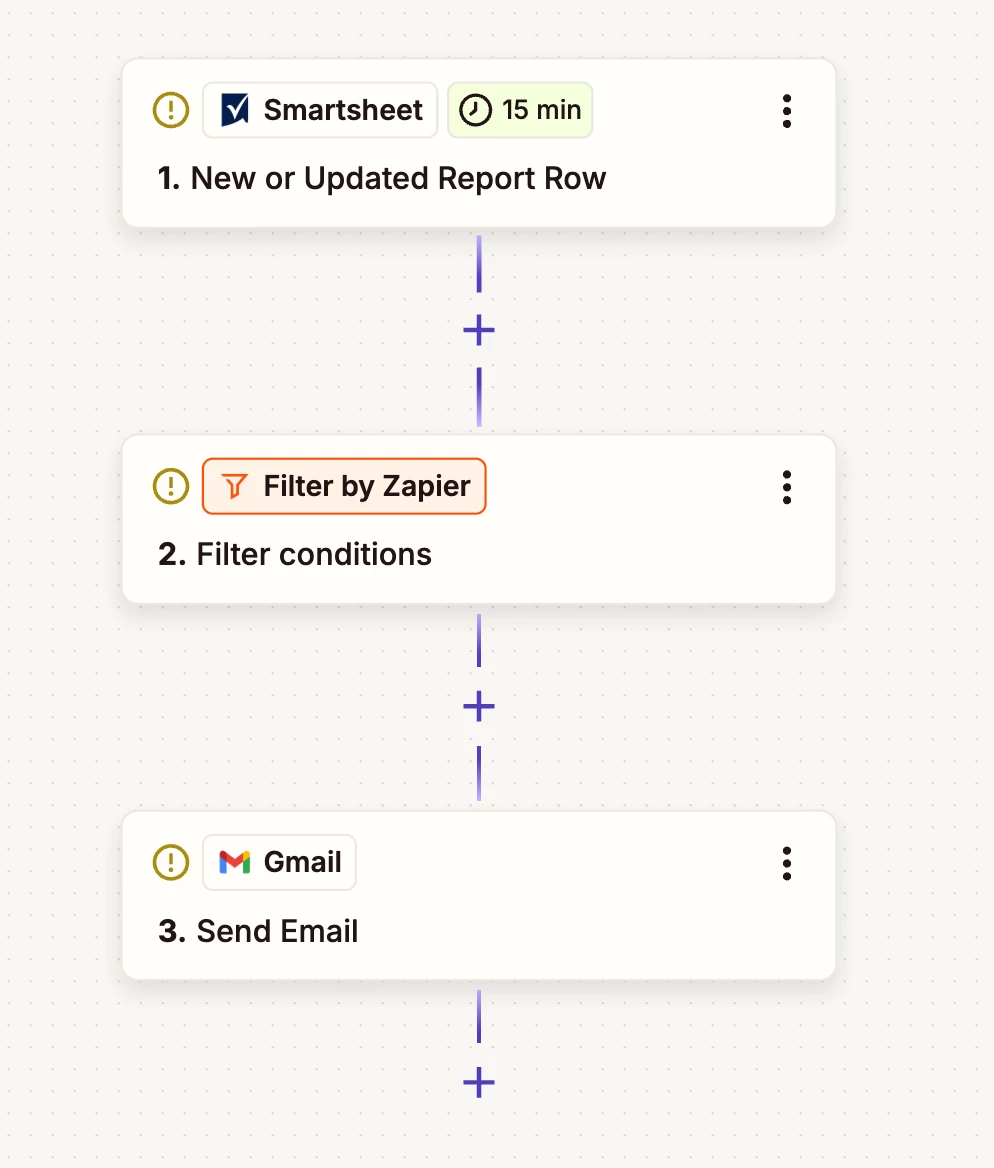
Just checking in to see if you were able to figure out this workflow? From what I understand what you wanted to do, your workflow will look something like this if it’s smartsheet report row-


If you want to use a simple smart sheet row-
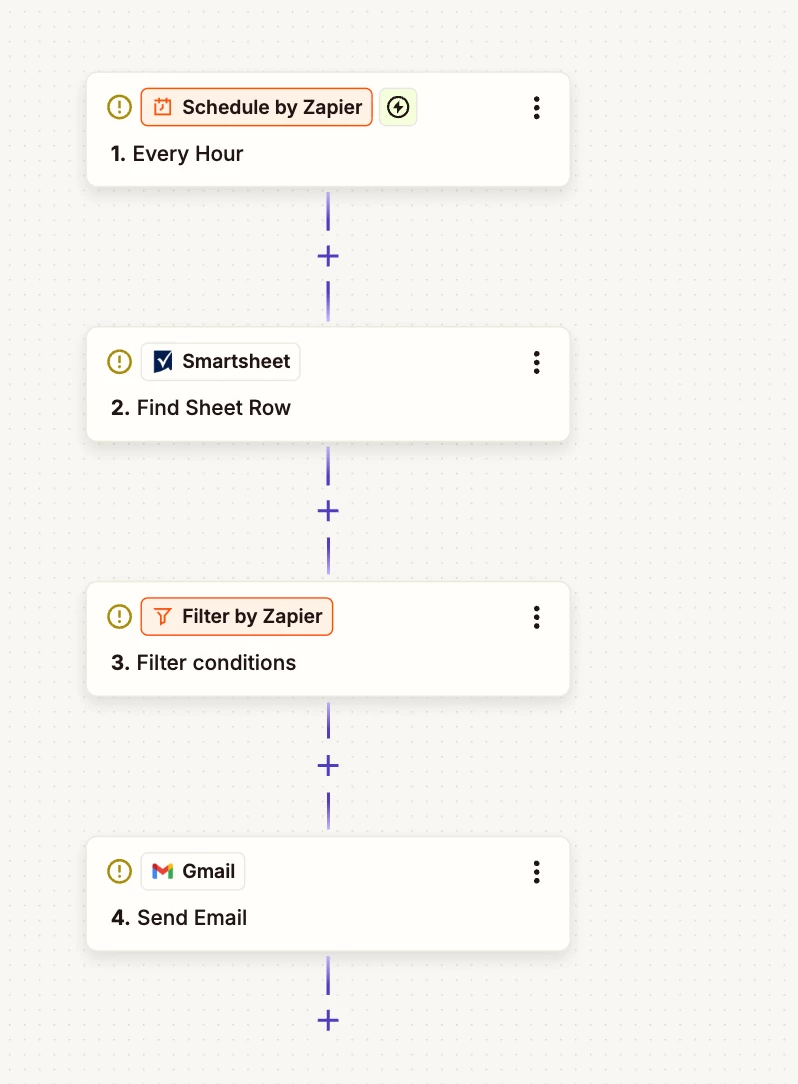


In the filter, you can filter for the checkbox as well for your particular sheet. Then in the Gmail action, you can map the items from the previous actions or trigger. Here is a helpful article on mapping fields- https://help.zapier.com/hc/en-us/articles/8496343026701-Send-data-between-steps-by-mapping-fields. Hope it helps!

PS: Need professional help? Reach me through my Zapier Solution Partner page here :)

This post has been closed for comments. Please create a new post if you need help or have a question about this topic.

4 replies

Troy Tessalone
Zapier Orchestrator & Solution Partner
Forum|alt.badge.img+14
  • Zapier Orchestrator & Solution Partner
  • August 21, 2025

Hi ​@CD2025 

You will need to define more logic and outline a specific example for us to have context.


Try these Zap steps:

  1. Trigger: ???
  2. Action: Outlook - Create Draft Email

  • Author
  • Beginner
  • August 21, 2025

Troy, 


My plan was to have a column in Smartsheet with an checkbox button, once the action button is clicked on multiple rows. I want to place the information from those rows into the body of the email.

Thanks, 

CD


Troy Tessalone
Zapier Orchestrator & Solution Partner
Forum|alt.badge.img+14
  • Zapier Orchestrator & Solution Partner
  • August 21, 2025

@CD2025 

Your requirements are still vague.


You can review the available Smartsheet Zap app triggers/actions here: https://zapier.com/apps/smartsheet/integrations#triggers-and-actions


Trying to use data across Smartsheet rows is going to be more advanced.

You will need to use a common field value across those rows.


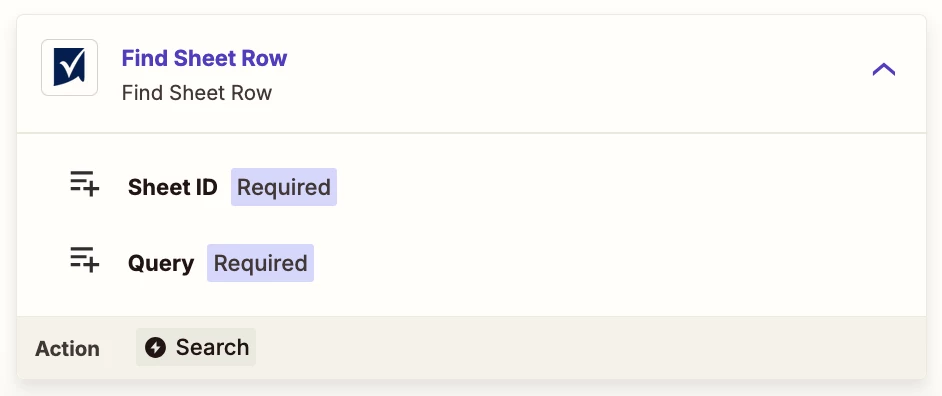
Zap action: Smartsheet - Find Row

See if there is a config field setting to return multiple rows.


Otheriwse, the solution may involve using the Smartsheet API: https://developers.smartsheet.com/

Zap action: Smartsheet - API Request


Plus, you will likely need Zap steps to format the returned Smartsheet data before adding it to the email body.


If you need to hire help, there is a directory of Zapier Partners: https://zapier.com/partnerdirectory


Sparsh from Automation Jinn
Forum|alt.badge.img+6

Hey ​@CD2025,

Just checking in to see if you were able to figure out this workflow? From what I understand what you wanted to do, your workflow will look something like this if it’s smartsheet report row-


If you want to use a simple smart sheet row-


In the filter, you can filter for the checkbox as well for your particular sheet. Then in the Gmail action, you can map the items from the previous actions or trigger. Here is a helpful article on mapping fields- https://help.zapier.com/hc/en-us/articles/8496343026701-Send-data-between-steps-by-mapping-fields. Hope it helps!

PS: Need professional help? Reach me through my Zapier Solution Partner page here :)