Question

How to create a Zap to send Microsoft Teams message for new HubSpot closed won deal with all properties?

  • June 14, 2024
  • 3 replies
  • 30 views

Hello, community!

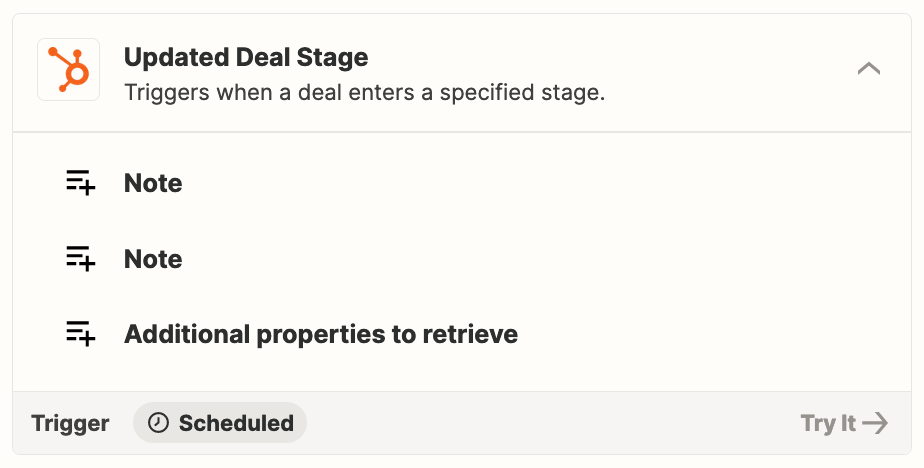
I need to create a zap to send a message in teams when we have a new closed won in Hubspot, but I'm not able to get all properties from my Deal. Is there anything else that I'm missing in my Zap workflow that I should be doing differently?

Do you have any sample of workflow that I could replicate?
Thanks a lot!

This post has been closed for comments. Please create a new post if you need help or have a question about this topic.

3 replies

Troy Tessalone
Zapier Orchestrator & Solution Partner
Forum|alt.badge.img+14
  • Zapier Orchestrator & Solution Partner
  • June 15, 2024

Hi @brunabg 

Make sure to select the “Additional properties to retrieve”


  • Author
  • Beginner
  • June 17, 2024

Hello,


Thank you for your help, but it didn’t work.
When I click to retrieve more properties I can’t see the owner or any other property.


Troy Tessalone
Zapier Orchestrator & Solution Partner
Forum|alt.badge.img+14
  • Zapier Orchestrator & Solution Partner
  • June 17, 2024

@brunabg 

Try adding this Zap action: HubSpot - Find Associations

That will return the IDs of associations between objects in HubSpot.

Then you can add another Zap step to find the details of the Object by ID. (e.g. get Contact by ID)