Question

How to create a Zap to integrate Albi with Excel for project tracking

  • December 23, 2025
  • 2 replies
  • 6 views

How do I create a Zap that when a new project is created in Albi it adds that information into a shared excel as a new row. The new row should include the project number, customer, status, and create dat

2 replies

Troy Tessalone
Zapier Orchestrator & Solution Partner
Forum|alt.badge.img+14
  • Zapier Orchestrator & Solution Partner
  • December 24, 2025

Hi ​@RHQAPed 

Try these Zap steps:

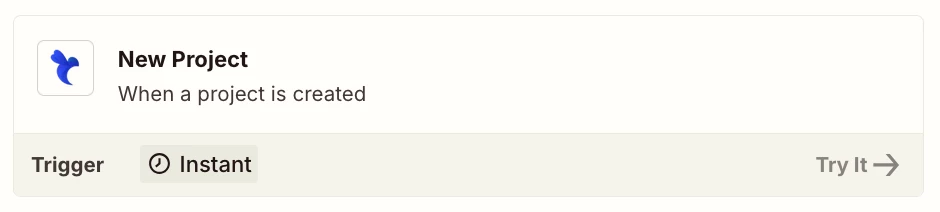
  1. Trigger: Albi - New Project
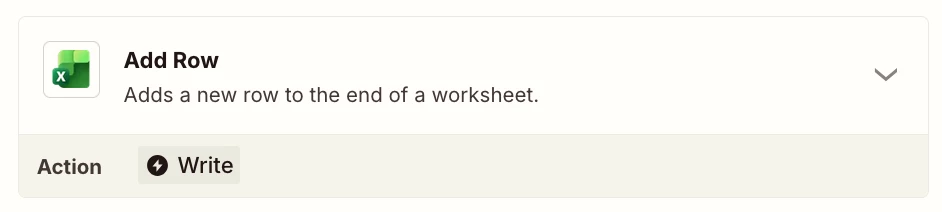
  2. Action: Excel - Add Row


Sparsh from Automation Jinn
Forum|alt.badge.img+6

Hey ​@RHQAPed,

Here are all the triggers/ actions for Albi in Zapier- https://zapier.com/apps/albi/integrations

Here are all the triggers/ actions for Excel in Zapier- https://zapier.com/apps/excel/integrations

You will have to dynamically map the trigger data of New project trigger to Add Row action. Here is a helpful article about dynamic mapping in Zapier- https://help.zapier.com/hc/en-us/articles/8496343026701-Send-data-between-steps-by-mapping-fields. Hope it helps!