Question

How to create a GOOGLE: Form entry or Sheet entry from a GOOGLE: Calendar URL?

  • January 15, 2026
  • 2 replies
  • 9 views

I am subscribed to a Google calendar URL and would like to be notified either via Google sheets or Google forms of any new calendar events or changes to calendar. First, How would I go about setting up this zap to pull event data from google calendar? Then How would I go about pushing that data to google sheets or google forms (that pushes data to google sheets)?

2 replies

Troy Tessalone
Zapier Orchestrator & Solution Partner
Forum|alt.badge.img+14
  • Zapier Orchestrator & Solution Partner
  • January 15, 2026

Hi ​@thehost.Greene 

Check out the available triggers/actions for each app:


STEPS

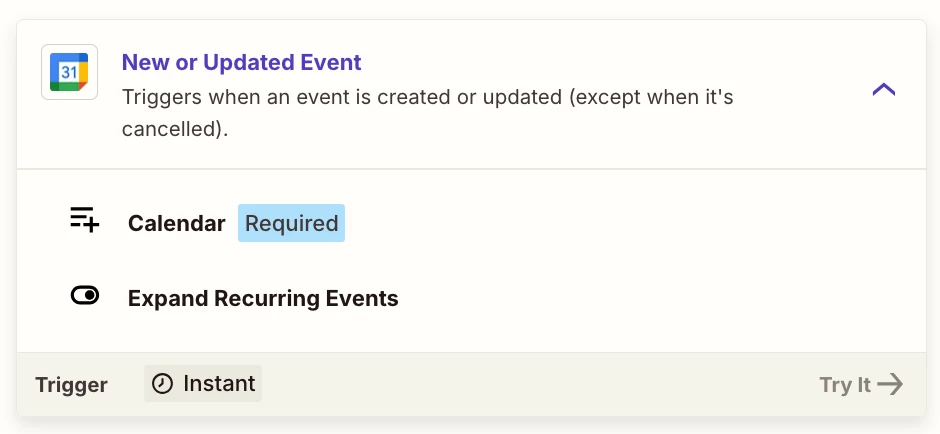
  1. Trigger: GCal - New or Updated Event
    1. Specify the Calendar 
  2. Action: GSheets - Lookup Row
    1. Enable the checkbox to create row if not found
    2. Thus step becomes find/create row
  3. Action: Filter
    1. Check if Zap step 2 found an existing row
      1. Help: https://zapier.com/apps/filter/integrations#help
  4. Action: GSheets - Update Row
    1. Map the Row/ID from Zap step 2


drtanvisachar
Forum|alt.badge.img+3

Hello ​@thehost.Greene 
You can use Zapier’s Google Calendar trigger "New Event" or "Event Updated" to pull events from your calendar. Then use Google Sheets action "Create Spreadsheet Row" to push the event data into a sheet. Directly pushing to Google Forms isn’t supported, but you can use Webhooks or push to the form’s connected sheet instead.

Dr. Tanvi Sachar
Monday Certified Partner, Monday Wizard