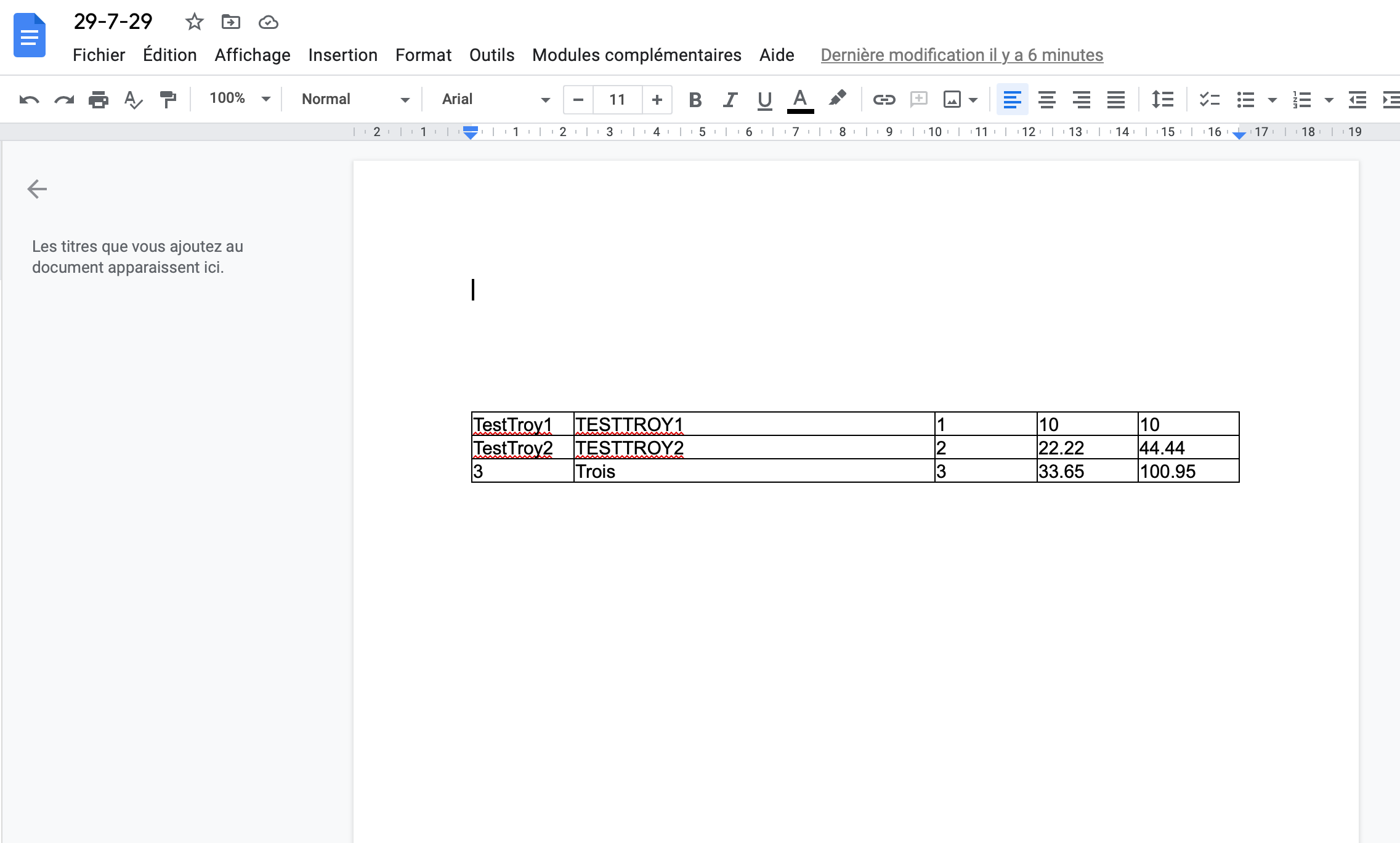
Hi, Google Docs allows {{viarable}} to fill a template.
So how can I create an invoice from a form service (like Cognitoforms)?
Knowing that an invoice randomly requires one or more lines…
How to use Line Items or Looping by Zapier to fill a {{viarable}} field with several values?
Thanks for your help!
Best answer by Troy Tessalone
@Schizzo
You don’t need to add a new Digest each time.
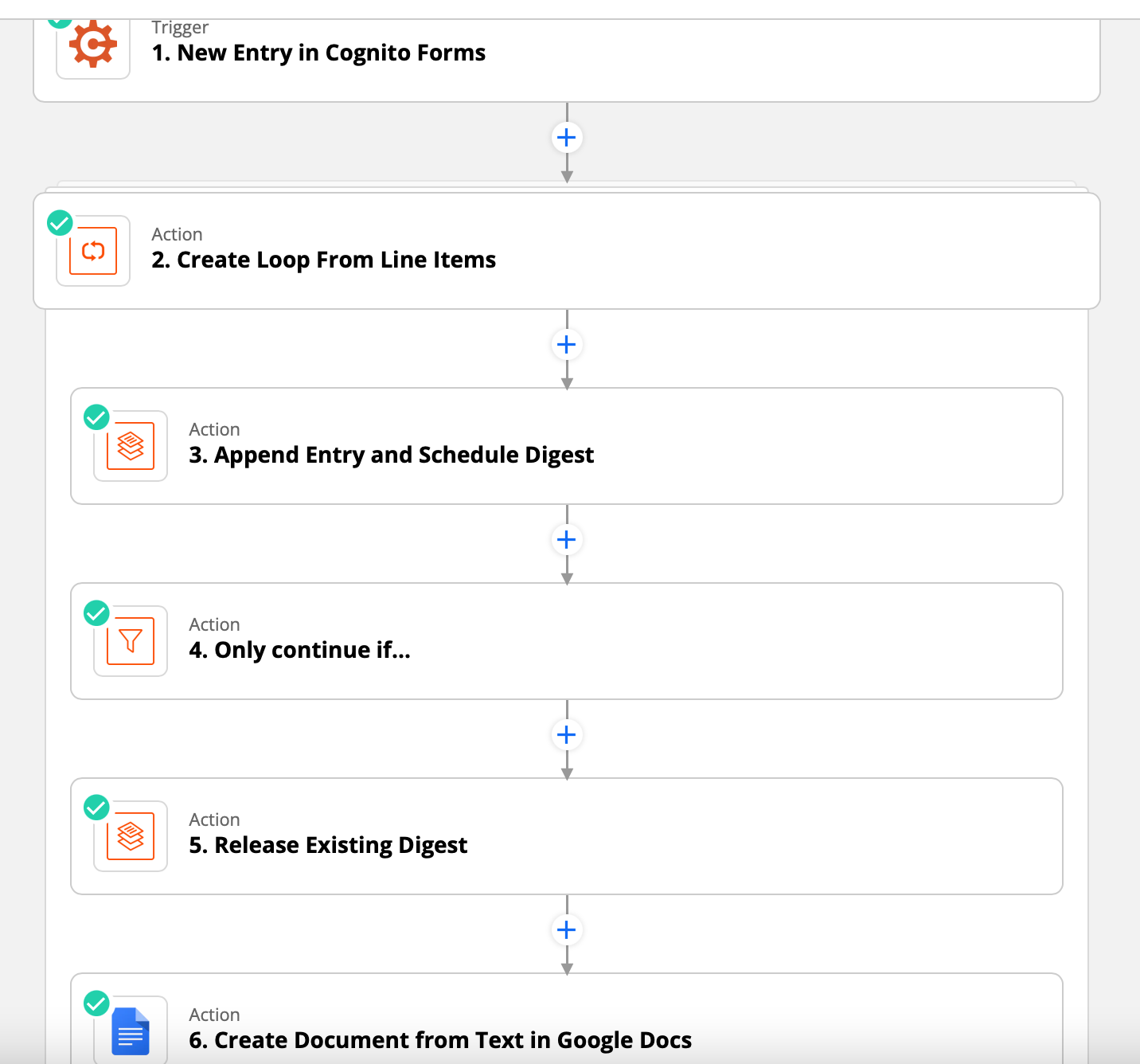
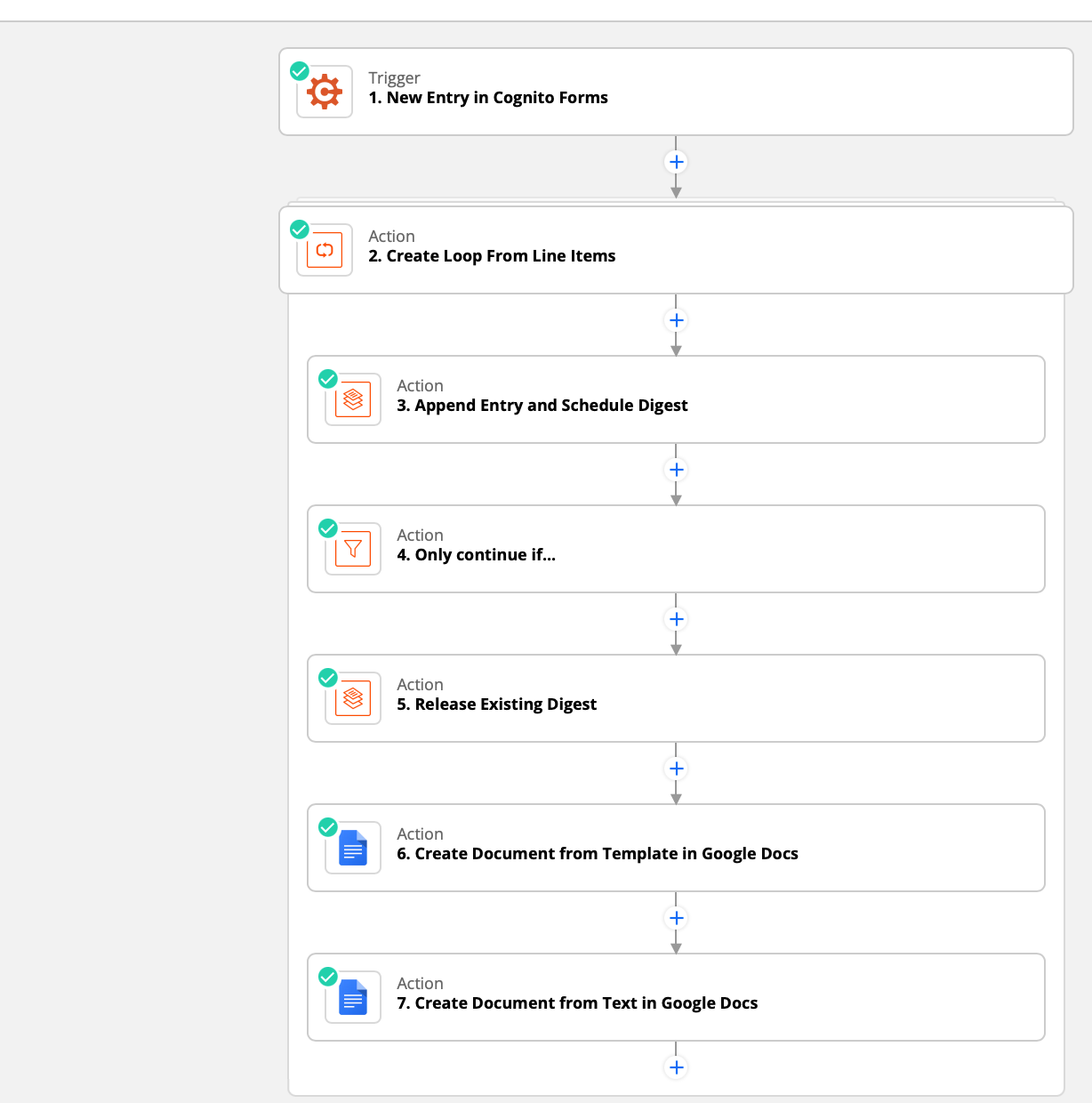
You can reuse the same Digest by appending then releasing. (see screenshots)
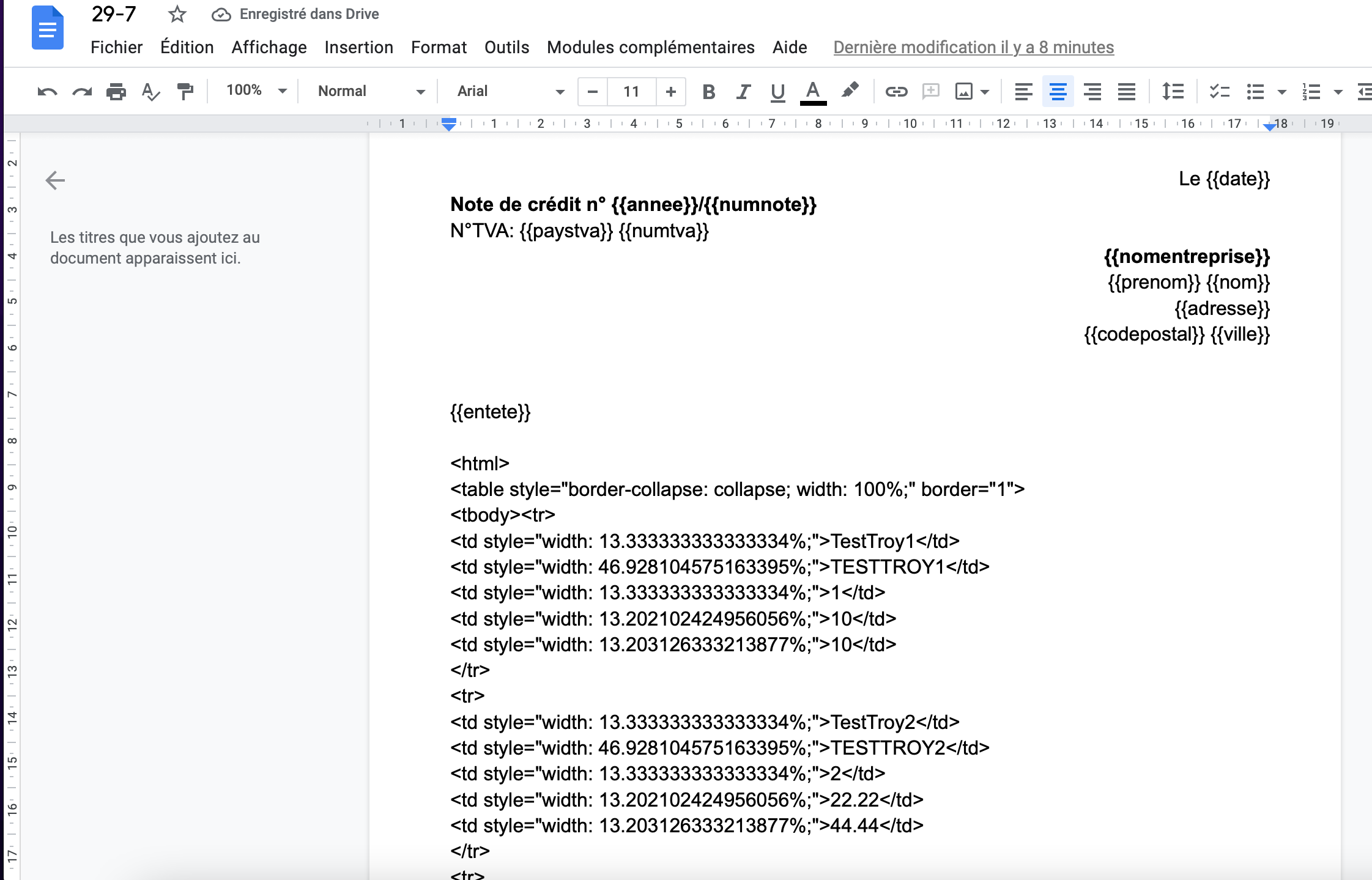
In Digest you can use HTML to format the entries since GDocs accepts HTML.
So you’d use Looping to add all rows to the Digest then after the last iteration you’d add a Filter to continue the Zap to then release the Digest and map that to the 1 variable in the GDoc template.
How do I stop a loop from running in subsequent action steps?
All actions after the looping step will run for each iteration of the loop. If you don’t want an action step to loop:
After the last step you want to loop, add a filter step.
Set the filter to only continue if the value loop_iteration_is_last matches the (Boolean) Is True condition.
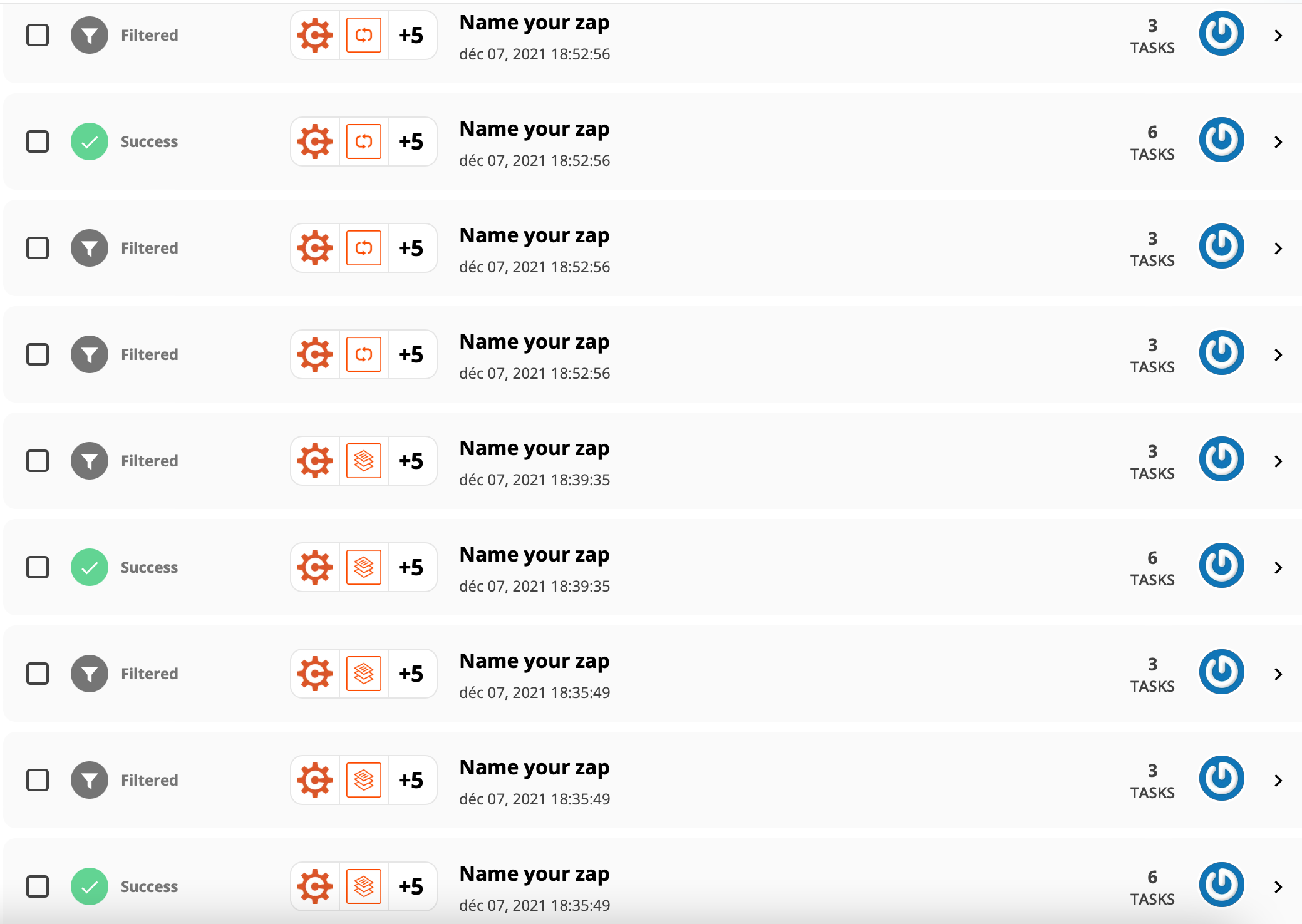
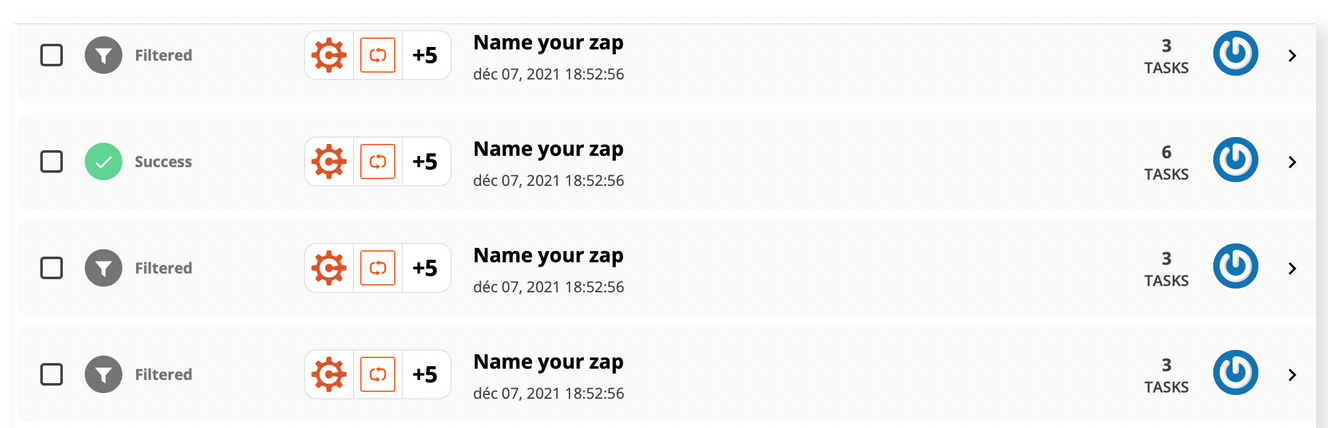
The filter will run in every loop but will only pass in the last loop. Any actions step after the filter will run once in the last loop and use only 1 task.
You can reuse the same Digest by appending then releasing. (see screenshots)
In Digest you can use HTML to format the entries since GDocs accepts HTML.
So you’d use Looping to add all rows to the Digest then after the last iteration you’d add a Filter to continue the Zap to then release the Digest and map that to the 1 variable in the GDoc template.
How do I stop a loop from running in subsequent action steps?
All actions after the looping step will run for each iteration of the loop. If you don’t want an action step to loop:
After the last step you want to loop, add a filter step.
Set the filter to only continue if the value loop_iteration_is_last matches the (Boolean) Is True condition.
The filter will run in every loop but will only pass in the last loop. Any actions step after the filter will run once in the last loop and use only 1 task.
You may want to open a ticket with ZapierSupport to get their feedback about whether the GDoc Template Zap action support HTML: https://zapier.com/app/get-help
What if you tried these Zap steps…
Action: GDocs - Create Doc from Template
Action: GDocs - Append Text to Document (HTML from Digest)
Ok @Troy Tessalone I will open a ticket, and try your suggestion. Thanks again for all your help 🙂
Early access
Next Gen Zaps
Build and deploy automations from AI tools you already use. With Agentic Management, if anything breaks, the agent diagnoses the issue and proposes a fix.