Question

How to connect company LinkedIn page (not personal)?

  • February 16, 2023
  • 3 replies
  • 348 views

Lauren A

How do I connect my company Linkedin and not my persona Linked in???

This post has been closed for comments. Please create a new post if you need help or have a question about this topic.


3 replies

Troy Tessalone
Zapier Orchestrator & Solution Partner
Forum|alt.badge.img+14
  • Zapier Orchestrator & Solution Partner
  • February 16, 2023

Hi @Lauren A 

Good question.

Help articles for using LinkedIn in Zaps: https://zapier.com/apps/linkedin/help

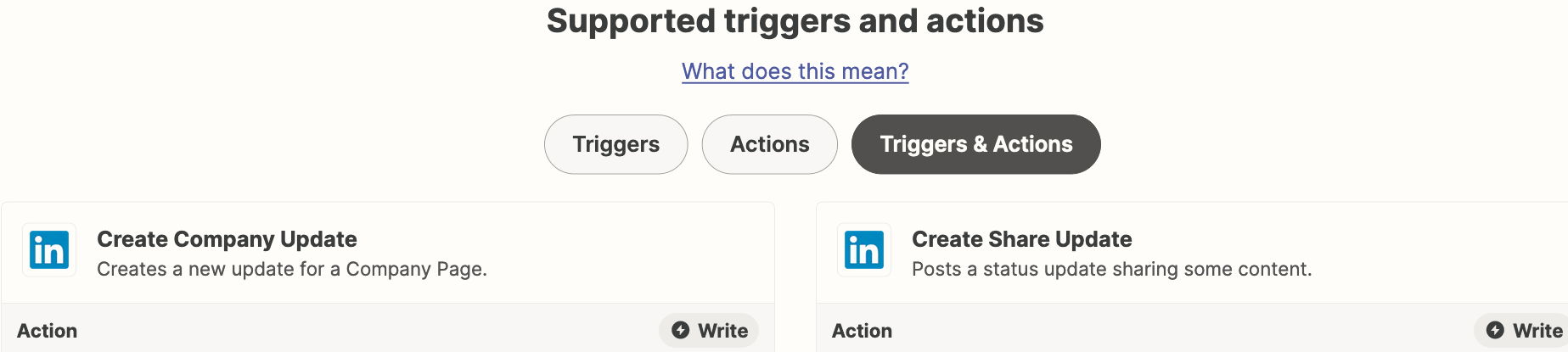
The LinkedIn Zap app has these available actions:


selecting company update does it via the individual’s account - therefore their name is still attached to the company post. how can a post be made without?

the feature is available on the platform directly - post as individual or company

https://www.linkedin.com/help/linkedin/answer/a567439/react-comment-and-share-as-an-organization-or-member%3Flang=en#:~:text=As%20a%20LinkedIn%20Page%20super,either%20the%20organization%20or%20yourself.&text=Access%20your%20Page%20Super%20or,Locate%20the%20correct%20post.


SamB
Community Manager
Forum|alt.badge.img+11
  • Community Manager
  • August 21, 2024

Hey @floridaseating 👋

I did some checking on this end and couldn’t see any existing feature requests for the ability to share an update as a company rather than an individual. I’d suggest contacting our Support team to submit a new feature request for that to be added using the form here: https://zapier.com/app/get-help. Be sure to select the Report a bug or request a feature option from the “What would you like more help with?” form at the bottom of the page.

In the meantime, it looks like the LinkedIn app on Zapier has both API Request and Custom actions available so perhaps you could use one of those features to post the update as the company rather than as yourself. If you’re interested in giving that a try please check out the following help guides for details on how to use them:


Hope that helps. If you run into any issues on that or have any further questions at all just let us know! 🙂