Question

How to add new emails in Microsoft Outlook as new items in monday.com and update existing items?

  • October 29, 2024
  • 7 replies
  • 44 views

i need help in creating a zap to integrate outlook to monday.com. when an email is received in outlook the zap should check whether the incoming email is a new email or reply of an old email. if it is a new one consider creating a new item in monday board by putting the subject line of that email in item column of monday board and if it's a reply email put the reply email’s body and sender name as updates of the existing item in monday board.  

This post has been closed for comments. Please create a new post if you need help or have a question about this topic.


7 replies

Troy Tessalone
Zapier Orchestrator & Solution Partner
Forum|alt.badge.img+14
  • Zapier Orchestrator & Solution Partner
  • October 29, 2024

Hi @Athulya Babu 

You can use Paths with Filters:

https://help.zapier.com/hc/en-us/articles/8496288555917

https://zapier.com/apps/filter/help


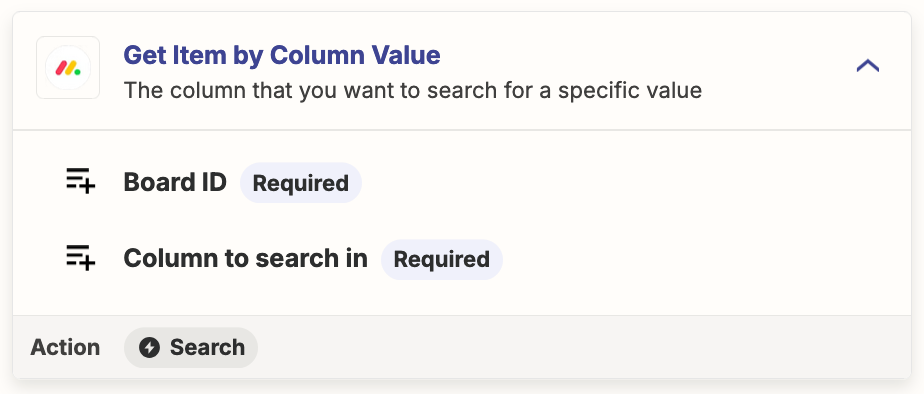
For Monday, find the Item, then update the Item.


If you still need more help, post screenshots showing how your Zap steps are outlined and configured in EDIT mode so we can see the field mappings.


  • Author
  • New
  • October 29, 2024

i tried doing it in different ways but still i can’t figure out. i face issues in mapping fields. could you please show an exact sample zap?


Hi @Athulya Babu 

You can use Paths with Filters:

https://help.zapier.com/hc/en-us/articles/8496288555917

https://zapier.com/apps/filter/help


For Monday, find the Item, then update the Item.


If you still need more help, post screenshots showing how your Zap steps are outlined and configured in EDIT mode so we can see the field mappings.


Troy Tessalone
Zapier Orchestrator & Solution Partner
Forum|alt.badge.img+14
  • Zapier Orchestrator & Solution Partner
  • October 29, 2024

@Athulya Babu 

If you still need more help, post screenshots showing how your Zap steps are outlined and configured in EDIT mode so we can see the field mappings.


Troy Tessalone
Zapier Orchestrator & Solution Partner
Forum|alt.badge.img+14
  • Zapier Orchestrator & Solution Partner
  • October 29, 2024

@Athulya Babu 

If you are looking to hire help, there is a directory of Certified Zapier Experts: https://zapier.com/experts


  • Author
  • New
  • October 29, 2024

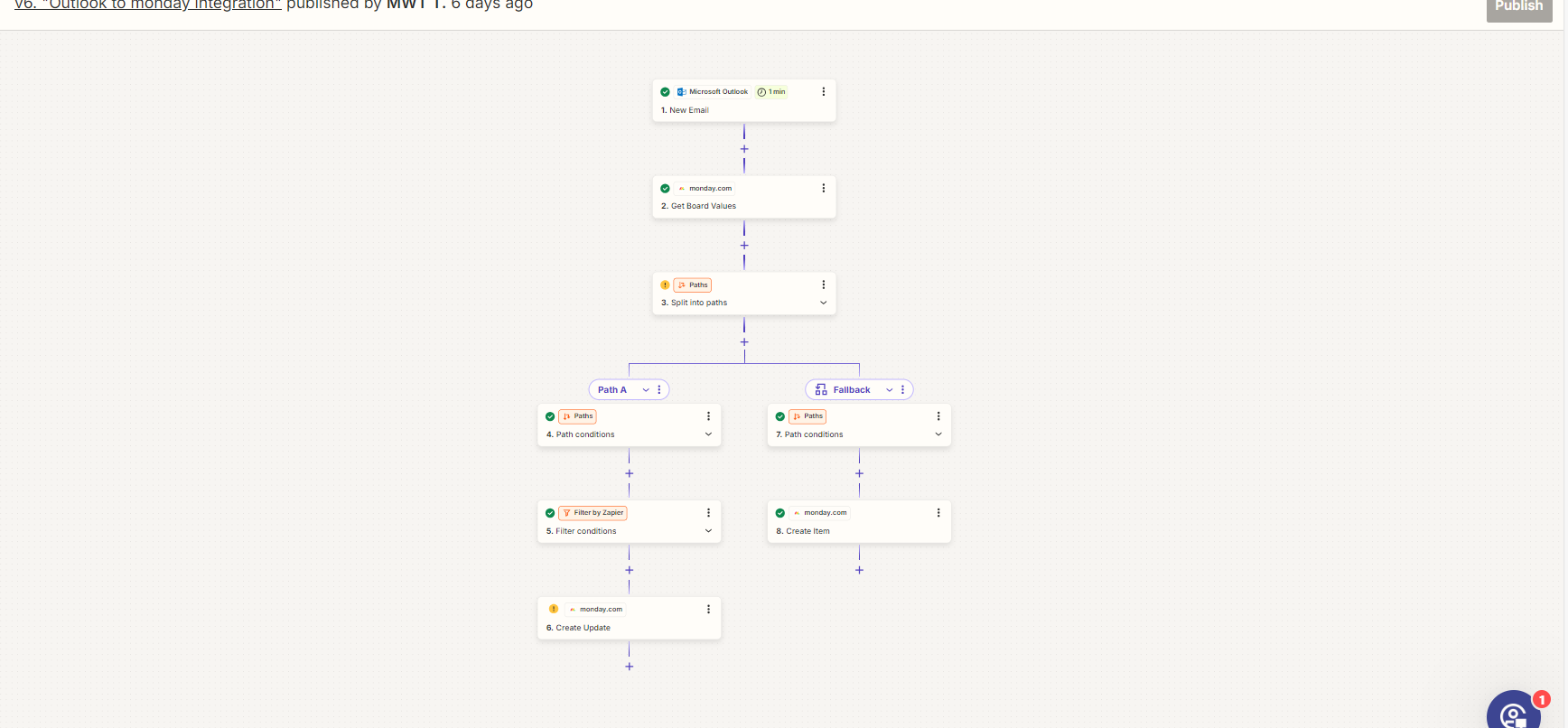
here is the screenshot


  • Author
  • New
  • October 29, 2024

@Athulya Babu

If you are looking to hire help, there is a directory of Certified Zapier Experts: https://zapier.com/experts

any other way?


Troy Tessalone
Zapier Orchestrator & Solution Partner
Forum|alt.badge.img+14
  • Zapier Orchestrator & Solution Partner
  • October 29, 2024

@Athulya Babu 

Screenshot shows how your Zap steps are outlined but not how each Zap step is configured.

Provide more info about what specifically you are having issues within in a specific Zap step.