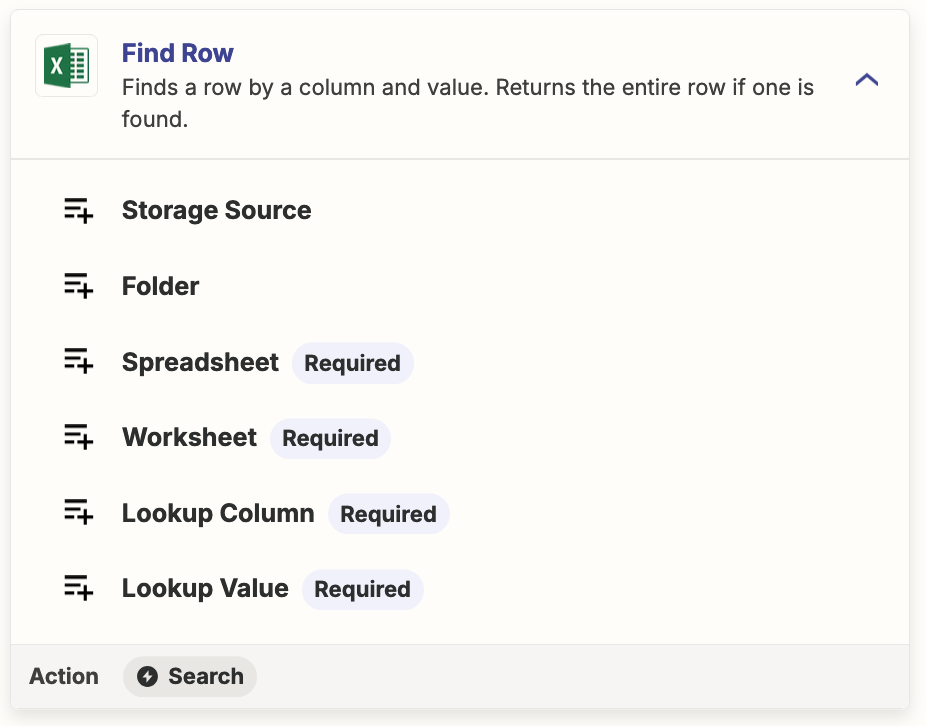
I am looking to have information pulled from new submissions to go into the row that matches the date on the submission. If something was submitted on 10/13/2024 in JotForm, is there a way for Zapier to then connect it to the 10/13/2024 row in an excel document. Adding in the data that is in the JotForm into the corresponding excel columns? Then if something is submitted the day after, it fills in the appropriate row?

Question
How to add Jotform submissions to matching date rows in Microsoft Excel using Zapier?
This post has been closed for comments. Please create a new post if you need help or have a question about this topic.







Early access

Next Gen Zaps
Build and deploy automations from AI tools you already use. With Agentic Management, if anything breaks, the agent diagnoses the issue and proposes a fix.
Request access now
Enter your E-mail address. We'll send you an e-mail with instructions to reset your password.