Best answer

How do we modify WordPress user role after a Hotmart purchase using Zapier?

  • October 30, 2023
  • 5 replies
  • 154 views

Necesito automatizar que cuando se realice una compra en Hotmart, el rol de usuario de wordpress del cliente, se modifique, ya que la compra otorga unos permisos en el sitio web, definidos por ese rol en concreto.

El problema es que cuando creo un zap, wordpress solo tiene la opción de crear un rol, pero no veo ninguna opción de modificar su rol.


Alguien podría decirme:

  1. Si es posible hacer eso.
  2. Cómo debería crear el zap.

Best answer by SamB

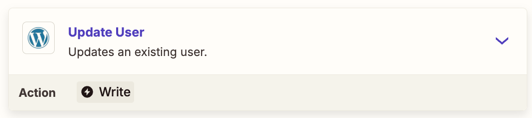
Hey folks, just stopping by to let you know that an Update User action has been added to the Wordpress app:

0b7c5d1d417630a901cef1bfd0c496c1.png

Excited for you to try it out! And if anything comes up, feel free to post a new question or reach out to Support directly. Until then, happy Zapping! 😁⚡

This post has been closed for comments. Please create a new post if you need help or have a question about this topic.

5 replies

communitymember
Forum|alt.badge.img+2

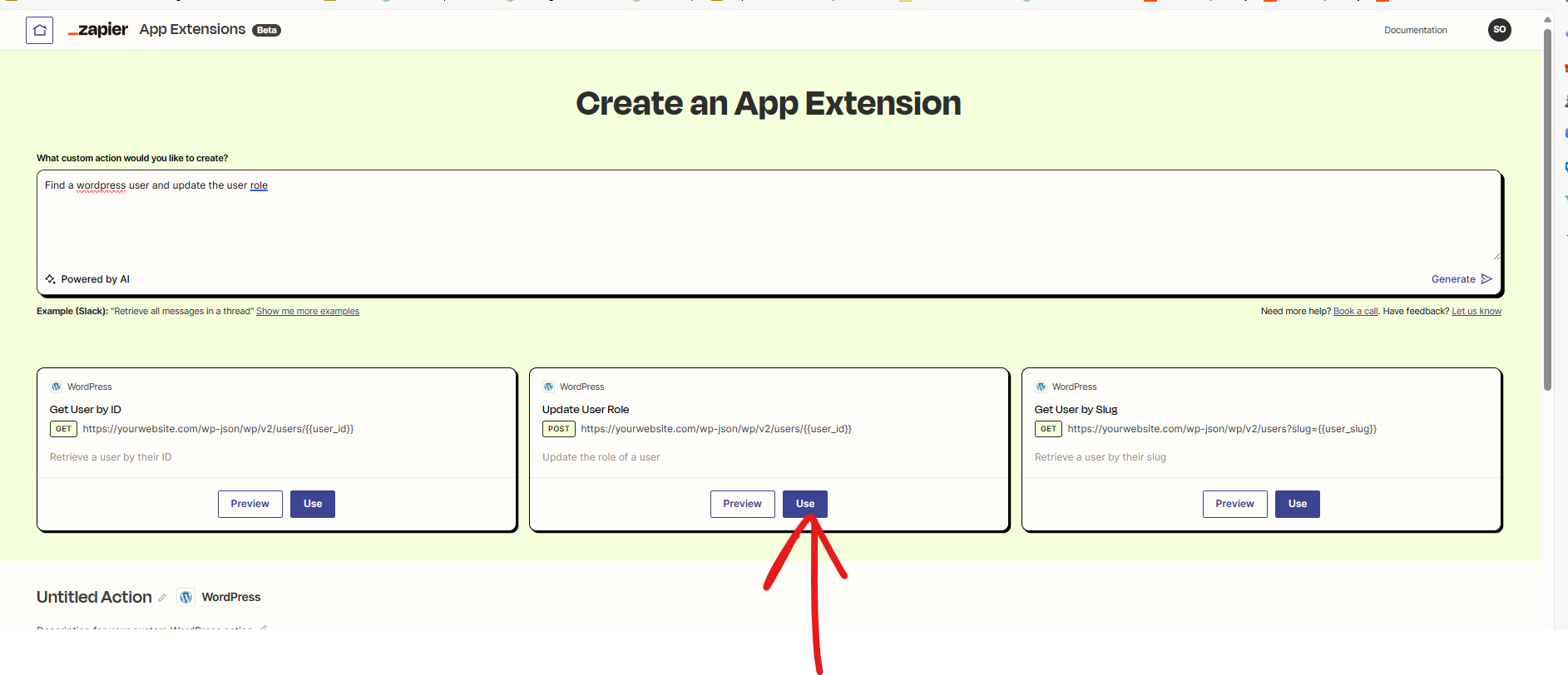
@Ventfer you need to create a custom API app extension for this using zapier.

Goto this url: App Extensions | Zapier

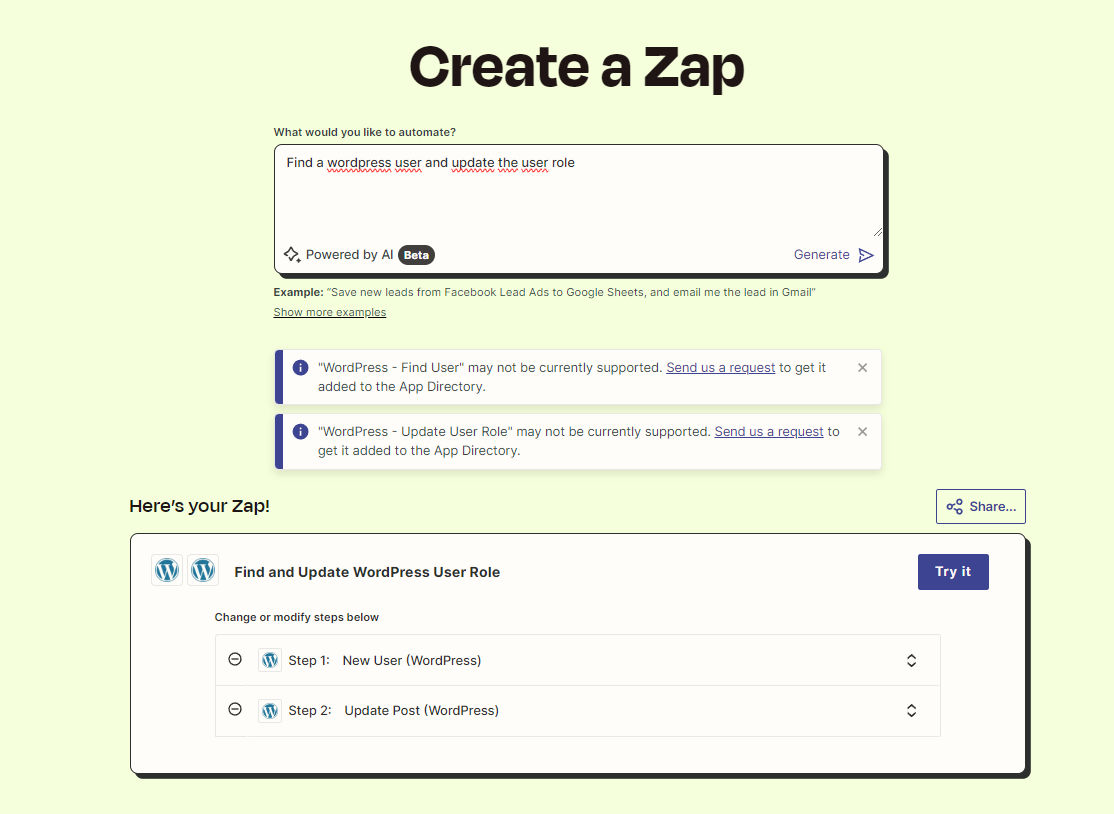
And paste this prompt:Find a wordpress user and update the user role “

Use this option


  • Click on Use.
  • Scroll down and click on Save
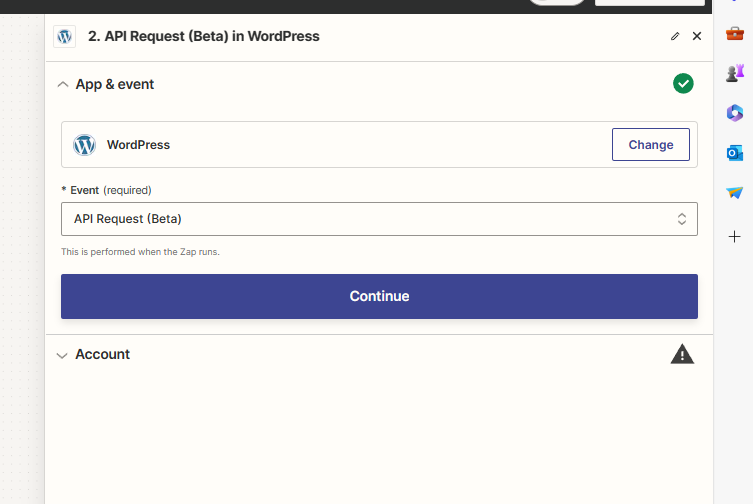
  • Goto Zap editor and go with the options and then connect your wordpress and then select your App extension that you have created in the previous step. 
  • You need to map email and then and then type your “New Role” it can by dynamic or you can hard code it.


Do let me know if you have any questions for me.


Troy Tessalone
Zapier Orchestrator & Solution Partner
Forum|alt.badge.img+14
  • Zapier Orchestrator & Solution Partner
  • October 30, 2023

@Ventfer 

Translated to English.


When purchasing at Hotmart, modify WordPress role

I need to automate that when a purchase is made at Hotmart, the client's WordPress user role is modified, since the purchase grants permissions on the website, defined by that specific role.

The problem is that when I create a zap, WordPress only has the option to create a role, but I don't see any option to modify its role.


Could someone tell me:

     If it is possible to do that.
     How should I create the zap.


  • Author
  • Beginner
  • October 31, 2023

@Ventfer you need to create a custom API app extension for this using zapier.

Goto this url: App Extensions | Zapier

And paste this prompt:Find a wordpress user and update the user role “

Use this option


  • Click on Use.
  • Scroll down and click on Save
  • Goto Zap editor and go with the options and then connect your wordpress and then select your App extension that you have created in the previous step. 
  • You need to map email and then and then type your “New Role” it can by dynamic or you can hard code it.


Do let me know if you have any questions for me.


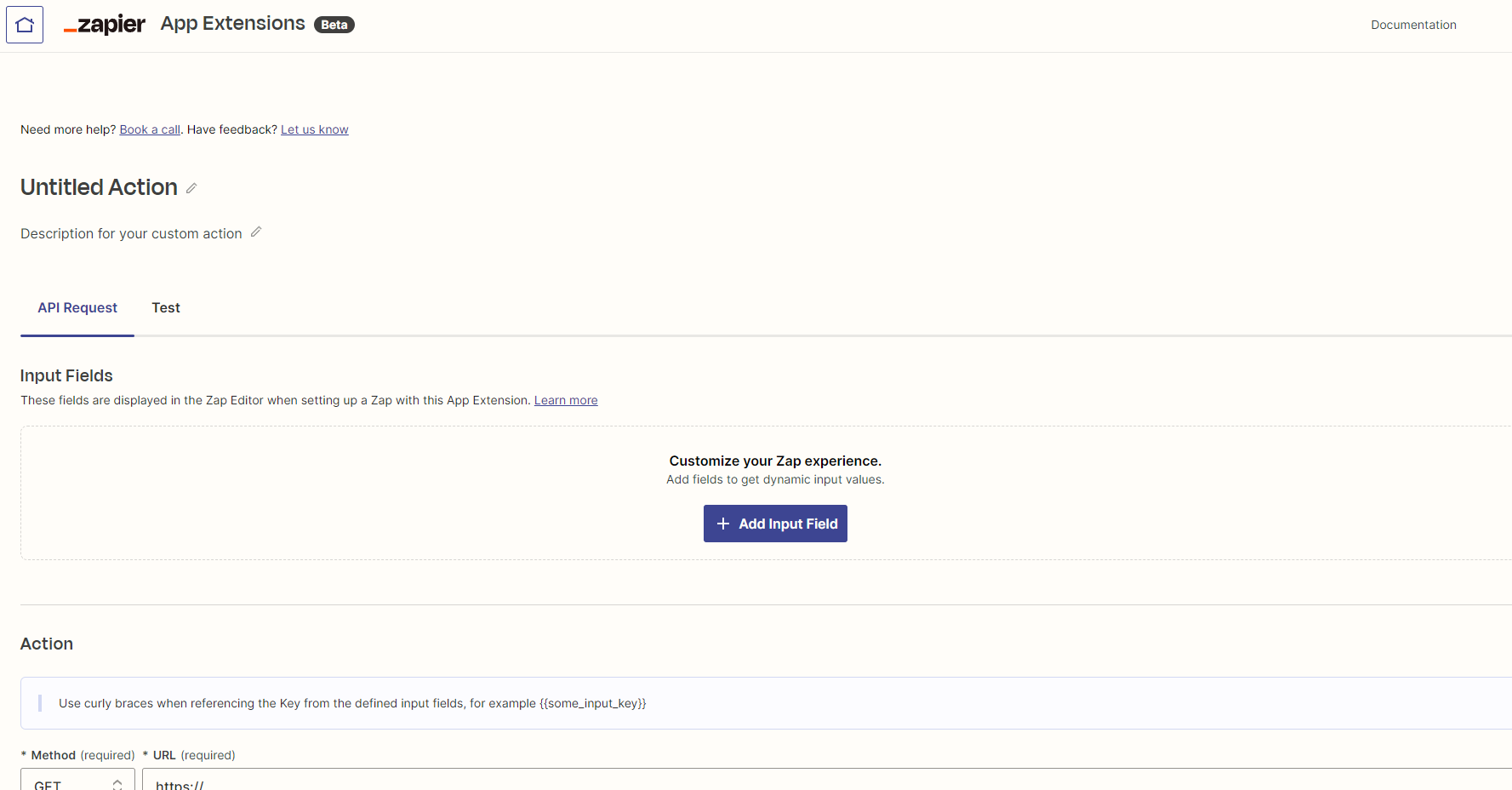
Gracias por tu respuesta, pero cuando entro al enlace, no me aparece la misma ventana, me aparece éste formulario:

y sinceramente, no sé cómo rellenarlo…


Puedo acceder a la ventana que me muestras en la captura, pero al pegar:

Find a wordpress user and update the user role”

no me da opciones, me da una solución que no es la que necesito:


ken.a
Forum|alt.badge.img+6
  • Zapier Staff
  • November 1, 2023

Hi there @Ventfer,

For your desired workflow to be possible we’re going to need the “Update User” action for WordPress. Unfortunately, the “Update User” action is not available at the moment. However, we do have an open feature request for this.

I have added you as another interested member to the open feature request. That does a few things:

  • Bring this to the attention of the integration developers
  • Help track interest in this feature being implemented
  • Allows us to notify you via email if this feature becomes available in the future

While I don't have an ETA on when this feature might be implemented, we will notify you via email if it is!

In the meantime you can use the API Request (Beta) action as a workaround. Please note that the API Request (Beta) action is an advanced feature so our support for it may be more limited. Not because we don't want to help, but because APIs can be so different and each request can be so unique. This makes it hard for us to know why the request may be receiving errors or not working as expected. If you’d like to get help setting up the API Request (Beta) action, you can consult with one of our certified Zapier Experts here: https://zapier.com/experts

Hopefully, this helps.


SamB
Community Manager
Forum|alt.badge.img+11
  • Community Manager
  • Answer
  • April 23, 2025

Hey folks, just stopping by to let you know that an Update User action has been added to the Wordpress app:

0b7c5d1d417630a901cef1bfd0c496c1.png

Excited for you to try it out! And if anything comes up, feel free to post a new question or reach out to Support directly. Until then, happy Zapping! 😁⚡