Best answer

How do I write a simple confirmation message to the browser?

  • September 10, 2024
  • 5 replies
  • 58 views

TSlaughter

I feel like I’m losing my mind. I cannot find a solution for this. It seems like it should be trivial. What am I missing?

Background

  • On my website I have a simple form to subscribe to updates. There is one field only: email. The form fires the Subscribe Zap below via webhook.
  • I store the emails in a Zapier Table.

What’s Working

  • Zapier Table: Subscribers: A simple list of emails. Just one column.
  • Zap: Subscribe: Add a record and then send a confirmation email to the subscriber. The confirmation email includes a link (a webhook) to trigger the Unsubscribe Zap.
  • Zap: Unsubscribe: Looks for the email address in the table and removes it from the table if found.

What’s Failing

  • After the Unsubscribe Zap removes an address from the table, the browser displays the json response below. How do I instead show a human response such as “You have been unsubscribed.”
    {"attempt":"0191dda2-d009-37cb-8895-ec6d6956a5b0","id":"0191dda2-d009-37cb-8895-ec6d6956a5b0","request_id":"0191dda2-d009-37cb-8895-ec6d6956a5b0","status":"success"}

Thank you.

Best answer by Troy Tessalone

Hi @TSlaughter 

You cannot control the webhook URL redirect/response.

You would need to use another app that allows the user to click a link and be redirected to a landing page, and in doing so fire the desired webhook URL behind the scenes either from the link click or from code on the landing page.

This post has been closed for comments. Please create a new post if you need help or have a question about this topic.

5 replies

Troy Tessalone
Zapier Orchestrator & Solution Partner
Forum|alt.badge.img+14
  • Zapier Orchestrator & Solution Partner
  • Answer
  • September 10, 2024

Hi @TSlaughter 

You cannot control the webhook URL redirect/response.

You would need to use another app that allows the user to click a link and be redirected to a landing page, and in doing so fire the desired webhook URL behind the scenes either from the link click or from code on the landing page.


TSlaughter
  • Author
  • New
  • September 10, 2024

Thank you for the swift response. Can you expand on your suggestion? This is a WordPress site, and there are lots of paid plugins and subscription services that will handle a simple subscription. But I want to avoid additional expense and add additional functionality to the Zaps once they’re working.

What else can I do from a link in an email? Is there another way to trigger a zap?


Troy Tessalone
Zapier Orchestrator & Solution Partner
Forum|alt.badge.img+14
  • Zapier Orchestrator & Solution Partner
  • September 10, 2024

@TSlaughter

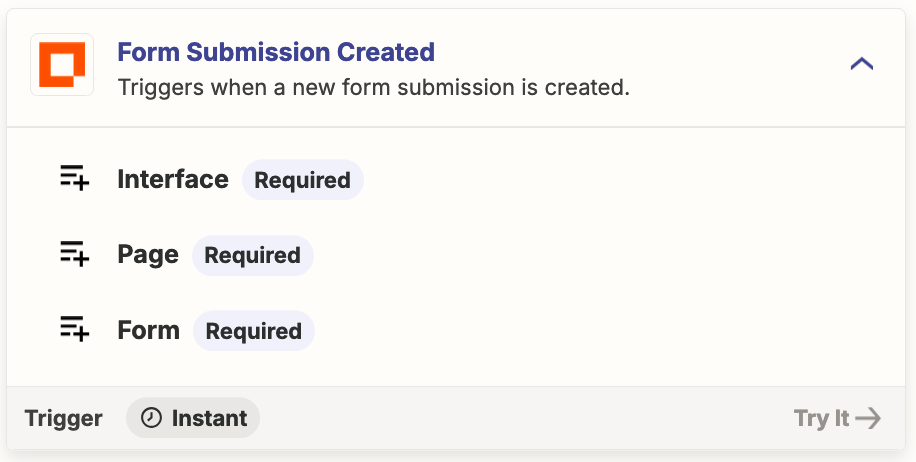
Easiest would be for the link to direct the user to a prefilled form that upon submit, the form is configured to trigger a Zap.

You can use a Zapier Interface Form

https://zapier.com/interfaces

https://help.zapier.com/hc/en-us/categories/14490381804173-Interfaces

https://zapier.com/apps/interfaces/integrations#triggers-and-actions


TSlaughter
  • Author
  • New
  • September 10, 2024

Thank you very much. I was already exploring the Interface angle but hoped there was an easy way to keep this one-click simple.


TSlaughter
  • Author
  • New
  • September 11, 2024

The key takeaway, for me, is that it’s not possible. Thank you, Troy! It’s all working now.