Hello,
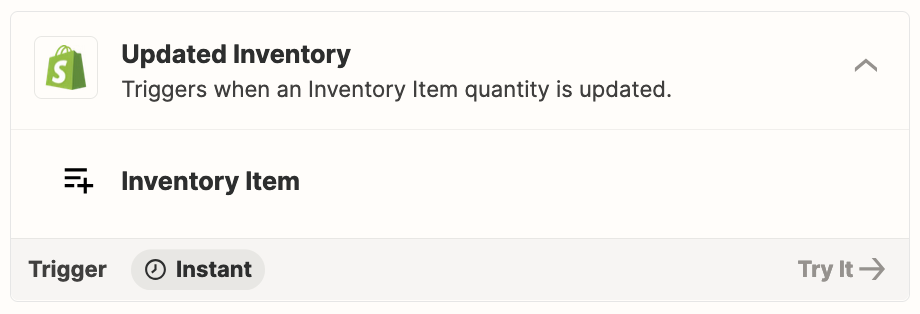
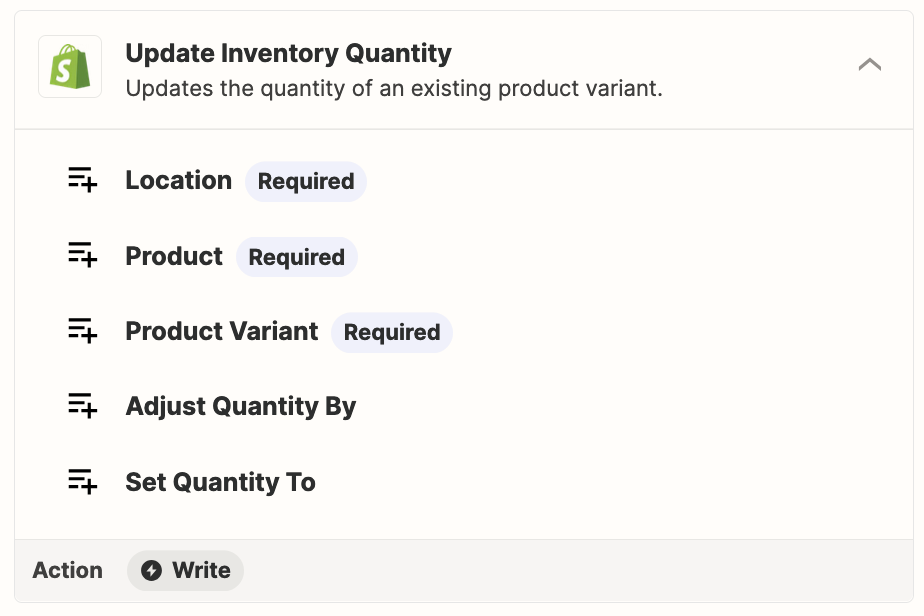
We sell women's clothing and need Zapier to monitor sales levels in Shopify for each SKU. Is these 2 scenarios doable with Zapier? If yes, can someone give me some guidelines on how to create this automation?
Scenario 1:
1) IF the quantity of an SKU at Location A reaches 100,
AND that sales over the past 7 days for this SKU is inferior to 50
THEN Zapier should set the quantity of the same SKU at Location B to 0, prioritizing the sale of stock from Location A.
2) Once the stock at Location A is sold out, both locations would have a quantity of 0, which should trigger an email notification.
Scenario 2:
IF the quantity of an SKU at Location A reaches 100,
AND that sales over the past 7 days for this SKU is SUPERIOR to 50
THEN Zapier should NOT set the quantity at Location B to 0, as the item is selling well.
Could you confirm if Zapier can handle this kind of workflow?
Thank you.
Julie