Question

How do I use labels in Acuity to automatically trigger follow-up emails?

  • August 2, 2024
  • 1 reply
  • 50 views

Hello,


I am looking to send follow up emails based on whether someone no showed for a discovery call, or didn’t book a programme off the back of one, 3 days later. If they completed the call I want to send a follow up saying thanks for the call etc, if they didn’t I want to send one saying feel free to book another. I was thinking of using labels in Acuity but I can’t see how to add this as a custom trigger?


Many thanks in advance!


Rachael

This post has been closed for comments. Please create a new post if you need help or have a question about this topic.

1 reply

Troy Tessalone
Zapier Orchestrator & Solution Partner
Forum|alt.badge.img+14
  • Zapier Orchestrator & Solution Partner
  • August 2, 2024

Hi @RCH1404 

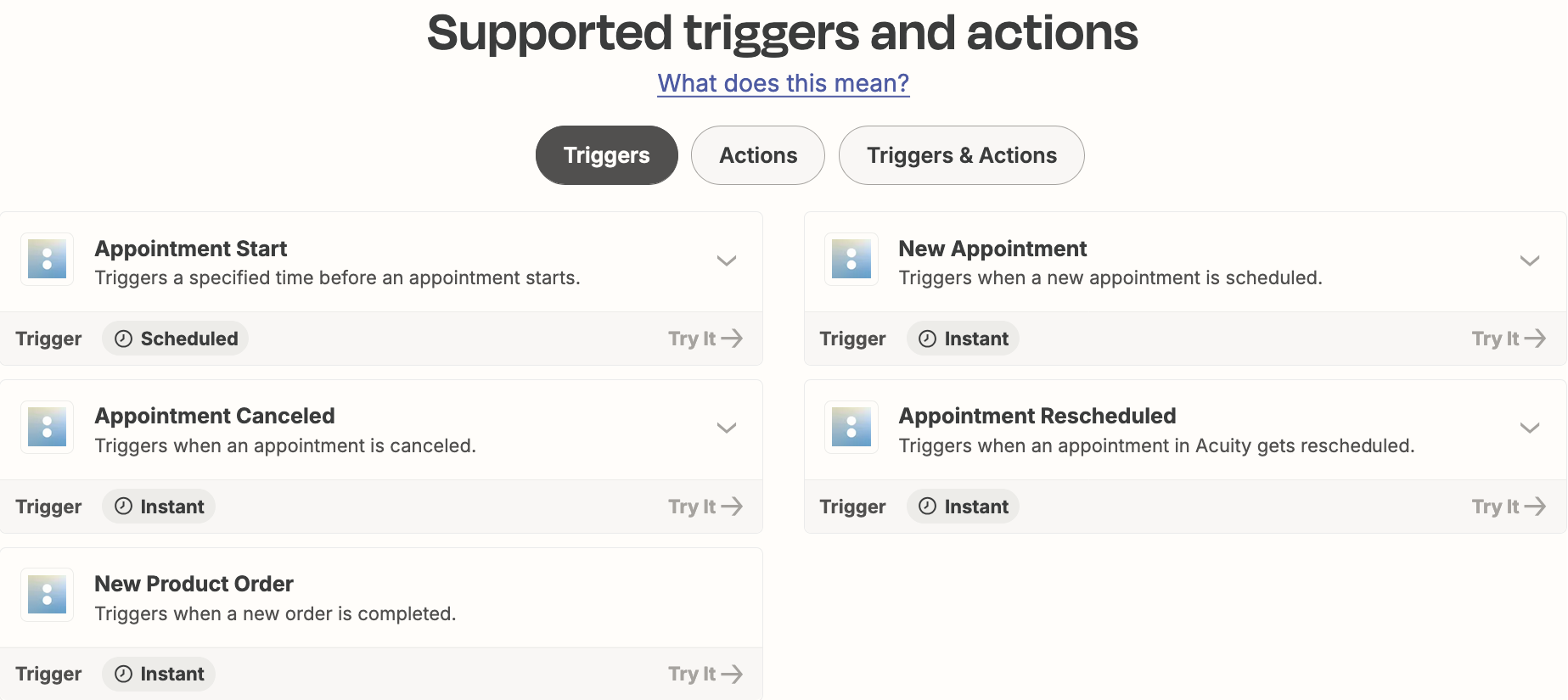
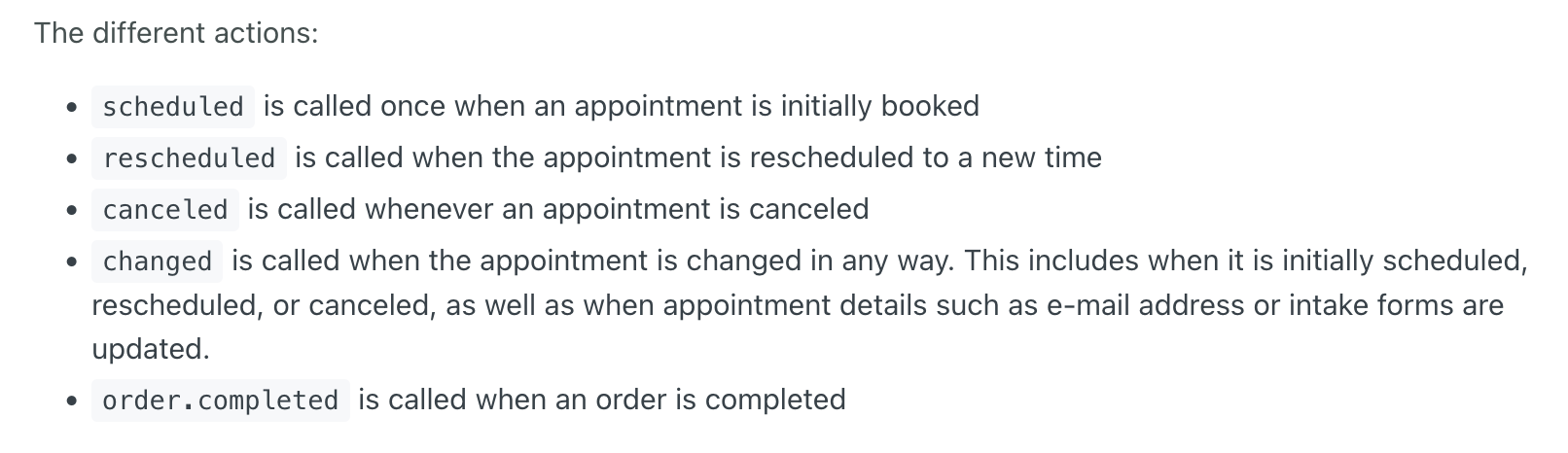
It may be that Acuity doesn’t offer a trigger for a label being added.

You can try reaching out to Acuity Support for possible guidance on that capability.


Acuity Zap app triggers/actions: https://zapier.com/apps/acuity-scheduling/integrations#triggers-and-actions


Info about Acuity webhook events: https://developers.acuityscheduling.com/docs/webhooks#static-webhooks