Answer

How do I use ChatGPT to auto-translate new Google Docs into a specific folder and save translations in separate Google Docs?

  • June 13, 2024
  • 5 replies
  • 217 views

Hi there,

Can you please help me with the following automation (if it’s possible):

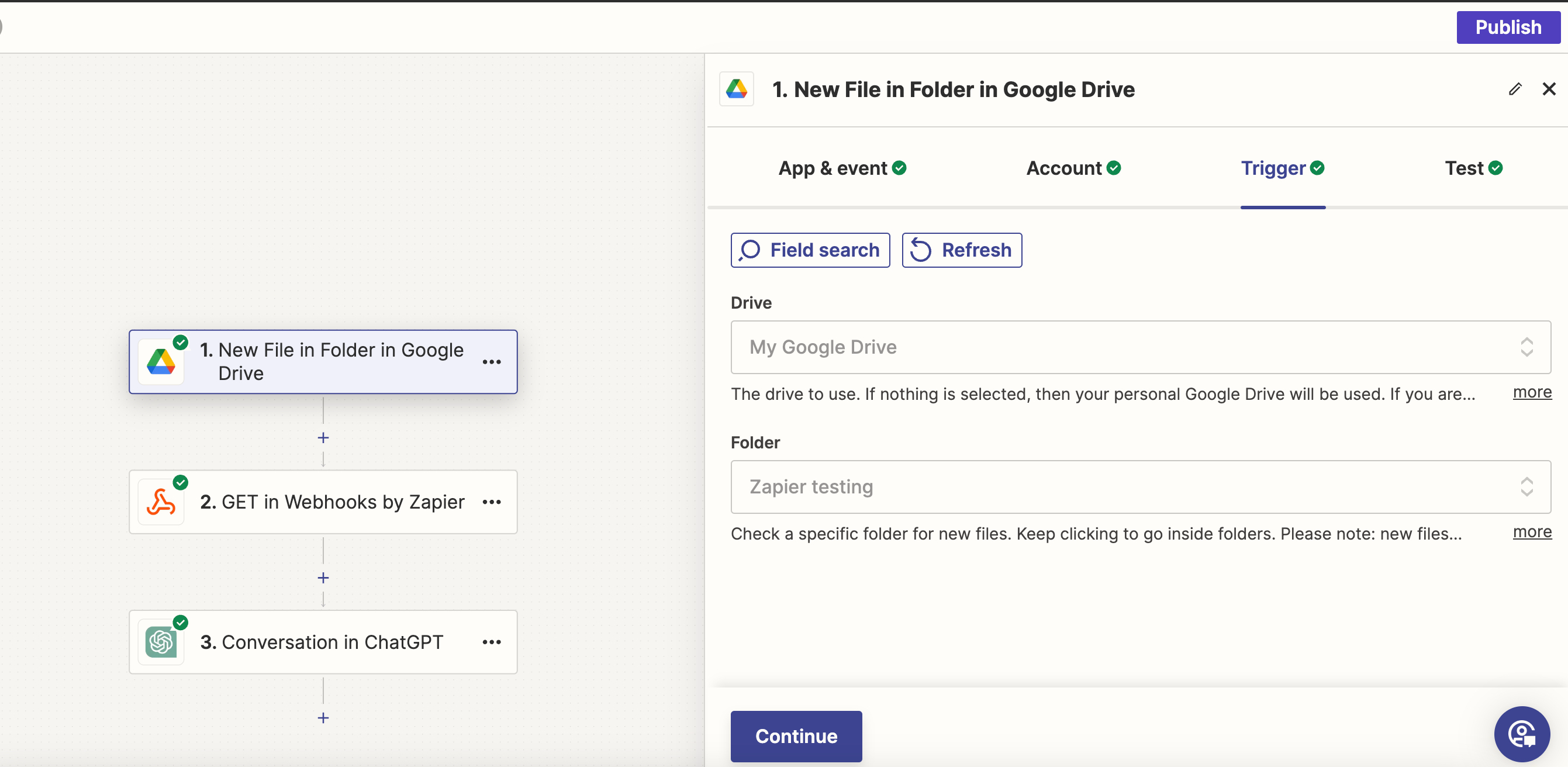
  1. A new GDoc is added to a speific folder on GDrive.
  2. Its content automatically translated via ChatGPT.
  3. The translation is saved to a separate GDoc to the same folder.

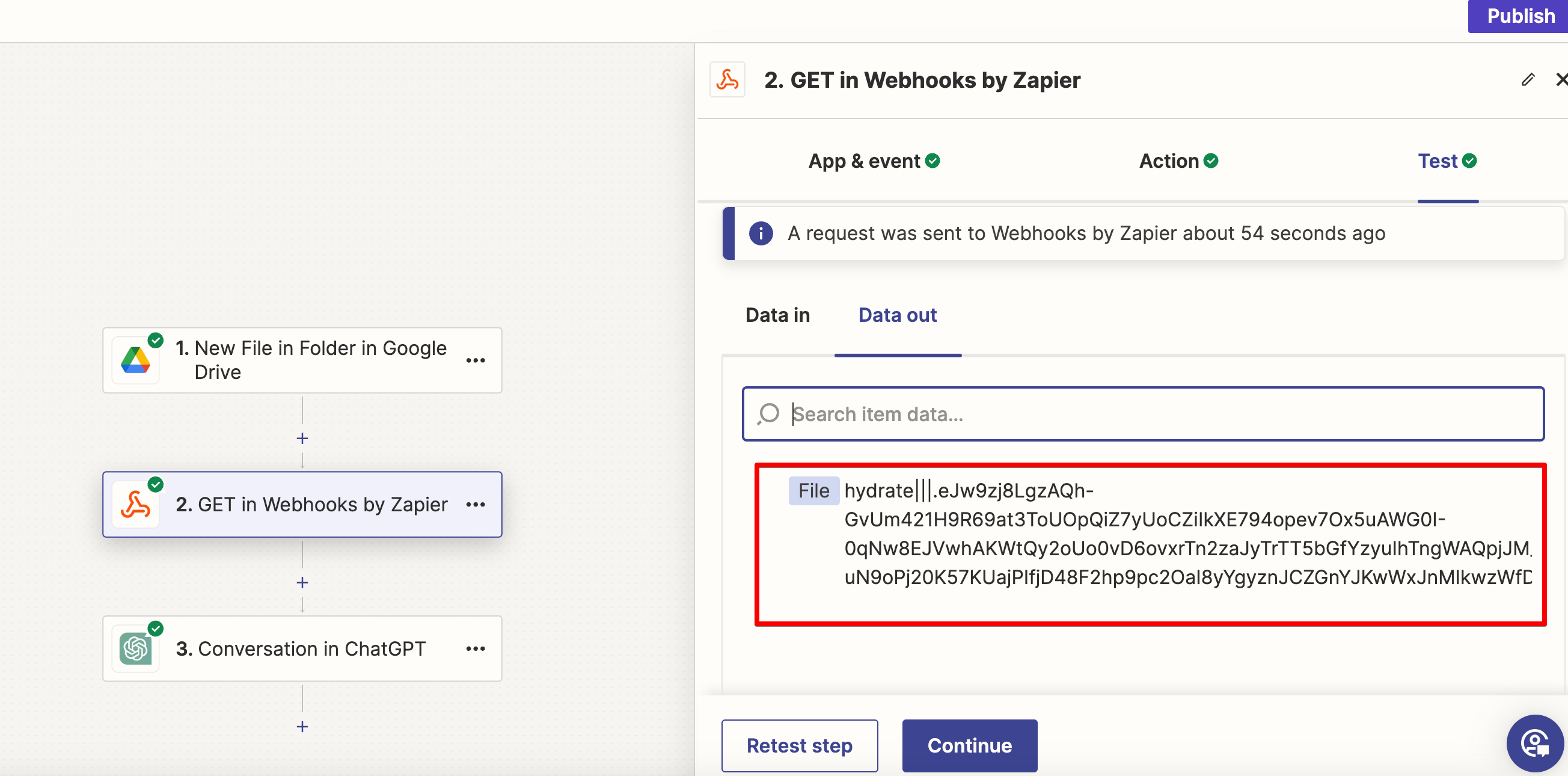
It seems the problem is that I can't configure reading a GDoc file content in a GDrive folder. I followed the instructions from this topic, but I still can't retrieve the source text from the file. Something is went wrong.
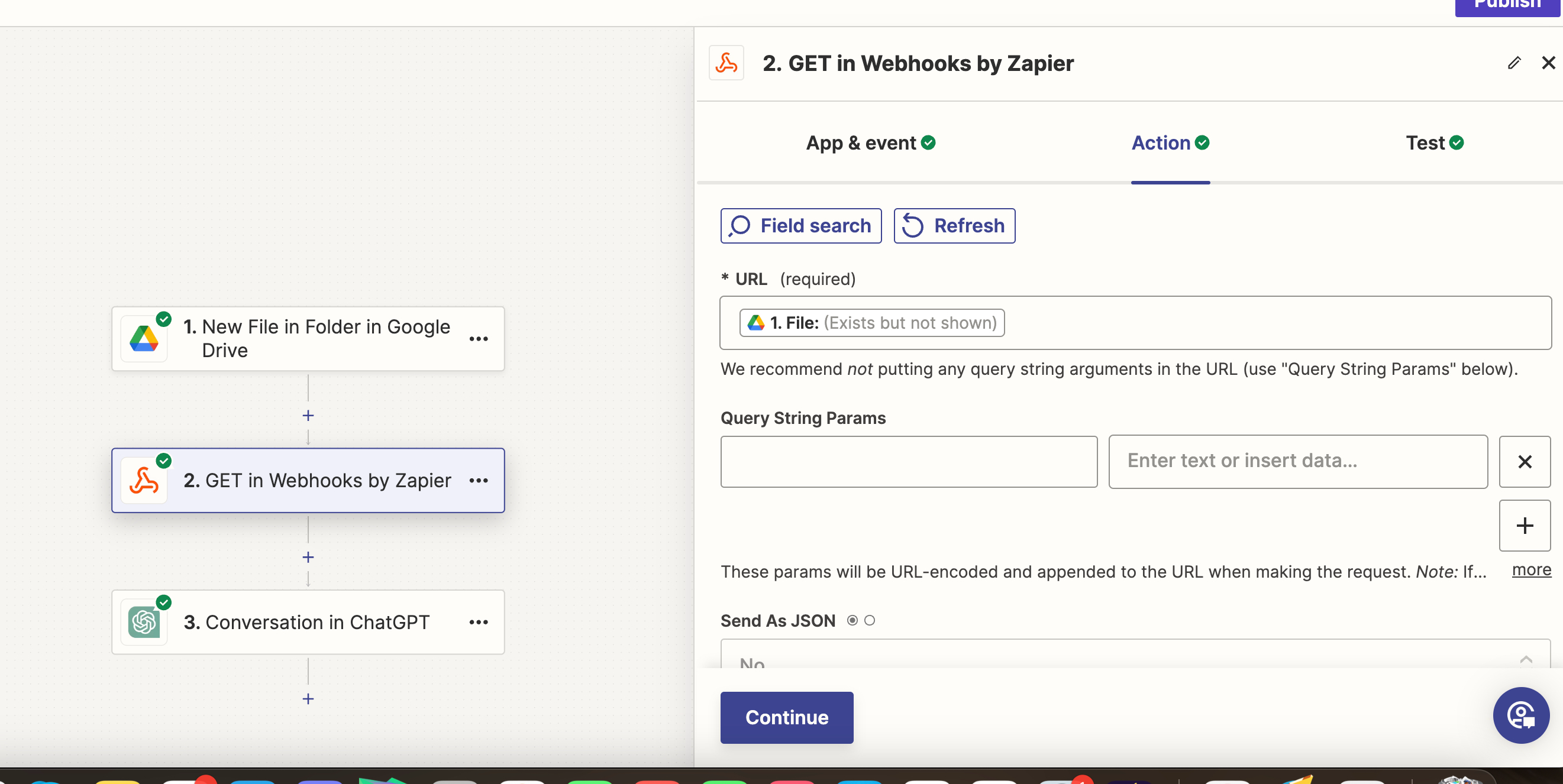


There’s no source text in the output, so cannot send it to ChatGPT for translation.


If such automation is possible, could you please provide the detailed configuration for each step? I'm completely new to this.


Thank you in advance.

PS. Also inviting Zapier Expert - @Troy Tessalone 

Best answer by Troy Tessalone

Hi @Pamperino 

Try following this help article:


This post has been closed for comments. Please create a new post if you need help or have a question about this topic.

5 replies

  • Beginner
  • June 13, 2024

Thanks to you, I got a great idea. I'm leaving a message to follow up on the issue, thank you.


Troy Tessalone
Zapier Orchestrator & Solution Partner
Forum|alt.badge.img+14
  • Zapier Orchestrator & Solution Partner
  • Answer
  • June 13, 2024

Hi @Pamperino 

Try following this help article:


  • Beginner
  • June 13, 2024

Hi @Pamperino 

Try following this help article:


Thank you for your help


  • Author
  • Beginner
  • June 21, 2024

Hi @Pamperino 

Try following this help article:


Hi @Troy Tessalone 

This isn't working for me. Could you please show all the steps that need to be followed?

Objective:

  1. Automatically translate new files in a folder on Google Drive via ChatGPT.
  2. Save the translation as a separate file in the same folder.

Thank you in advance.


Troy Tessalone
Zapier Orchestrator & Solution Partner
Forum|alt.badge.img+14
  • Zapier Orchestrator & Solution Partner
  • June 21, 2024

Hi @Pamperino 

For us to have context, might be best to post your own topic and provide screenshots with how your Zap steps are outlined and configured in EDIT mode.