
Question

How do I use automation to add new subitems in Google Docs based on unique IDs?

  • September 12, 2023
  • 5 replies
  • 66 views

igriboff

I would like to create an automation that pulls info from a google doc and adds a new subitem if it’s ID does not match an existing subitem.  

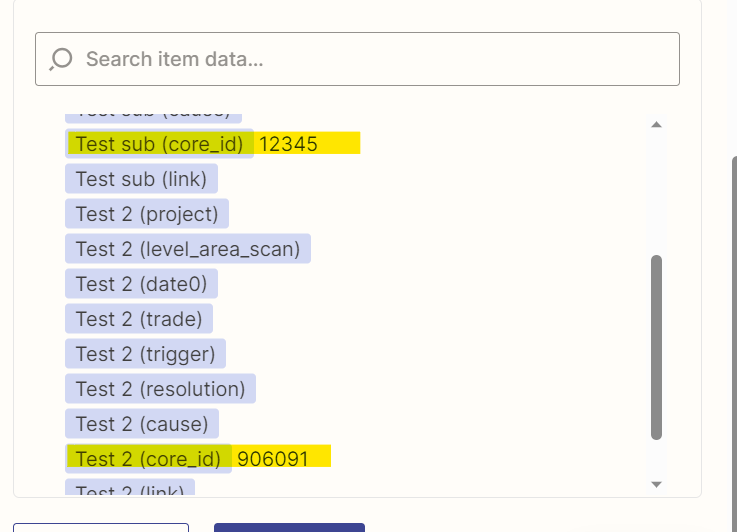
For example below, I want to run a check against these IDs and if the new item’s ID doesn’t match them it creates a new subitem.  I’ve been trying to play around with Looper but can’t seem to figure out how to implement this since each sub-item comes in as a line item with a different name. 

 

Please let me know if you have any suggestions, 

Thanks!

This post has been closed for comments. Please create a new post if you need help or have a question about this topic.

5 replies

Troy Tessalone
Zapier Orchestrator & Solution Partner
Forum|alt.badge.img+14
  • Zapier Orchestrator & Solution Partner
  • September 12, 2023

Hi @igriboff,

Good question.

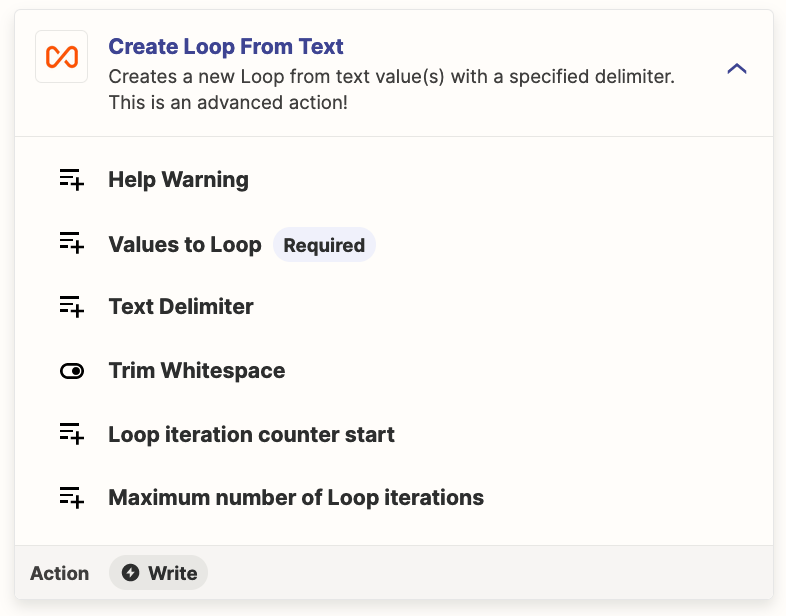
Try this Zap action: Looping - Create Loop from Text

You can map each of the variables and separate with a comma.


igriboff
  • Author
  • Beginner
  • September 12, 2023

@Troy Tessalone Could you send a screenshot with how to fill this out? If I don’t know in advance how many sub-items there will be, what should I be putting in each field?


Troy Tessalone
Zapier Orchestrator & Solution Partner
Forum|alt.badge.img+14
  • Zapier Orchestrator & Solution Partner
  • September 12, 2023

@igriboff 

To help us have more context, please post screenshots with how your Zap steps are currently configured.


igriboff
  • Author
  • Beginner
  • September 13, 2023

@Troy Tessalone 

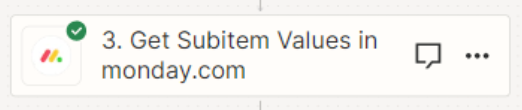
Here’s the workflow:

What I want to do is take the info from the google sheet which has a list of items and only create a subitem if the new subitem item doesn’t match an existing subitem’s ID. 


Troy Tessalone
Zapier Orchestrator & Solution Partner
Forum|alt.badge.img+14
  • Zapier Orchestrator & Solution Partner
  • September 13, 2023

@igriboff 

If Step 3 is returning each Subitem as a separate field, then that likely won’t be usable.

To get the Item Subitems, instead you may have to explore using the Monday API: https://developer.monday.com/apps/docs/mondayapi

App APIs can be used in Zaps via these apps: