Question

How do I update multiple record IDs in a table database when a DocuSign envelope is completed?

  • February 9, 2024
  • 4 replies
  • 54 views

When an envelope is completed in Docusign, how do I find and update all the relevant record IDs with the completed document link in a tables database?


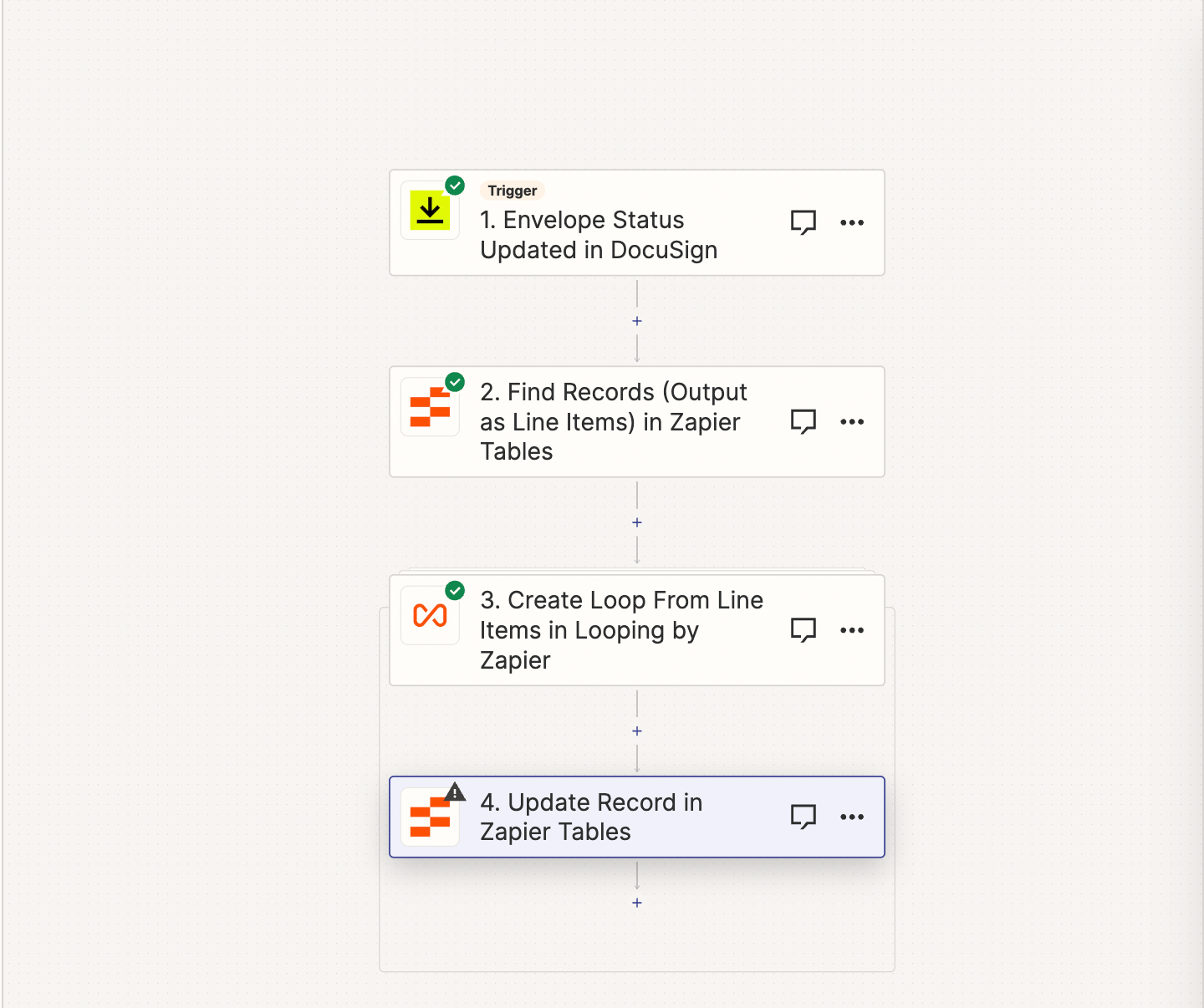
Currently I can successfully automate the process for a single record ID to get updated but not many. I’ve attached my flow below and thought that the looping function would be a good way to repeat the find record step but it’s still no dice however which way I’ve been calling the data. Any thoughts?

 

This post has been closed for comments. Please create a new post if you need help or have a question about this topic.

4 replies

Troy Tessalone
Zapier Orchestrator & Solution Partner
Forum|alt.badge.img+14
  • Zapier Orchestrator & Solution Partner
  • February 9, 2024

Hi @Campgrnds 

We would need more context about how your Zap steps are configured and the logic you are trying to use to find records.


  • Author
  • Beginner
  • February 9, 2024


  • Author
  • Beginner
  • February 10, 2024

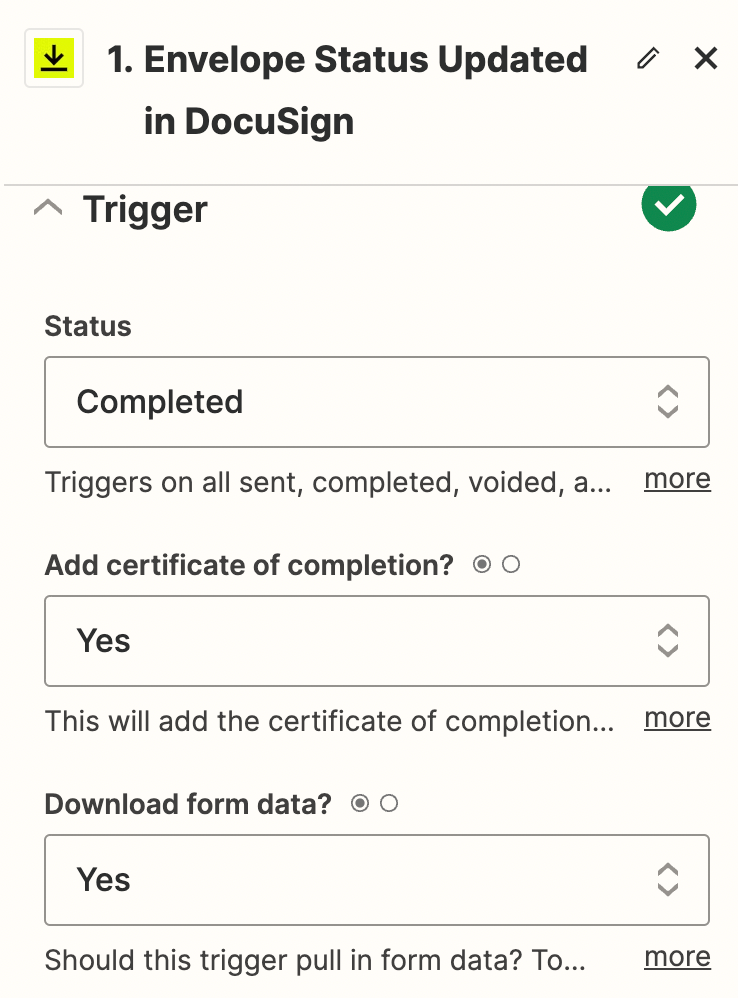
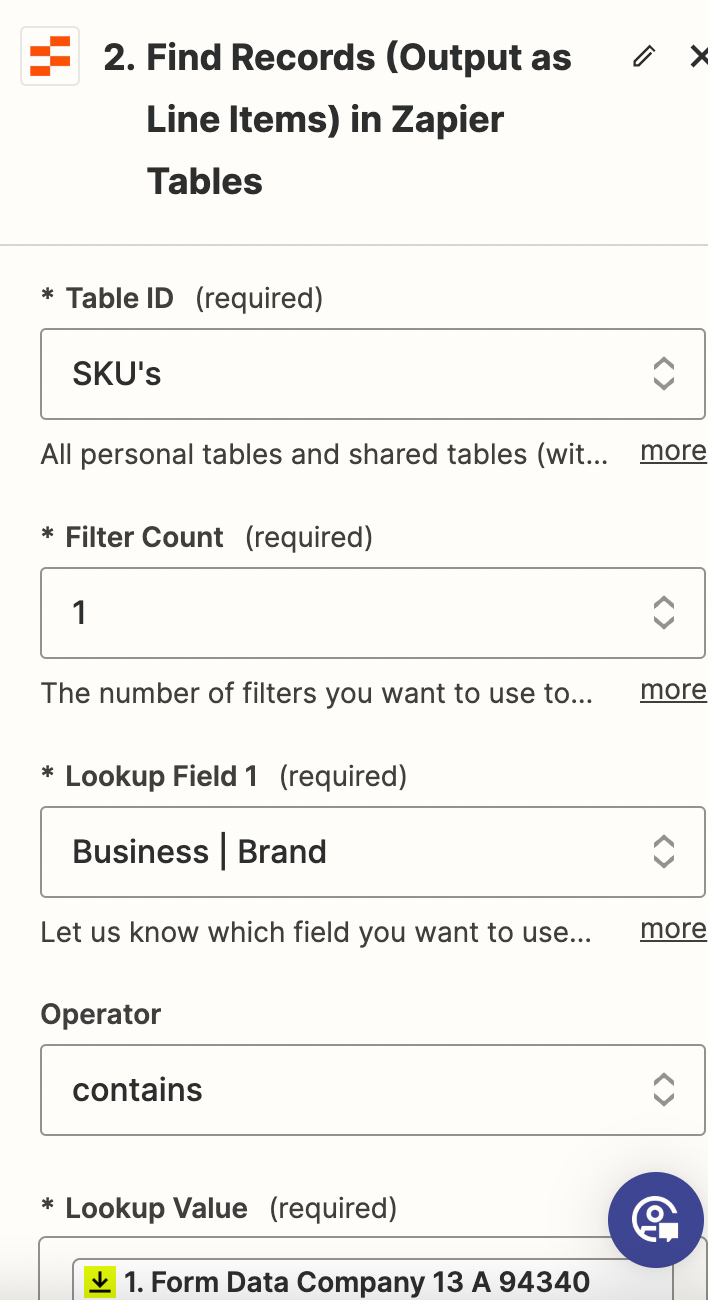
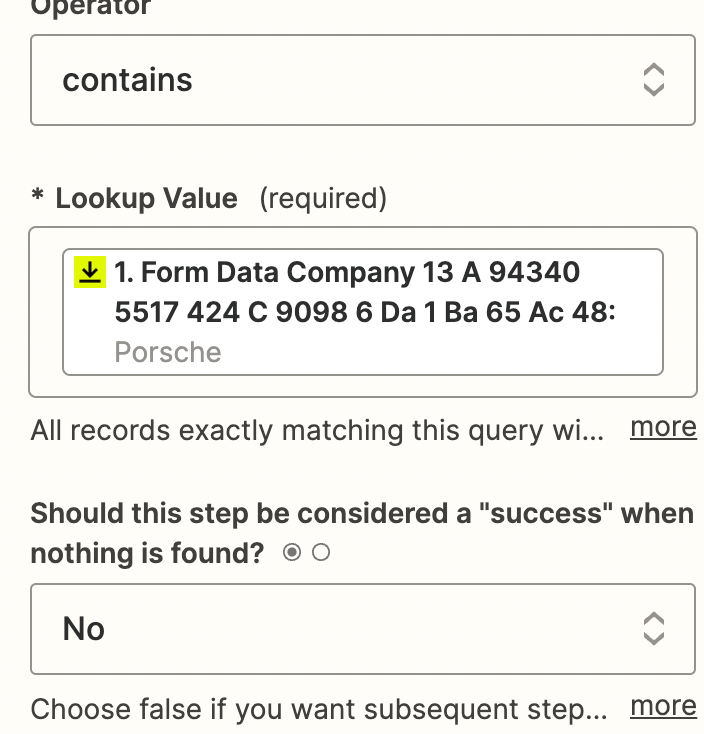
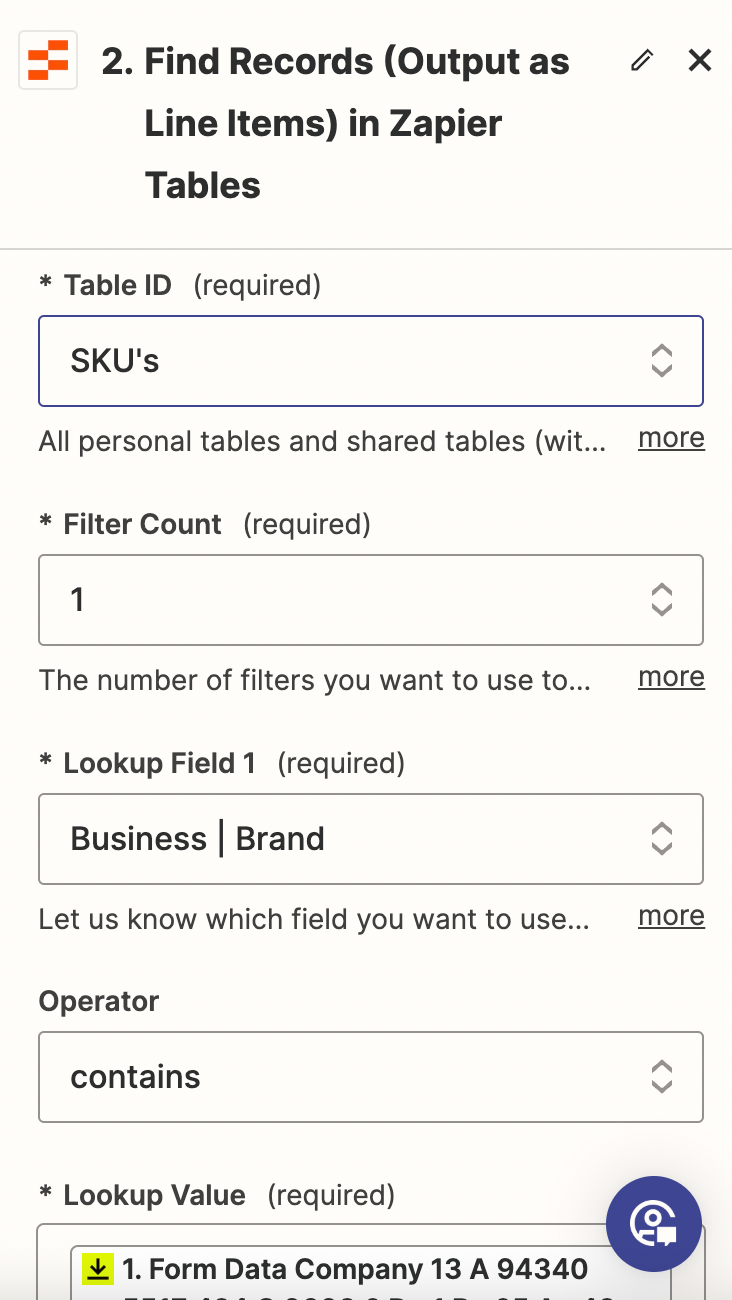
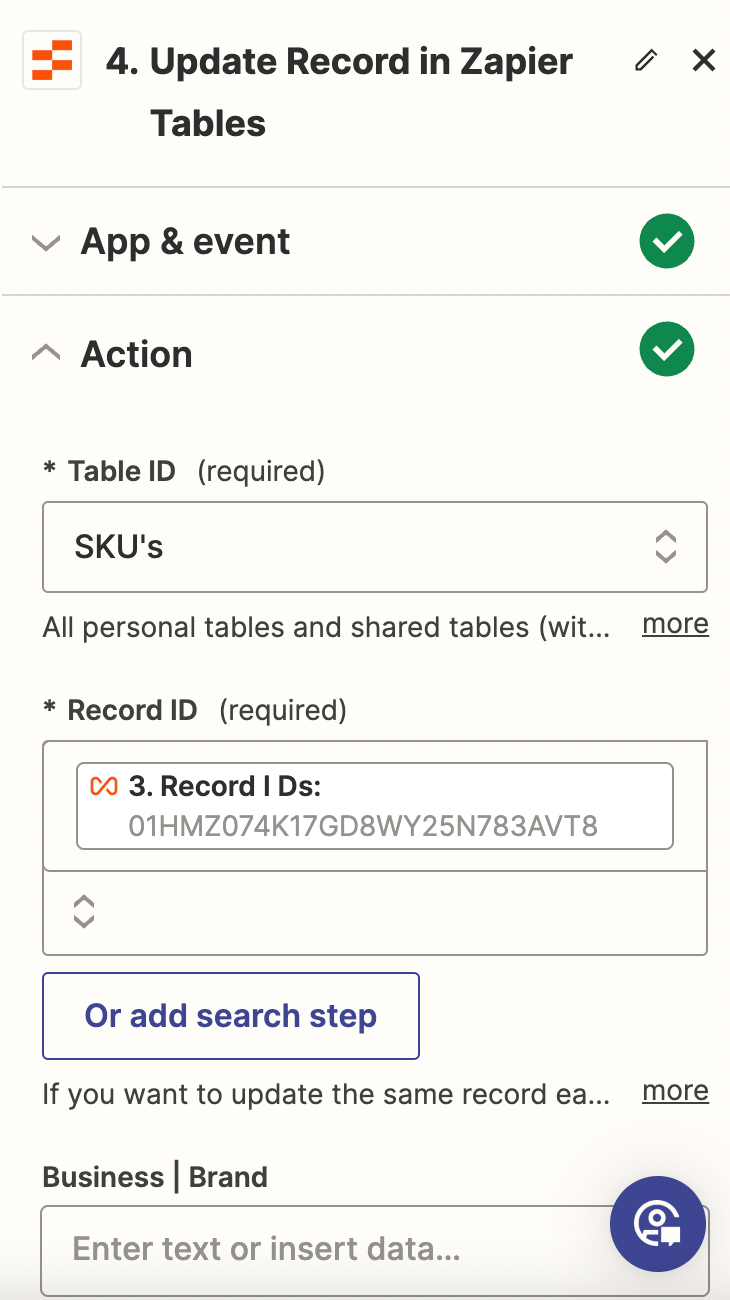
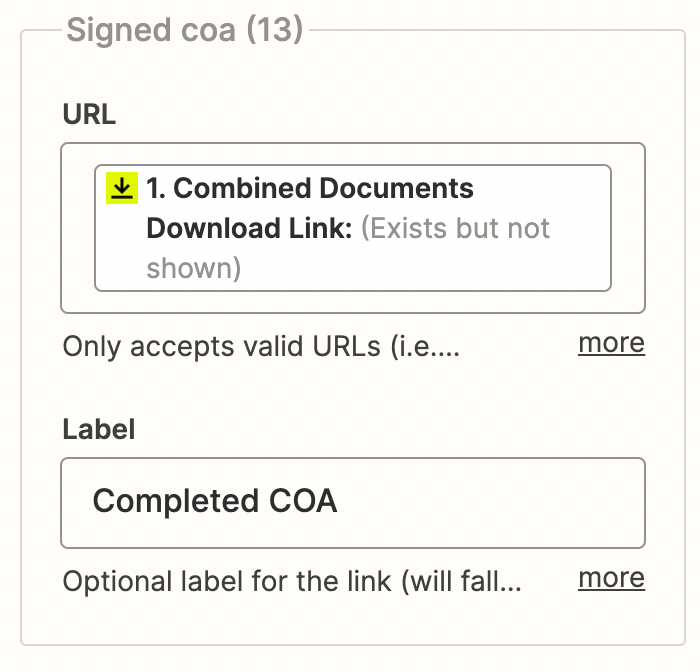
These are the configured settings. The trigger is when the envelope is completed in Docusign, from there the find record function calls on the company name data sourced from Docusign which (should) align with the data in our tables database. From there the loop finds all of the record IDs from that respective brand in our table and we want the update action to add the completed document in the COA table field.


Troy Tessalone
Zapier Orchestrator & Solution Partner
Forum|alt.badge.img+14
  • Zapier Orchestrator & Solution Partner
  • February 10, 2024

@Campgrnds 

Help for Looping: https://zapier.com/apps/looping/help


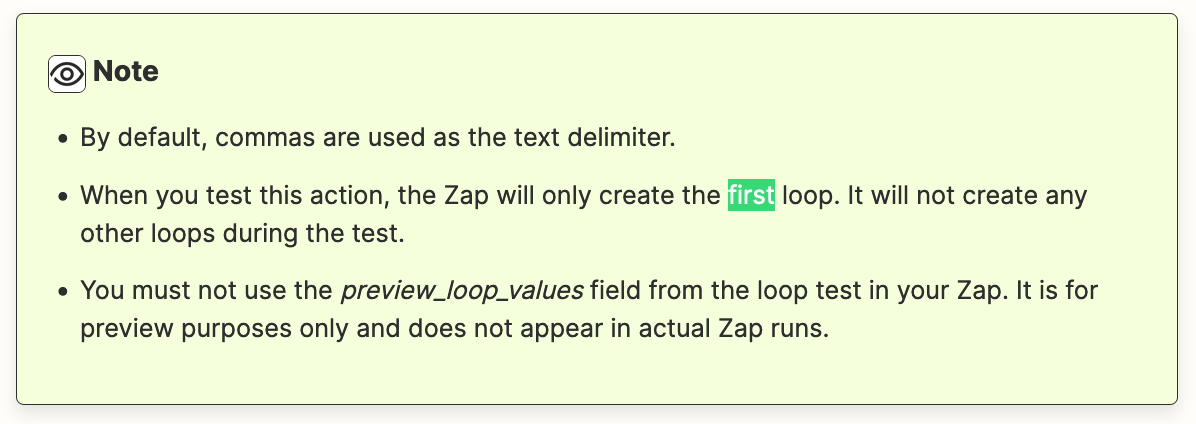
When you test this action, the Zap will only create the first loop.
It will not create any other loops during the test.