Question

How do I update a ClickUp task with a tag when a client books a Calendly call?

  • September 28, 2023
  • 3 replies
  • 51 views

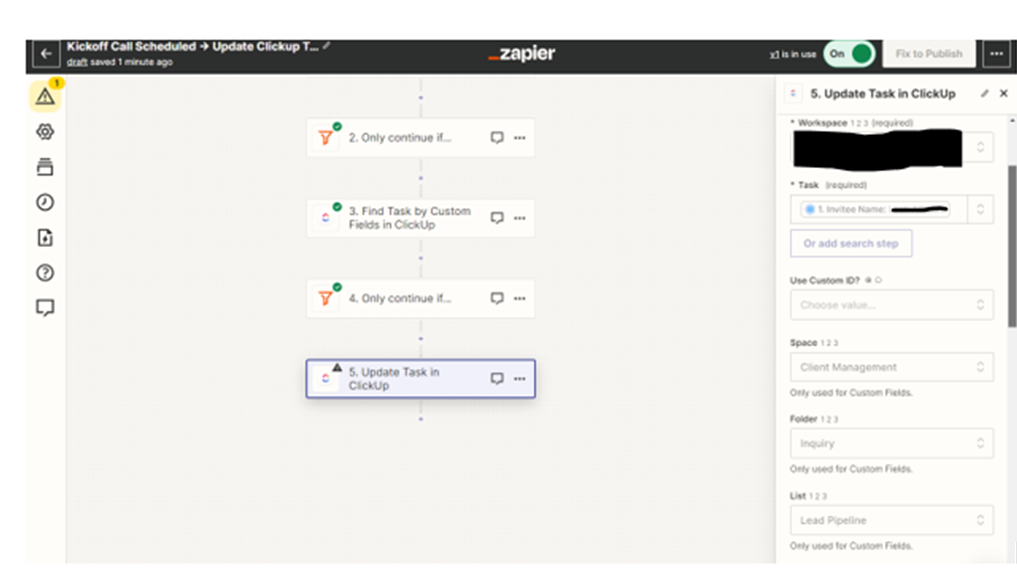
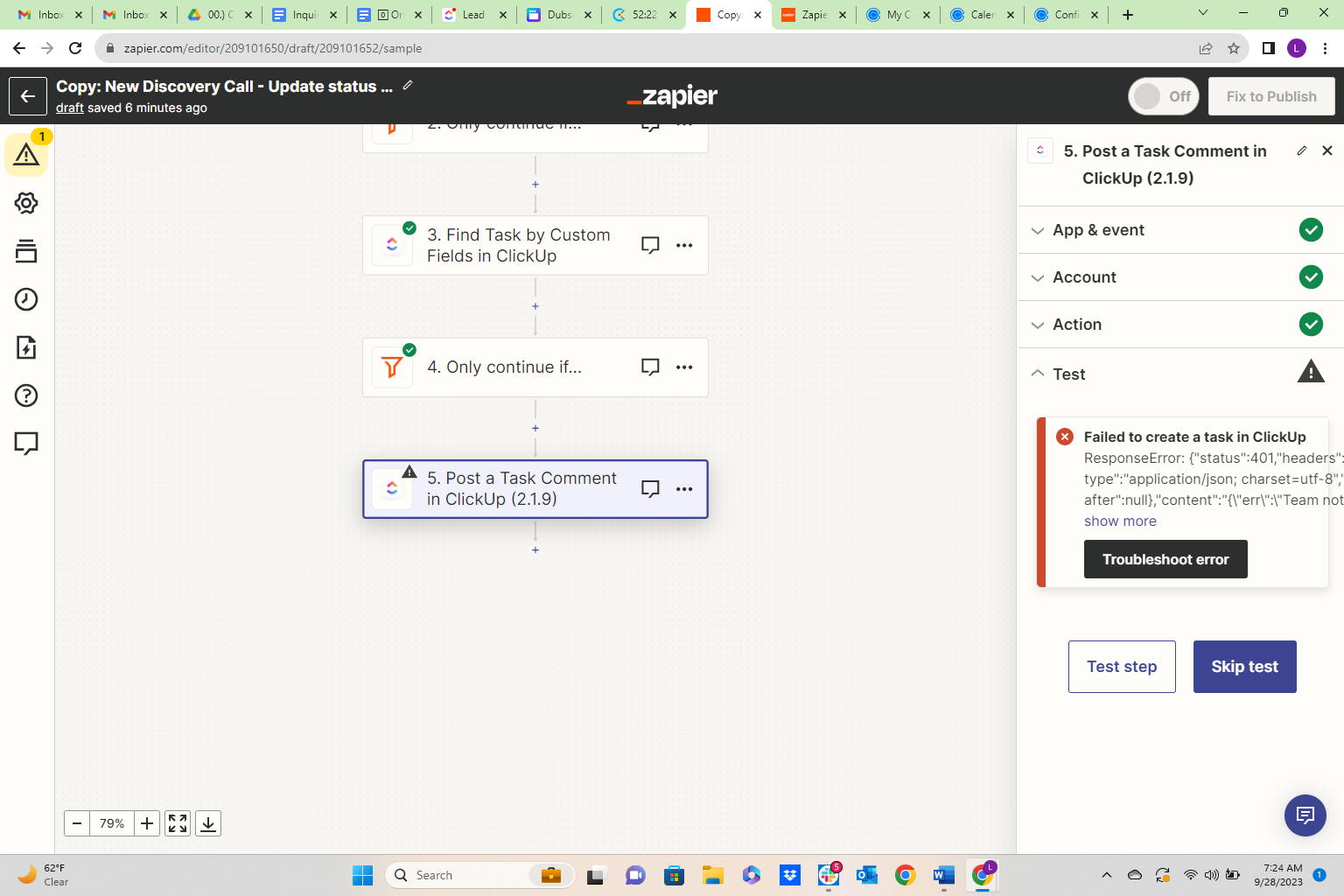
I am trying to create a zap that updates a task in clickup when a client books a call in calendly. My tasks in clickup are created by client’s first discovery call and it is pulling their first name and last name for task name. I want to add a tag to a task when they schedule their kickoff call. Everything is fine until I get to update the task. 
 

This post has been closed for comments. Please create a new post if you need help or have a question about this topic.

3 replies

Troy Tessalone
Zapier Orchestrator & Solution Partner
Forum|alt.badge.img+14
  • Zapier Orchestrator & Solution Partner
  • September 28, 2023

Hi @Thesocialartist.co 

Good question.

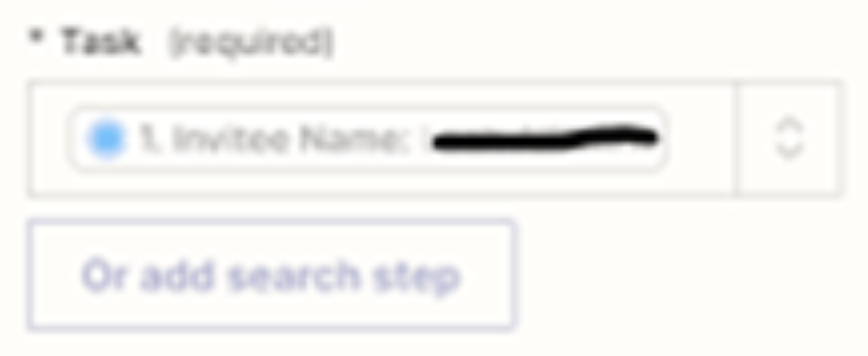
The Task field expects the Task ID from Step 3.


@Troy Tessalone Thank you! I am just curious, how will it know to pull the specific task ID inside clickup for all individual call entrys? 


Troy Tessalone
Zapier Orchestrator & Solution Partner
Forum|alt.badge.img+14
  • Zapier Orchestrator & Solution Partner
  • September 28, 2023

@Thesocialartist.co

You are finding the Task in Step 3.

So it depends on how that Zap step is configured.