Question

How do I transfer leads from Real Geeks to Liondesk and assign them to two different campaigns?


Is it possible to zap leads from my Real Geeks website to Liondesk and connect them to 2 different campaigns?


This post has been closed for comments. Please create a new post if you need help or have a question about this topic.

3 replies

Troy Tessalone
Zapier Orchestrator & Solution Partner
Forum|alt.badge.img+14
  • Zapier Orchestrator & Solution Partner
  • August 1, 2024

Hi @KHensley 

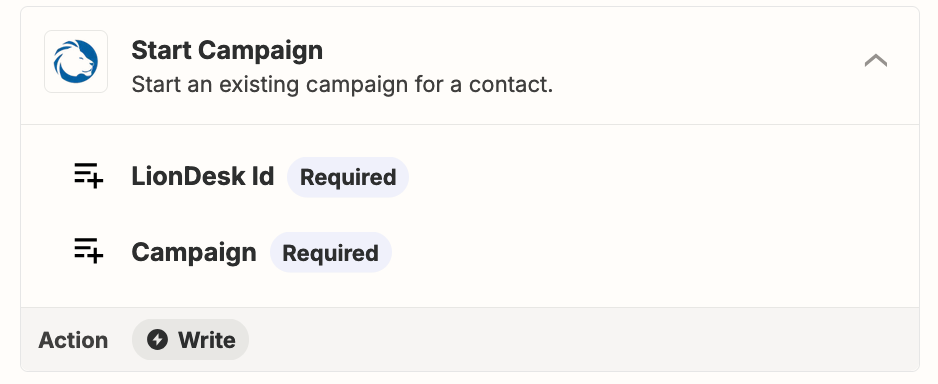
Yes, use the same action twice in the Zap, one for each LionDesk Campaign.


  • Author
  • Beginner
  • August 1, 2024

OK, THANKS! And it won’t load their info twice in Liondesk?


Troy Tessalone
Zapier Orchestrator & Solution Partner
Forum|alt.badge.img+14
  • Zapier Orchestrator & Solution Partner
  • August 1, 2024

@KHensley 

That Zap action requires the LionDesk ID for the Contact.

That means you need to first find/create the Contact in LionDesk to get the Contact ID to use.

Check out the available LionDesk Zap app triggers/actions: https://zapier.com/apps/liondesk-crm/integrations#triggers-and-actions