Question

How do I send real-time notifications to Microsoft Teams when an agent answers a call on CloudTalk?

  • August 13, 2024
  • 1 reply
  • 26 views

Hi!

I am trying to set a trigger so that each time an agent answers a call on CloudTalk, a message is automatically sent to our Teams chat, so that everyone else knows that this person is busy in a call. 

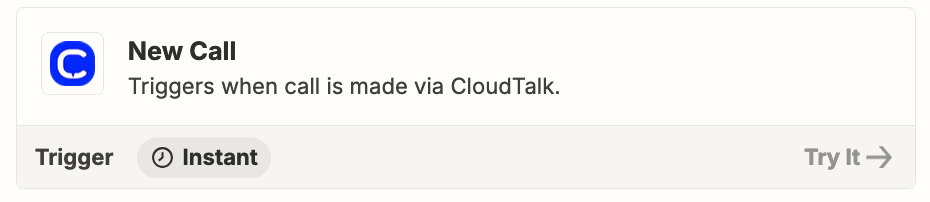
I am using the “New call” trigger + Send a chat message on Teams, and it looks like it is working, except for this: the message is published on the chat after the call is finished. And not when the call is answered.

The main goal about this is that we know each availability of a colleague in Teams, so that we do not disturb them while they are on a CloudTalk call. This is why we need the message to appear on Teams right away when the call is answered. It wouldn’t make any sense to receive the message when the call is ended.


Does anyone know about any solution for this? Thanks!

 

This post has been closed for comments. Please create a new post if you need help or have a question about this topic.

1 reply

Troy Tessalone
Zapier Orchestrator & Solution Partner
Forum|alt.badge.img+14
  • Zapier Orchestrator & Solution Partner
  • August 13, 2024

Hi @cristina.galera 

The Zap trigger being used is Instant, BUT it may trigger when a New Call is completed/ended/finished.

You can try reaching out to CloudTalk Support for clarification about this webhook event.


Perhaps look into using HTTP Request Step in the Flow Designer:

https://help.cloudtalk.io/en/articles/6883940-http-request-step


Zap trigger: Webhook - Catch Hook

This will generate the unique webhook URL to configure in CloudTalk.