Question

How do I put activities in Pipedrive to be marked as "Done" as part of the Zap?

  • May 11, 2022
  • 5 replies
  • 99 views

I am looking to have a text message sent based on activities in Pipedrive. I am looking at 2 methods to make this happen but have had no luck in getting them to trigger and run correct. 

Option 1

When clicking an activity “Done” in Pipedrive a text would be sent. Seems simple enough but I dont think there is a trigger to watch for activity changes 

Option 2
A zap that runs based on a Matching filter in Pipedrive and then a scheduled text message. The issue I have with this is there does not seem to be a way to mark those activities as done. 


Anyone have any experience with a similar setup? 

Thanks

Brad



This post has been closed for comments. Please create a new post if you need help or have a question about this topic.

5 replies

Troy Tessalone
Zapier Orchestrator & Solution Partner
Forum|alt.badge.img+14
  • Zapier Orchestrator & Solution Partner
  • May 11, 2022

Hi @bradross2610 

Good question.

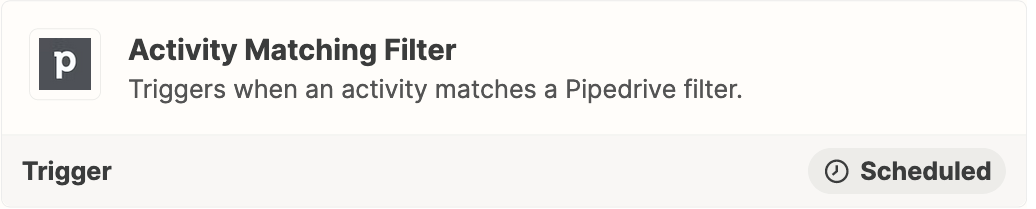
Try this Zap trigger: Pipedrive - Activity Matching Filter


  • Author
  • Beginner
  • May 11, 2022

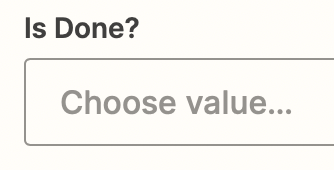
Where are you seeing that “Mark As Done” Option in Zapier?


  • Author
  • Beginner
  • May 11, 2022

I think maybe you missed part of the issue. I need those activities in Pipedrive to be marked as “Done” as part of the Zap. 


Troy Tessalone
Zapier Orchestrator & Solution Partner
Forum|alt.badge.img+14
  • Zapier Orchestrator & Solution Partner
  • May 11, 2022

@bradross2610 

Action: Pipedrive - Update Activity


Forum|alt.badge.img+4

Hey @bradross2610! I just wanted to pop in here and see if you were able to get your zap running correctly with Troy’s recommendation? 🙂