Best answer

How do I integrate Shopify and Flodesk so the customer segments update dynamically?

  • April 22, 2022
  • 10 replies
  • 247 views

I need help integrating Shopify and Flodesk Emails so the customer segments update dynamically

Best answer by christina.d

Hi friends! I wanted to summarize some of the tips recommended here. 


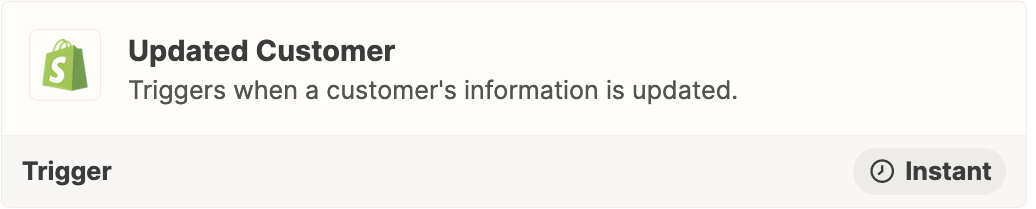
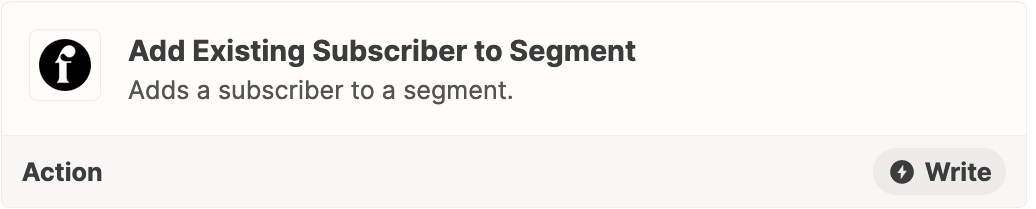
NOTE: You likely will need to add a Filter as Step 2 in the Zap: https://zapier.com/apps/filter/help
 

If you’re just getting started with Zapier here’s some resources to get you started:
 

Also in the meantime, here’s some helpful docs and videos that could be useful as you’re starting out with Zapier.

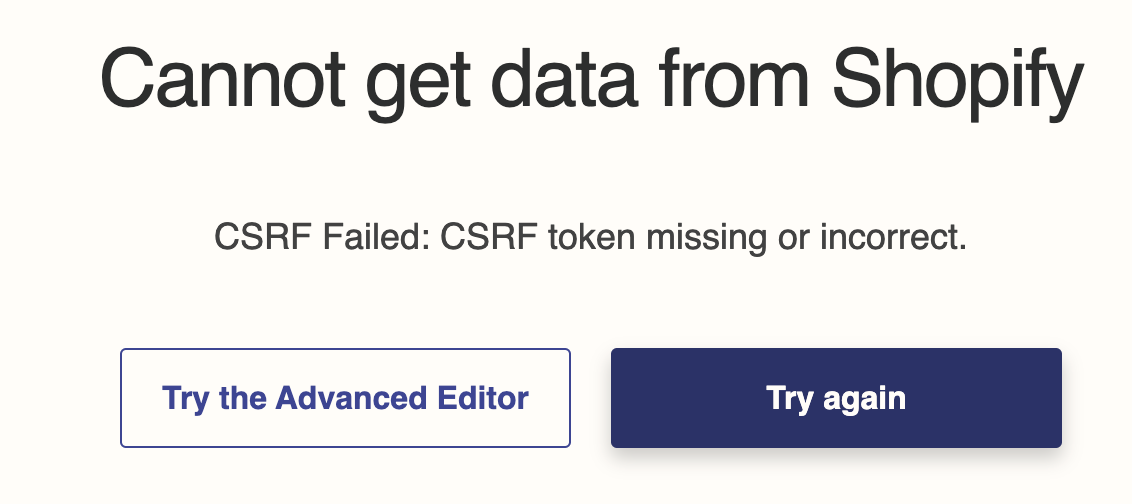
If you happen to run into a “CSRF Failed: CSRF token missing or incorrect” error as @TamRazzleDazzle mentions, sometimes this is due to failed verification at login. Reattempting login with incognito or with another browser can help! 

This post has been closed for comments. Please create a new post if you need help or have a question about this topic.


10 replies

Troy Tessalone
Zapier Orchestrator & Solution Partner
Forum|alt.badge.img+14
  • Zapier Orchestrator & Solution Partner
  • April 22, 2022

Hi @wedrinkbubbles 

Good question.

Please clarify what Zap triggers/actions you are trying to use for each.

Shopify: https://zapier.com/apps/shopify/integrations#triggers-and-actions

Flodesk: https://zapier.com/apps/flodesk/integrations#triggers-and-actions


When a customer is updated with a new tag, i want flow desk to recognize the new customer in a segment and trigger an email


Troy Tessalone
Zapier Orchestrator & Solution Partner
Forum|alt.badge.img+14
  • Zapier Orchestrator & Solution Partner
  • April 22, 2022

@wedrinkbubbles 

Have you tried configuring these Zap steps and testing?

NOTE: You likely will need to add a Filter as Step 2 in the Zap: https://zapier.com/apps/filter/help


I haven’t set up a Zap yet. I just registered an am new to the automations. Can you share a start up guide to help me with this?


Troy Tessalone
Zapier Orchestrator & Solution Partner
Forum|alt.badge.img+14
  • Zapier Orchestrator & Solution Partner
  • April 22, 2022

@wedrinkbubbles 

Here are some helpful getting started guides for the basics of creating Zaps:

https://zapier.com/help/create/basics


Okay thanks. I will work on this and let you know if I have any questions


I am getting the message above. DO you know how to troubleshoot?


Forum|alt.badge.img+4

Hey @wedrinkbubbles! It looks like the error you got is a failed verification with Shopify? Like it wasn’t able to link your account or authenticate it? 🤔 Were you able to try linking it to Zapier again?


christina.d
Forum|alt.badge.img+9
  • Zapier Staff
  • Answer
  • June 10, 2022

Hi friends! I wanted to summarize some of the tips recommended here. 


NOTE: You likely will need to add a Filter as Step 2 in the Zap: https://zapier.com/apps/filter/help


If you’re just getting started with Zapier here’s some resources to get you started:
 

Also in the meantime, here’s some helpful docs and videos that could be useful as you’re starting out with Zapier.

If you happen to run into a “CSRF Failed: CSRF token missing or incorrect” error as @TamRazzleDazzle mentions, sometimes this is due to failed verification at login. Reattempting login with incognito or with another browser can help!