Question

How do I fix issues with my Accepted Proposal Zap, including triggering, document attachment, and email sending?

  • September 12, 2024
  • 4 replies
  • 38 views

Can you look at my Accepted Proposal Zap and let me know what I am doing wrong? I want to sent an email to any client that accepts a proposal. I'm having a few issues:

  1. The Ignition section, how do I know it was trigger every time someone accepts a proposal because when I tested it, it just did one person.
  1. How do I attach documents to my draft email, it will not allow me.
  2. I was to start with their name in the email, will "First Name" work?
  3. The test email did not send to my email and along with that, how do I make it so the email just sends to the email that accepted the proposal?

This post has been closed for comments. Please create a new post if you need help or have a question about this topic.

4 replies

Troy Tessalone
Zapier Orchestrator & Solution Partner
Forum|alt.badge.img+14
  • Zapier Orchestrator & Solution Partner
  • September 12, 2024

Hi @Evermore 

For us to have more info, post screenshots with how your Zap steps are outlined and configured in EDIT mode along with any encountered errors on steps.


  • Author
  • New
  • September 12, 2024

Here are some screenshots


Troy Tessalone
Zapier Orchestrator & Solution Partner
Forum|alt.badge.img+14
  • Zapier Orchestrator & Solution Partner
  • September 12, 2024

@Evermore 

Zaps work while turned ON for new data going forward.

With the Zap ON, when there is a new proposal accepted in Ignition the Zap will be triggered to run.


For attachments, help links about using files in Zaps: https://zapier.com/help/create/basics/send-files-in-zaps


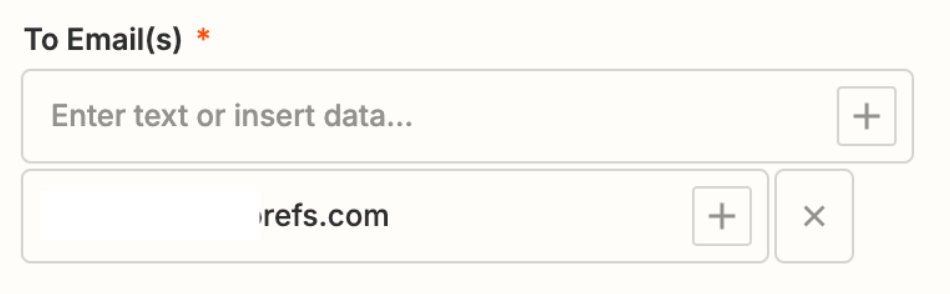
For the TO Email recipients, use the [+] to map a dynamic variable from Step 1 that represents the email address you want to use.


For the Email body, use the [+] to map a dynamic variable from Step 1 that represents the first name you want to use.


SamB
Community Manager
Forum|alt.badge.img+11
  • Community Manager
  • September 19, 2024

Hey there, @Evermore 👋

I just came across this and wanted to check how things are going, did you manage to get things sorted following Troy’s latest reply?

Happy to lend a hand if you’re still stuck on anything at all, just let me know! 🙂