Question

How do I filter Google Sheets data by specific parameters and send the results to a new sheet?

  • October 18, 2023
  • 12 replies
  • 459 views

hello all,

Im trying to make automation that searching in exist and full google sheet specific name with specific parameters that i will give and send the specific name that he find to new sheet(this part i know hot to do)

for example: i have a sheet that have:Name, year of birth, starting month and gender.

and i what that in the end of May let say.. May 25 it will take all the names that they Starting month is July and they are Mans to a new google sheet.


thanks for you help

This post has been closed for comments. Please create a new post if you need help or have a question about this topic.

12 replies

Troy Tessalone
Zapier Orchestrator & Solution Partner
Forum|alt.badge.img+14
  • Zapier Orchestrator & Solution Partner
  • October 18, 2023

Hi @YairSabag 

Can you please clarify your question by outlining specific examples with screenshots?


  • Author
  • Beginner
  • October 18, 2023

I will try .. :)

I have spreed sheet with few columns(exemple): Name-Year of birth-Gender-Starting Month-Job-Group

The row look like that..Yair - 1981 - Male - May - Engineer - Devops.

So i want that every end of month lets say every 25th of any Month the automation will take all the rows that contain: Year of birth is not 1980, Male and from Devops Group, to a new spreed sheet that i will give him.

I hope its more clearly :)

Thanks!


Troy Tessalone
Zapier Orchestrator & Solution Partner
Forum|alt.badge.img+14
  • Zapier Orchestrator & Solution Partner
  • October 18, 2023

@YairSabag 

If you are trying to use GSheets, then you may have to explore using the GSheets API to do advanced querying.

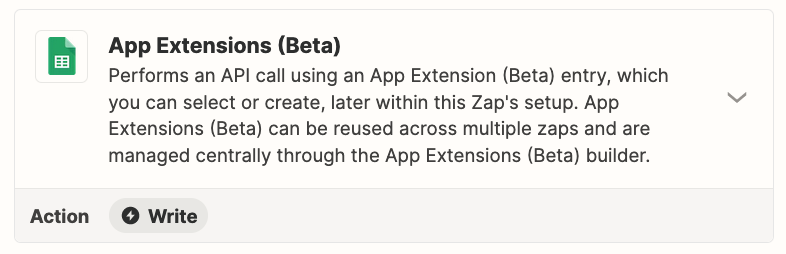
Try using the AI assist to configure the Zap action: GSheets - App Extensions


You may want to explore using Airtable instead of GSheets.

Airtable has Views, which are segments of data. (sort, filter, group, show/hide fields, reorder fields)


  • Author
  • Beginner
  • October 19, 2023

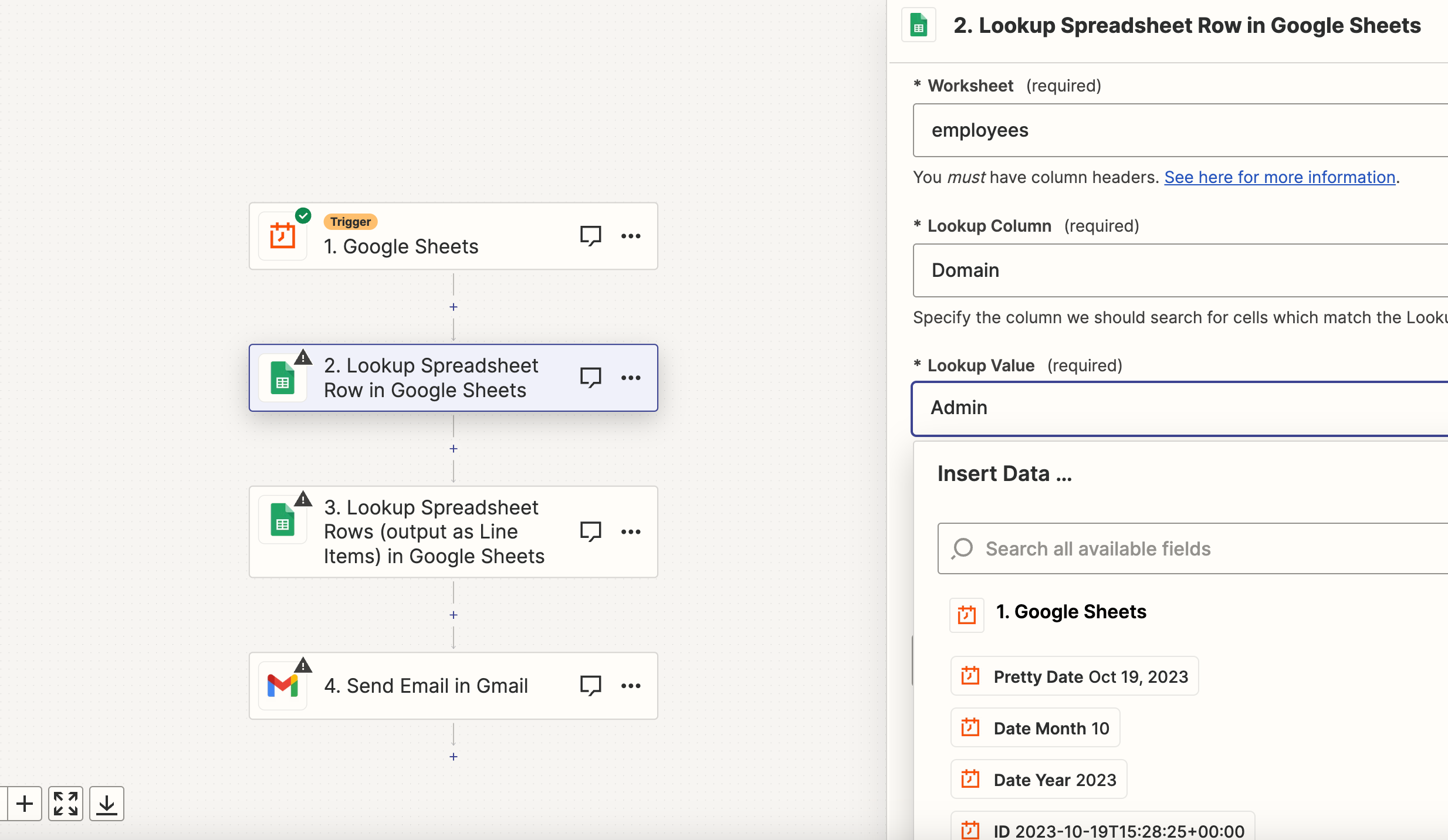
Thanks for that, i’m trying something but i cant see on the Value the words that appear on my Sheet like i see on the Column Field.


Troy Tessalone
Zapier Orchestrator & Solution Partner
Forum|alt.badge.img+14
  • Zapier Orchestrator & Solution Partner
  • October 19, 2023

@YairSabag 

There are 2 fields that work together.

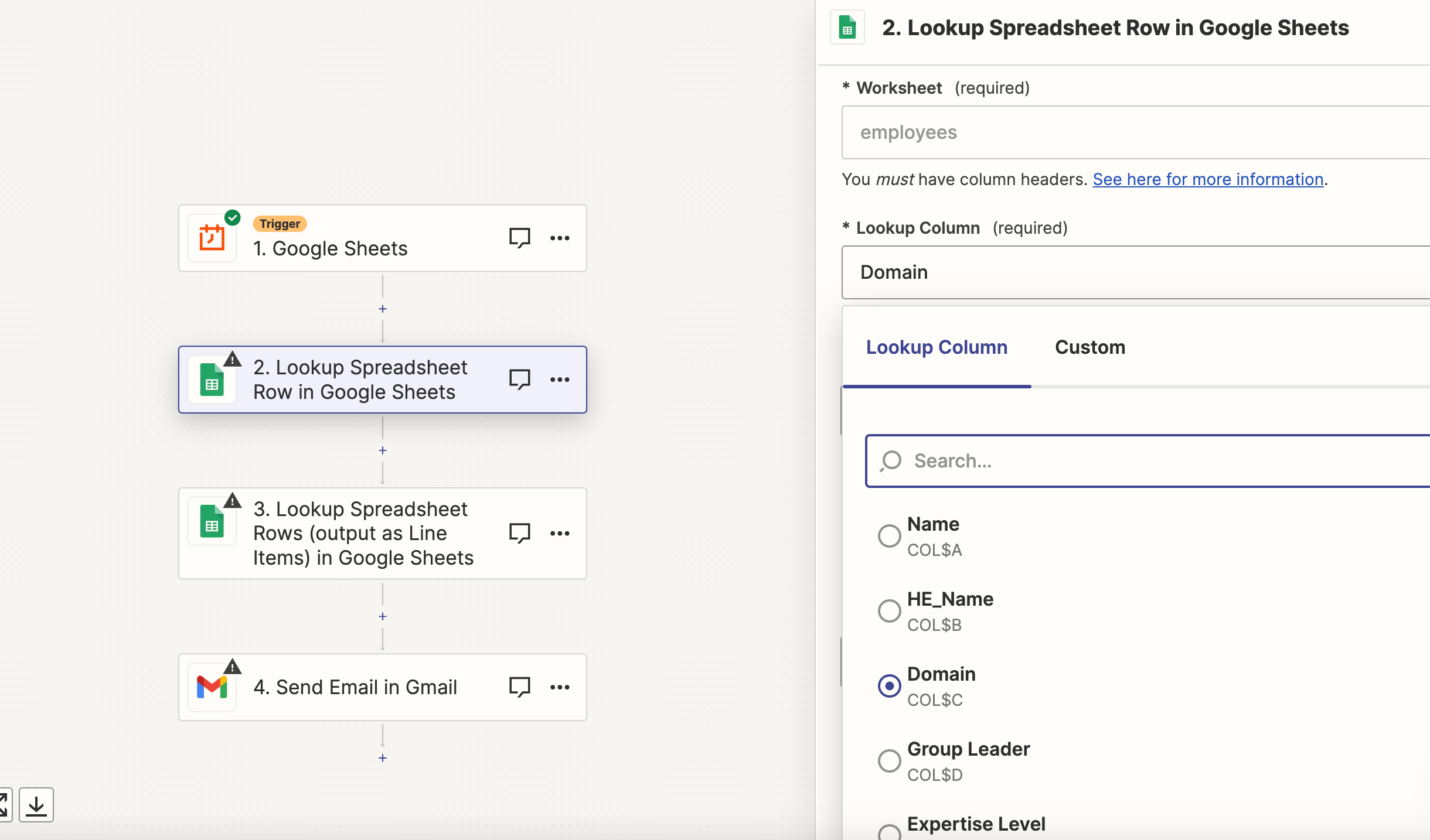
  • Lookup Column
    • This will be a specified column header
  • Lookup Value
    • Here you will provide the value to search for in the selected Lookup Column


  • Author
  • Beginner
  • October 19, 2023

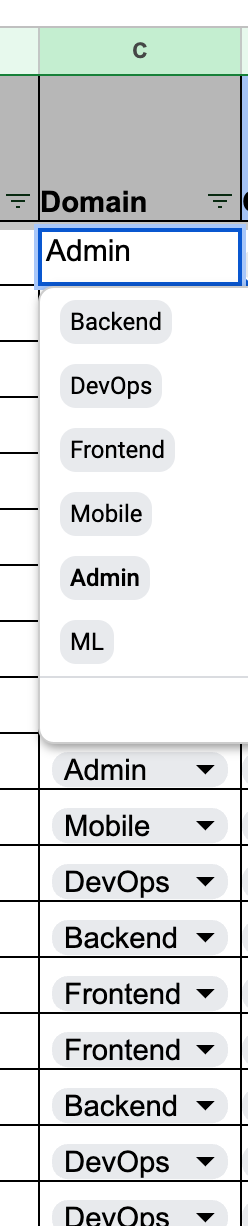
i understand but at the Domain Column i have dropdown in my Sheet with few words, and at the Lookup Value i dont see them to choose what to filter..


Troy Tessalone
Zapier Orchestrator & Solution Partner
Forum|alt.badge.img+14
  • Zapier Orchestrator & Solution Partner
  • October 19, 2023

@YairSabag 

In the Lookup Value field you need to either provide a static value or map a dynamic variable from a previous step.


  • Author
  • Beginner
  • October 21, 2023

thanks again but im misunderstood..:)

 what should i pick at Lookup Value if i need one of this? i dont see this parameters on the Lookup Value filed


  • Author
  • Beginner
  • October 21, 2023

o.k i was secced! but how i let him to pick multi rows with the same parameters?


  • Author
  • Beginner
  • October 21, 2023

o.k all done except one thing...how can i add more Lookups? there is just 2(Lookup and supporting Lookup)


  • Author
  • Beginner
  • October 24, 2023

Any idea how to do it?


Troy Tessalone
Zapier Orchestrator & Solution Partner
Forum|alt.badge.img+14
  • Zapier Orchestrator & Solution Partner
  • October 24, 2023

@YairSabag 

You would need to create a field in the GSheet with concatenated values if you are trying to search for 3+ conditions.