Question

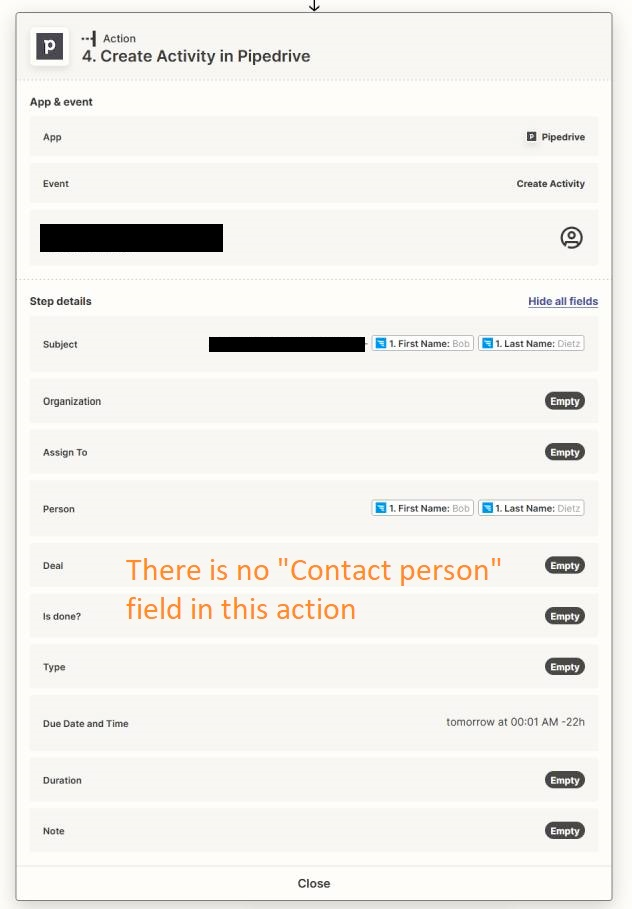
How do I fill in the "Create Activity in Pipedrive" action?

  • December 26, 2022
  • 3 replies
  • 36 views

Hello


Please help me solve the following Zapier to Pipedrive automation issues

1. Why are the fields in Zapier and in Pipedrive different?
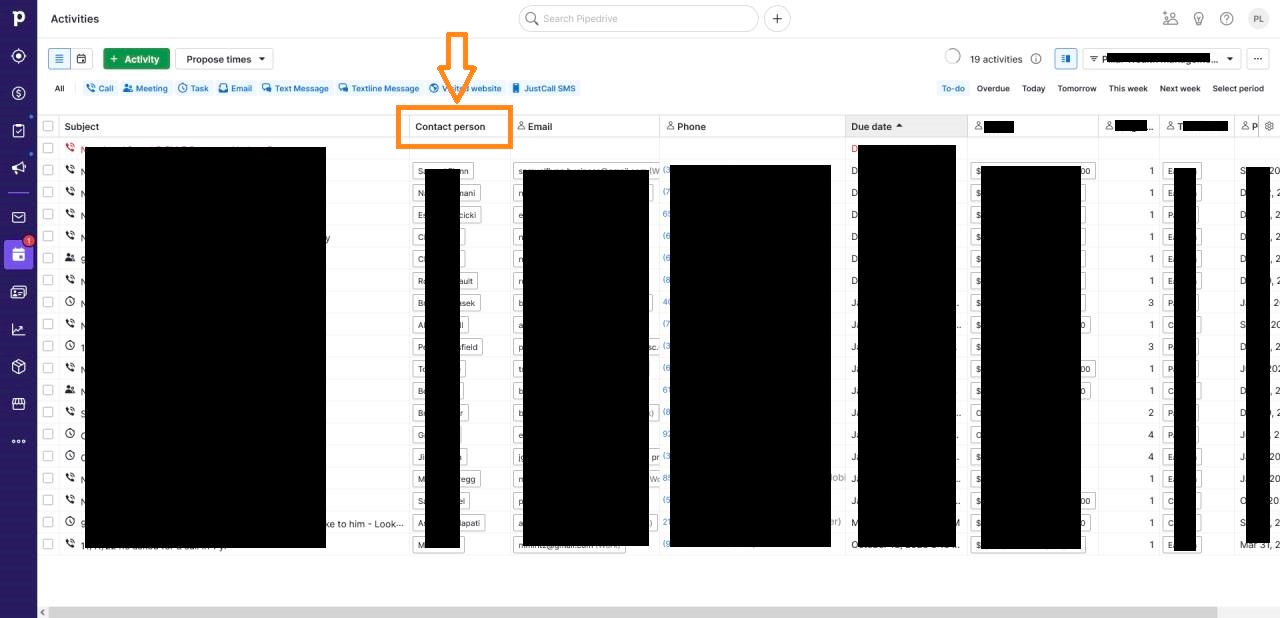
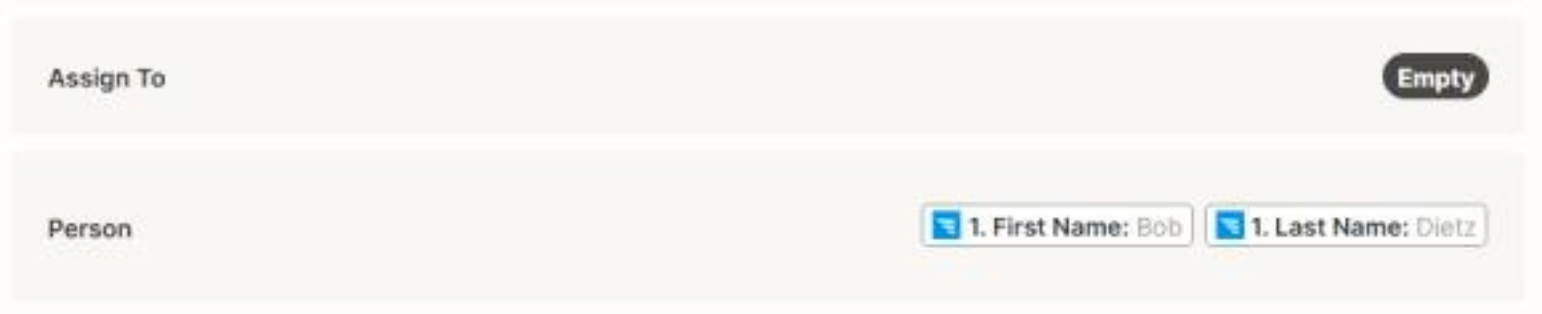
2. In the "Create Activity in Pipedrive" action. There is no "Contact person" field, whereas in Pipedrive there is a "Contact person" field, how do I fill in this field?


For more details, you can see the picture in the link that I attached
 

Best regards

This post has been closed for comments. Please create a new post if you need help or have a question about this topic.

3 replies

Troy Tessalone
Zapier Orchestrator & Solution Partner
Forum|alt.badge.img+14
  • Zapier Orchestrator & Solution Partner
  • December 26, 2022

Hi @SamudraSEO

Good question.

Assign To field will assign the Activity to an internal user.

Person field will assign to a Contact.


Nate
Forum|alt.badge.img+6
  • Zapier Solution Partner
  • December 26, 2022

Hi @SamudraSEO great question!

“Assigned to” would be where the contact person’s info should be added. And you’ll need to select the “Person ID” 

Screenshot: https://share.getcloudapp.com/eDuny1Aj


chanelle
Forum|alt.badge.img+8
  • Zapier Staff
  • December 27, 2022

Hi @SamudraSEO just checking in! Did you have any further questions on this?